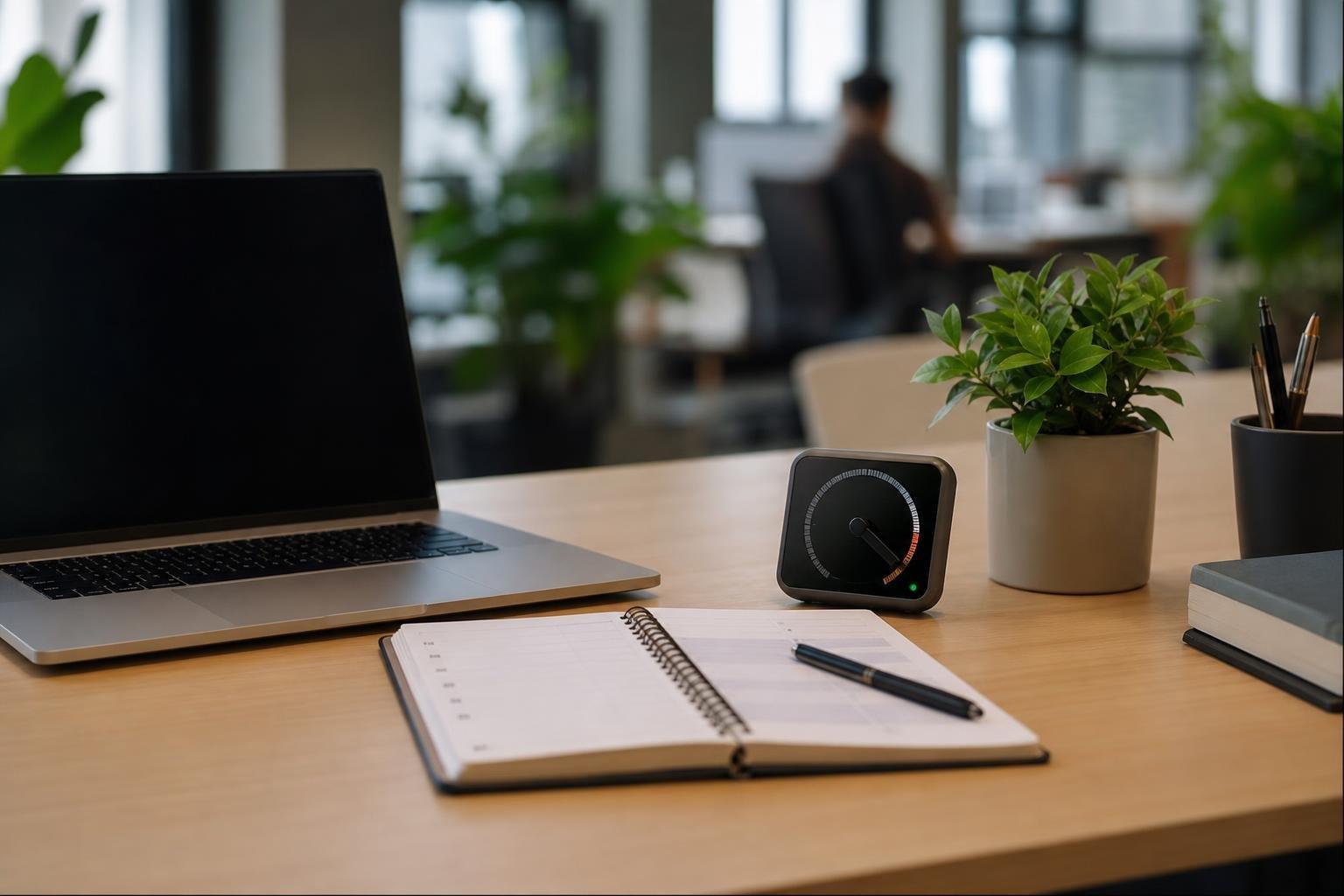
A reliable timer focus setup creates a clear boundary between deliberate concentration and digital distraction. When you start a session with a dedicated countdown, you remove the mental fatigue of wondering how long you can sustain effort on challenging projects. Cal Newport defines "deep work" in his 2016 book as professional activities executed in a state of distraction-free concentration that push cognitive capabilities to their limits, as noted by Open Sunsama. Selecting the right tool ensures you put the phone down, protect focus, and complete your most demanding tasks every day.
The Science of Timed Focus Intervals
Unstructured work days frequently invite reactive habits. According to workplace research cited by Open Sunsama, the average knowledge worker faces an interruption every 11 minutes, and it requires approximately 23 minutes to fully regain concentration following a disruption. Timers mitigate this issue by giving your brain an explicit end point for each work sprint.
Time-boxing creates artificial urgency that keeps attention locked on a single target. A scientific review published in 2024 analyzing 32 studies across 5,270 participants showed that using the Pomodoro interval method resulted in approximately 20% lower fatigue, a 0.5-point improvement in distractibility, and a 0.4-point increase in motivation compared to self-paced schedules, according to PCMag.
If standard intervals feel restrictive, you can match your timer duration to the specific cognitive demands of your role. Research cited by Peazehub shows popular deep work focus timer structures include 50/10-minute blocks for coding and writing, the 52/17-minute interval observed in high-output desk workers, and 90-minute blocks based on natural human ultradian rhythms.
Comparing Popular Timer Focus Categories
Focus tools have evolved into distinct styles. Choosing the best option depends on whether you respond better to visual simplicity, gamified stakes, or detailed session analytics.
| Category | Core Mechanism | Best Suited For | Primary Benefit |
|---|---|---|---|
| Classical Pomodoro | Strict 25m work / 5m rest | Routine desk work & reading | Prevents burnout with regular pauses |
| Gamified Timers | Virtual pets, coins, or plants | Students & study sessions | High visual incentive to avoid checking phones |
| Minimalist Hardware & Flip | Physical inversion or clean clocks | Screen fatigue & desk setups | Frictionless start with zero UI clutter |
| Connected Multi-Device | Dynamic Island & watch sync | Complex schedules & professional work | Keeps timers glanceable across devices |
For users balancing professional commitments across multiple screens, our focus timer integrates Live Activities across the Dynamic Island, lock screen, and Apple Watch to keep intervals clear without intrusive desktop popups.
Top Pomodoro and Study Focus Timer Apps
When evaluating standalone timers, different interfaces cater to distinct motivational triggers. Understanding what each platform prioritizes helps you pick an effective companion.
Classical Task-Driven Timers
The focus keeper pomodoro timer app offers a traditional take on interval management. It provides customizable session lengths and basic audio cues designed to maintain cadence throughout standard workdays.
Another option is the focus to do pomodoro timer, which couples an interval countdown with a built-in task manager. This combination lets you allocate estimated Pomodoro counts against an active to-do list, making it useful for users who prefer planning and timing inside a single view.
Visual and Gamified Study Companions
If you prefer visual motivation during long revision blocks, gamified apps create tangible accountability. The study bunny focus timer (often searched as study bunny: focus timer) presents an animated character that earns coins when you finish study blocks, which you can spend on accessories and room decor.
Similarly, the gamified focus app Forest discourages phone pickups by virtually growing a tree during the countdown that withers and dies if the user exits the app before the timer elapses, as highlighted in a review on Medium. For those who want tactile interaction without games, a flip focus timer for study relies on turning the physical phone face-down to begin counting, prompting you to put the phone down immediately.
When Strict Countdowns Break Flow: Modern Adaptations
While structured intervals help initiate work, rigid alarms can sometimes work against deep concentration. A study published in Behavioral Sciences in 2024 noted that strict Pomodoro timers can unintentionally disrupt a person's flow state by forcing breaks at fixed countdown markers, popularizing alternative methods like the "Flowtime" technique, as reported in Behavioral Sciences.
Modern focus timer tools like Rize and Floviu pair timer intervals with active distraction-blocking features and post-session interruption analytics to quantify where focused time was lost, according to the Rize Blog. Furthermore, software testing evaluations by Habi found that focus timer tools increasingly integrate ambient soundscapes, cross-device application blockers, and calendar time-blocking to prevent users from abandoning countdown sessions.
To see how subtle progress displays preserve mental continuity without intrusive alarms, read our guide on best Live Activities focus timer for iPhone lock screen.
How to Build a Frictionless Daily Focus Routine
Adopting a timer app requires practical routines that protect focus rather than adding administrative overhead. A timer should support your workflow, not become a distraction itself.
- Define the target outcome: Before you start a session, write down the single deliverable you will finish during that block.
- Set friction boundaries: Keep your timer visible at a glance so you never need to unlock your phone and navigate through tempting notifications.
- Respect physical breaks: Step away from monitors when the interval ends. Looking at social feeds during breaks does not restore your cognitive resources.
- Log your patterns: Track your completed sessions alongside your broader schedule. You can check our breakdown of the best time tracking app for iPhone and Apple Watch to see how session logs connect with daily routines.
If you work within the Apple ecosystem, the focus timer by Tupp provides native glanceability on your wrist and lock screen, letting you stay immersed in the task at hand without touching distracting applications.
Frequently asked questions
How long should my focus timer sessions last?
Most people find standard 25-minute Pomodoro sessions effective for administrative work and reading. For complex writing or coding, 50-minute or 90-minute blocks match natural cognitive cycles better and reduce unnatural interruptions.
What is the difference between Pomodoro and Flowtime techniques?
The Pomodoro technique uses fixed countdowns, such as 25 minutes of work followed by 5 minutes of rest. The Flowtime technique counts up, allowing you to work as long as you maintain deep focus, taking a break only when your concentration naturally wanes.
Can I use focus timers for team productivity?
Yes. Teams frequently align on shared focus blocks to minimize ad-hoc meetings and interruptions. Team-oriented productivity software offers administrative libraries and coordinated session tracking so entire groups can protect deep work periods together.
Do I need to leave my phone unlocked to use a focus timer?
No. Modern timer apps support lock screen widgets, Live Activities, and wearable devices. These integrations allow you to monitor remaining time without unlocking your phone, preventing social media notifications from disrupting your workflow.
Sources
- Best Focus Apps for Deep Work in 2026 (Free & Paid) | Open Sunsama Blog
- The Pomodoro Technique Helps You Focus. These Apps Supercharge It
- Best Deep Work Apps in 2026 | Peazehub
- medium.com
- Investigating the Effectiveness of Self-Regulated, Pomodoro, and Flowtime Break-Taking Techniques Among Students - PMC
- 10 Best Pomodoro Apps of 2026 | Rize Blog
- habi.app
 Download i App Store