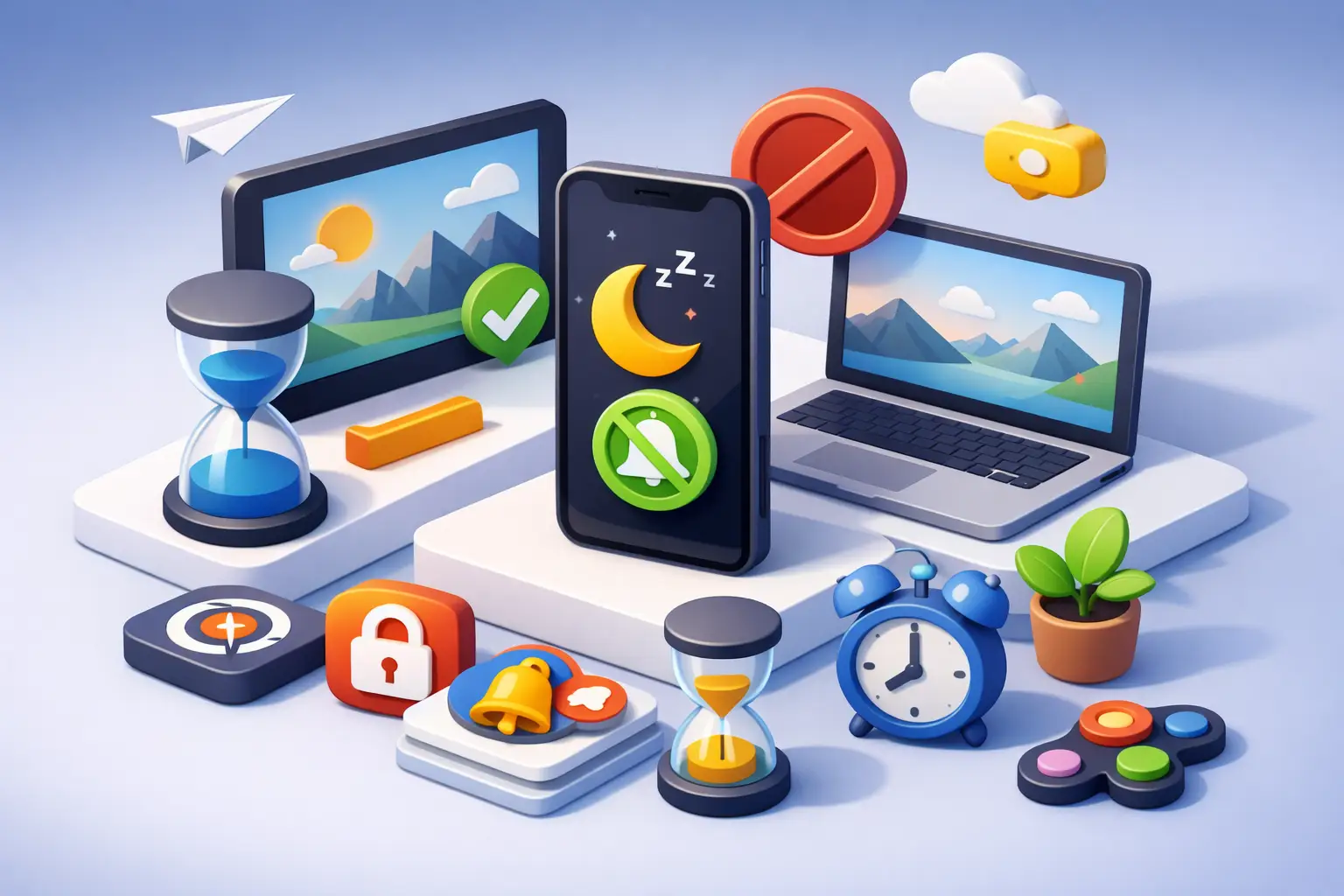
You do not need another app that promises focus while begging for more taps, more settings, and more screen time. The best apps for reducing screen distraction do one job well: they make it harder to drift and easier to stay on task.
That sounds simple. It is not. Some apps block temptations. Some make your phone less rewarding to check. Some turn focus into a measurable habit. The right pick depends on what actually breaks your attention - social apps, endless notifications, weak work boundaries, or the reflex to touch your phone every few minutes.
This is a practical guide, not a fantasy list. If an app creates friction in the wrong place, that matters. If it works well for students but feels too rigid for freelancers, that matters too. Use the tool that fits your failure point.
What the best apps for reducing screen distraction actually do
A good distraction app does not just sit on your home screen as a symbol of self-improvement. It changes behavior in the moment you are about to get pulled away.
That usually means one of four approaches. It blocks access to distracting apps or sites. It adds enough friction that impulsive checking loses momentum. It creates a focus session with a clear start and stop. Or it shows you honest data, so you can stop lying to yourself about where the time went.
The best option is rarely the one with the most features. More controls can mean more maintenance, and more maintenance often turns into abandonment. If you already know you procrastinate by tweaking systems, choose the app with fewer moving parts.
1. Freedom
Freedom is one of the strongest choices if your distraction problem moves between phone and laptop. It blocks apps and websites across devices, which matters because a lot of people "quit" Instagram on their phone and open YouTube on their computer five minutes later.
Its strength is coverage. You can schedule recurring sessions, create blocklists, and remove the decision-making that usually kills focus. For people with predictable work blocks, that structure works.
The trade-off is that Freedom is best for people willing to plan ahead. If your day is chaotic and reactive, strict scheduled blocking can feel like a cage instead of support.
2. Opal
Opal is built for people who know their phone is the problem. It is polished, aggressive when needed, and designed around reducing compulsive app use on iPhone.
What makes it effective is the way it raises the cost of mindless checking. You can block specific apps, set focus rules, and make bypassing those rules more annoying. That matters. A blocker that is too easy to ignore is not a blocker.
Opal fits users who want strong intervention without building a whole productivity system. If your main issue is social media relapse, it is a serious option.
3. One Sec
One Sec attacks distraction at the exact moment of impulse. Instead of fully blocking an app, it interrupts the launch with a short pause, usually paired with a breath or prompt.
That tiny delay sounds minor. It is not. A lot of screen distraction is automatic, not deliberate. Break the automatic loop and you often stop the behavior before it starts.
This works especially well for people who do not want hard bans but need a pattern interrupt. The limitation is obvious: if you are determined to keep scrolling, a pause alone may not be enough.
4. Forest
Forest remains popular because it makes focus visible. You plant a virtual tree, stay off your phone, and your tree grows. Leave the session early, and you break it.
It is simple, which is part of the appeal. Students, creators, and anyone who likes a bit of visual accountability usually click with it fast. The app feels lighter than a hardcore blocker, so it is easier to adopt.
But Forest leans more motivational than restrictive. If you need discipline more than encouragement, you may outgrow it.
5. ScreenZen
ScreenZen is underrated because it focuses on reducing compulsive app opens instead of pretending you will suddenly become a different person. It lets you add delays, limit launches, and set session boundaries for problem apps.
That makes it useful for people who are not trying to become screen-free. They just want fewer accidental spirals. Maybe you need Instagram for work but not 19 casual checks a day. ScreenZen is built for that middle ground.
Its biggest advantage is realism. It does not force an all-or-nothing approach. Its downside is the same thing: if you need stronger guardrails, realism can turn into loopholes.
6. Jomo
Jomo is a good fit for users who want a little more flexibility and automation around app limits, routines, and device rules. It combines blocking with scheduling and custom setups that can match different parts of your day.
For someone with distinct modes - work, gym, study, evening shutdown - that flexibility is useful. You can build rules around context instead of relying on willpower every time.
The caution here is complexity. Jomo can do a lot, and that is not always a benefit. If setup friction kills consistency for you, simpler may be better.
7. Tupp
Some distraction apps focus on what to block. Tupp takes a cleaner angle: start a session, put the phone down, and do the work. That shift matters because reducing screen distraction is not only about removing temptation. It is about building a repeatable behavior.
The appeal is its discipline. You choose an activity, start the timer, and let the session hold the line. On iPhone, Apple Watch, lock screen, widgets, and web, the session stays visible without pulling you into more app interaction. That is a smart design choice for people who want accountability without fiddling.
It also gives you honest weekly data by activity and by day. Not vague claims about being productive. Real sessions. Real totals. If you care about sustained focus habits, not just temporary blocking, that is a strong advantage.
8. Focus Traveller and minimalist timers
This category matters because sometimes the best app for reducing screen distraction is barely an app at all. A clean focus timer with minimal setup can beat a feature-packed blocker if your real issue is inconsistency, not access.
Minimalist timers work because they lower the barrier to starting. No complicated rules. No dashboards to maintain. Just a visible commitment to one block of work.
The catch is that timers do not remove temptation by themselves. If social apps are chewing up your day, a timer without restrictions may be too weak.
9. Apple Screen Time
It is easy to overlook Apple Screen Time because it ships with the device, but that is exactly why it deserves a place here. It is built in, it is free, and for a lot of users it handles the basics well enough.
App limits, downtime, and content restrictions can create a decent first layer of control. If you have never used any distraction tool before, start here before paying for something more advanced.
Still, Screen Time has a motivation problem. Because it is native and familiar, it can also be easy to override or ignore. It is useful as a baseline, not always as a final answer.
How to choose the best app for reducing screen distraction
Pick based on your weak point, not on feature count.
If you lose hours to social apps, use a blocker like Opal or Freedom. If you mostly open apps on reflex, use One Sec or ScreenZen. If your bigger problem is failing to start focused work, use a timer-first app. If you want to build a long-term habit and review your actual behavior week by week, choose something session-based.
Be honest about your tolerance for friction too. High-friction tools are powerful when you are serious and predictable. They are terrible when your work is messy and constantly changing. The best tool is the one you will keep using after the first burst of motivation wears off.
One more rule: do not stack five distraction apps and call it a system. That usually creates clutter, not control. Start with one primary tool. Let it expose the next problem. Then adjust.
Screen distraction is not a personality flaw. It is usually a badly defended environment. Fix the environment, and focus gets easier.
Start simple. Make the next distraction harder. Make the next work session easier. Then repeat until your phone stops running your day.
 Download on the App Store