Finding the best habit tracker for Apple ecosystem hardware requires looking past basic checkmarks. You need an app that logs actions in seconds, updates across your wrist and desk instantly, and helps you put the phone down so you can focus on real work. A unified setup ensures you never lose momentum when switching between an iPhone, an Apple Watch, and a browser.
Why Native Ecosystem Sync Matters for Daily Habits
Building reliable routines requires zero friction at the moment of completion. When you mark a task done on your wrist during a workout, your desktop view must reflect that state immediately. Without dependable synchronization, you encounter duplicate prompts, broken streak counts, and unnecessary screen time.
Different applications handle multi-device data differently across Apple hardware. Some rely entirely on native Apple frameworks, while others deploy custom cloud engines to deliver cross-platform availability.
Leading Trackers Built for Apple Hardware
Several dedicated tools cater specifically to Apple users, each solving daily routine management through different technical architectures.
Streaks
Streaks is built exclusively around Apple platforms. According to Zapier's 2025 review of habit tracking software, the app Streaks syncs habit data across iPhone, Apple Watch, and Mac using Apple's iCloud. The software integrates directly with Apple HealthKit to automatically mark fitness and wellness habits as completed based on data captured by an iPhone or Apple Watch. Furthermore, Streaks sells as a one-time purchase of $5.99 on the App Store with no ongoing subscription fees, making it an appealing option for individuals who want an offline-leaning, health-focused utility.
Habitify
If you prefer cloud synchronization that extends beyond Apple devices, Habitify provides broad coverage. Habitify offers native applications across iOS, iPadOS, macOS, and watchOS, synchronizing habit completion and measurement data across devices in real time. In addition, Habitify supports Apple Siri and App Intents, allowing users to trigger habit completions hands-free through voice commands.
Productive
Productive emphasizes routine segmentation and context-aware alerts. Productive provides an Apple Watch companion app alongside iPhone and iPad versions, offering scheduled time-of-day habit prompts and location-based reminders within the Apple ecosystem. It suits users who plan routines based on morning, afternoon, and evening blocks.
Comparing Top Habit Trackers for Apple Devices
Choosing the right software comes down to how you log activities and where you work during the day. Use this breakdown to compare how popular options function across Apple hardware.
| Tracker | Sync Architecture | Apple Watch Companion | Standout Feature | Pricing Model |
|---|---|---|---|---|
| Streaks | Apple iCloud | Standalone native app | HealthKit automatic logging | One-time $5.99 purchase |
| Habitify | Custom real-time cloud | Watch app with complications | Siri App Intents voice completion | Subscription or lifetime license |
| Productive | Proprietary cloud sync | Interactive watch notifications | Time-of-day and location alerts | Ongoing subscription |
| Tupp | Web and iOS cloud engine | Apple Watch live sync | Pattern view, clean days, and focus timer | Free tier with transparent upgrades |
Using Widgets and Watch Complications to Protect Focus
Opening a dedicated app every time you drink water, read, or meditate invites distraction. The primary benefit of an integrated Apple workflow is the ability to record actions without getting pulled into notifications or social media feeds.
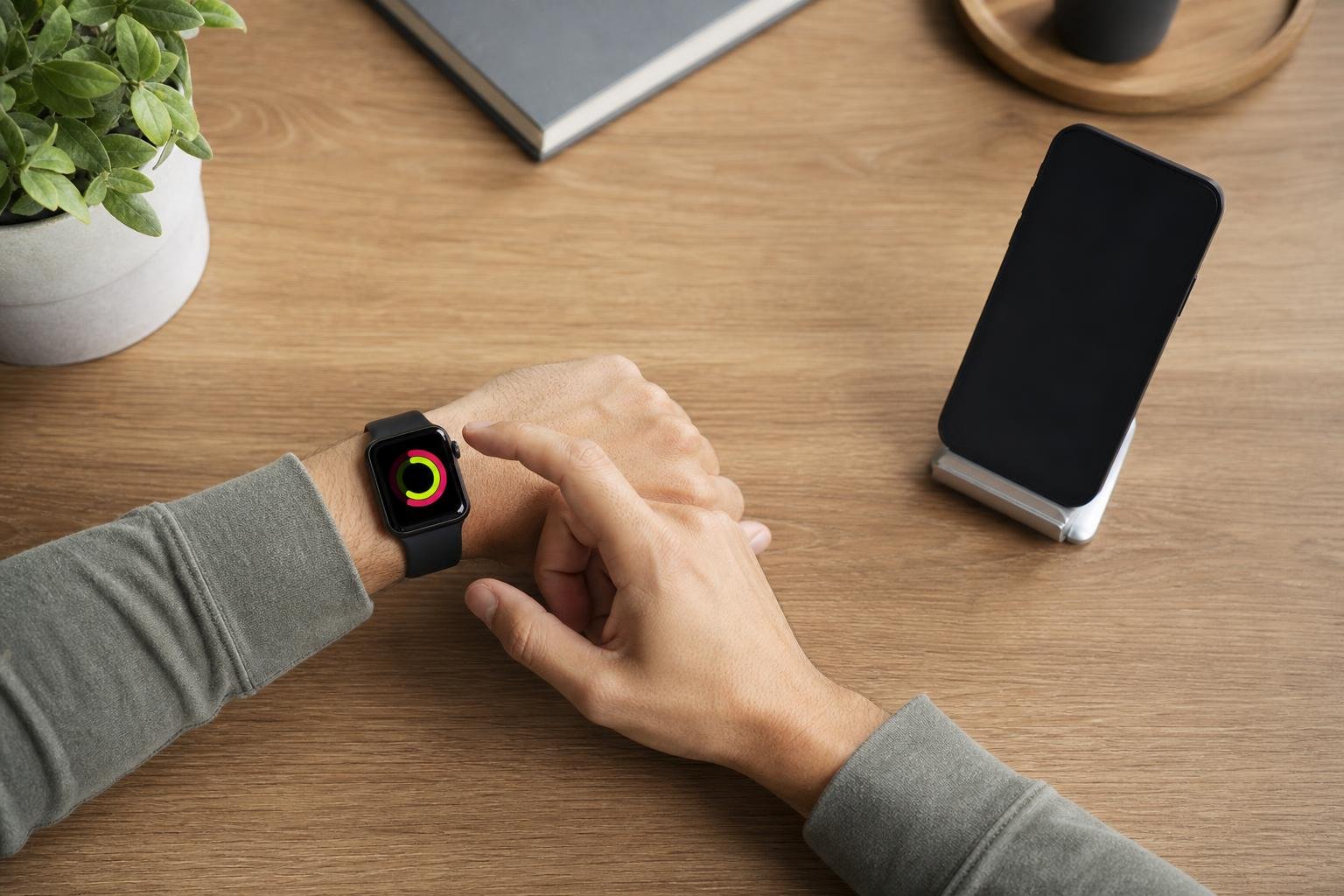
Modern iOS habit trackers use interactive widgets to let users check off daily routines directly from an iPhone Home Screen or Lock Screen without opening the app. Pairing these with watch face complications lets you tap your wrist once to complete a goal. If you want to configure your screen space for maximum efficiency, explore our guide on the best iOS widgets for time management and daily habits.
When your tools live on your lock screen and wrist, you log progress and move on immediately.
Data Privacy and Local-First Architecture
Your daily habits represent sensitive personal data. Understanding how a developer stores your history helps you evaluate privacy alongside convenience.
Certain offline-first trackers utilize local-device storage paired with automated daily backups to a user's personal iCloud account to avoid requiring third-party account registration. This architecture guarantees privacy because the developer cannot see your records.
However, local-only storage can limit cross-platform team workflows and browser access. If you switch between a Mac at home and a Windows PC at an office, cloud-synced platforms provide continuity that purely local databases cannot support.
Pairing Habit Logs with Deep Work Sessions
Checking off habits is only half of the productivity equation. Most individuals need to combine their daily consistency targets with focused blocks of working time.
At Tupp, we designed our habit tracker to give you a complete view of your routines alongside deep work tools. Instead of managing separate tools for your calendar, timer, and routines, you can log occurrences, review clean days, track streaks, and analyze a 30-day pattern view from one clean workspace. When you start a session with our focus timer, you can put the phone down and protect focus across iPhone, Apple Watch, and the web, ensuring your daily execution aligns with your long-term ambitions.
Frequently asked questions
Can I track habits automatically with Apple Health?
Yes. Certain Apple-native apps like Streaks connect directly to Apple HealthKit. When your Apple Watch or iPhone detects qualifying workouts, mindful minutes, or sleep metrics, the app logs those habits automatically without manual input.
Do I need a separate subscription for my Apple Watch and Mac?
In most cases, no. Apps distributed through the Apple App Store use universal purchases, meaning a single subscription or one-time license covers your iPhone, iPad, Mac, and Apple Watch under the same Apple ID.
What is the fastest way to check off habits on an iPhone?
Interactive lock screen and home screen widgets offer the fastest interaction. They let you tap an icon to mark an item complete without unlocking your device or opening the main application window.
How does Tupp handle habit tracking across devices?
Tupp synchronizes your routines, streaks, and 30-day pattern views in real time across iPhone, Apple Watch, and our web application, allowing you to track progress whether you are at your desk or on the move.
Sources
- The 5 best habit tracker apps | Zapier
- Best Apps for Habit Tracking in 2026 | Lifestack
- Habitify - Habit Tracking App for Better Daily Routines | iOS, Android & Web
- Habitify: Habit Tracker App - App Store
- Productive - Habit Tracker App - App Store
- Best iPhone Habit Tracker Widget Apps (2026): 10 Tested & Ranked | EasyHabits
- The 6 Best Habit Tracker Apps In 2026, Compared · HabitKit
 Last ned i App Store