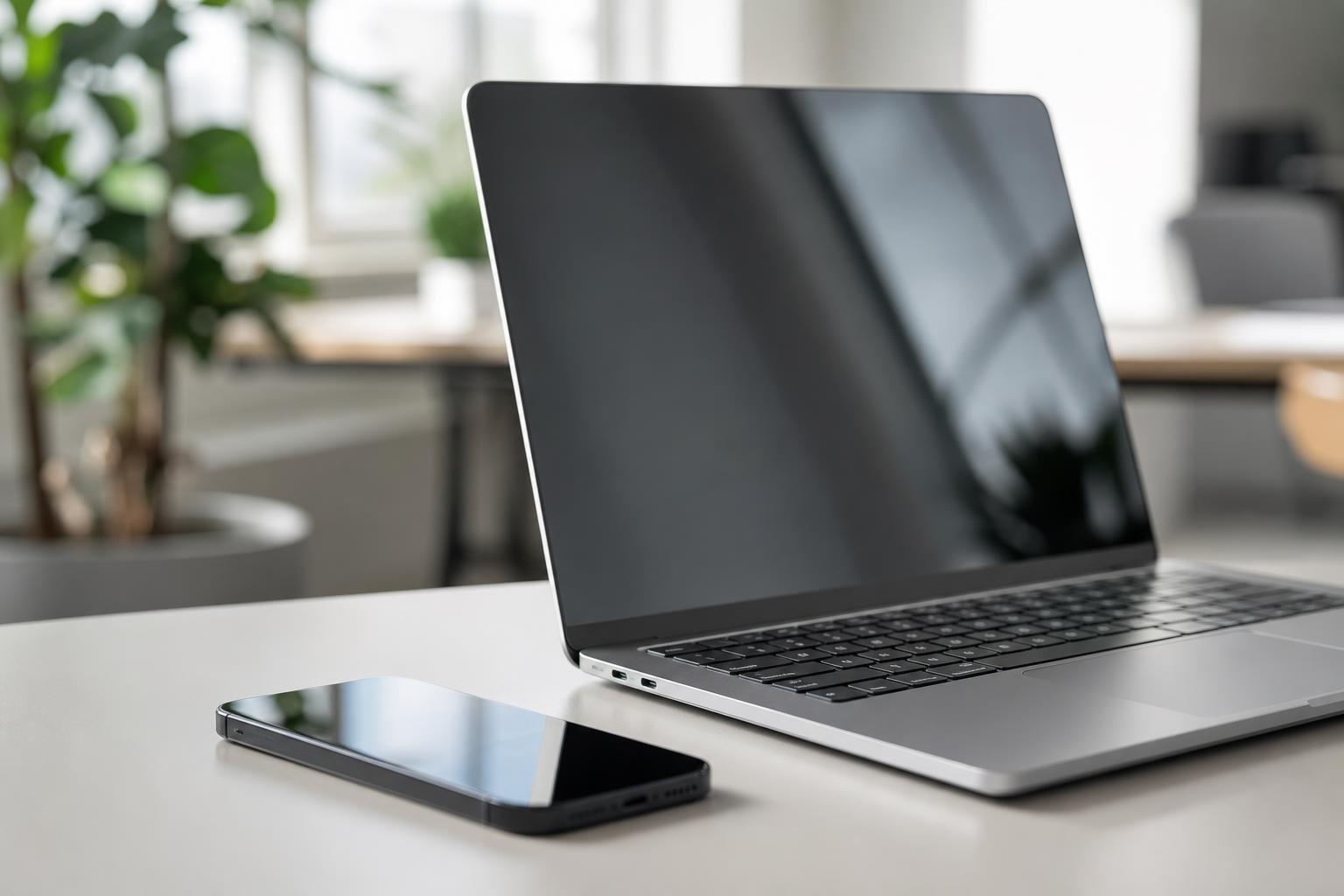
Using a dedicated time tracking app for iPhone and web bridges the gap between desktop deep work and mobile daily life. When your tracking system updates instantly across platforms, you eliminate manual logging and keep momentum intact throughout the workday. At Tupp, we build tools designed to capture every productive hour whether you sit at your computer or move between meetings.
Why Cross-Device Synchronization Matters for Daily Focus
Modern work rarely happens entirely at a desk. You might outline a project on a browser tab in the morning, attend client meetings on site during the afternoon, and review priorities from your phone in the evening. Without unified syncing, keeping accurate records of your hours quickly turns into an administrative chore.
Failing to manage transitions between tasks comes with a measurable mental toll. According to research summarized by the American Psychological Association, shifting between tasks can consume as much as 40% of an individual's productive time due to the cognitive costs of switching. When your software handles continuous tracking automatically, you avoid the mental load of remembering what you accomplished hours earlier.
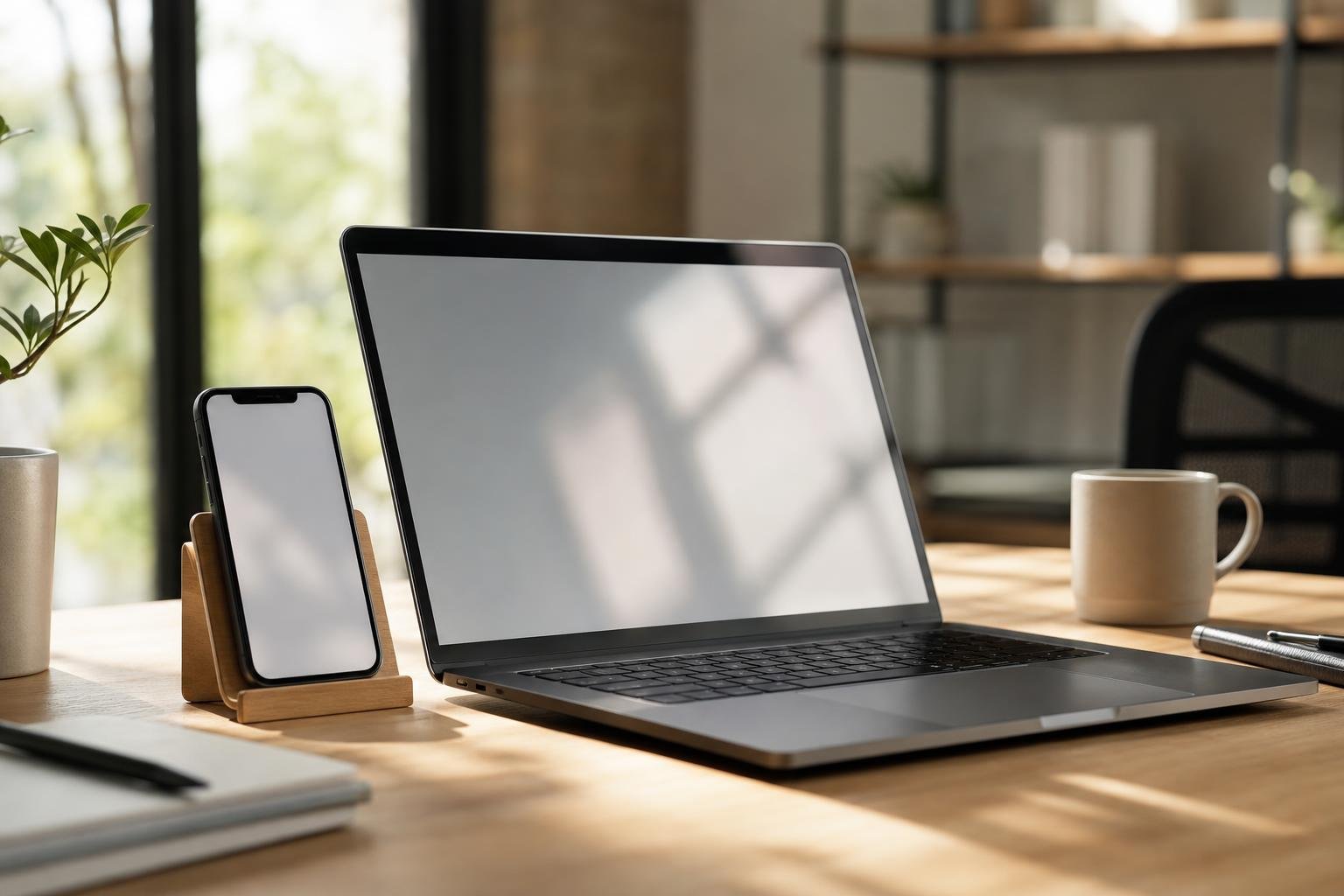
A seamless web app lets you run comprehensive audits, set up complex tags, and manage reporting on a broad display. Pairing that with an iPhone interface ensures you can start a session with a single tap, step away from your desk, and retain full oversight of your schedule.
Native iOS Features That Keep Tracking Frictionless
An effective mobile companion must not require constant app switching. Opening your phone to log hours often leads to unintended digital rabbit holes. In fact, Sensor Tower’s State of Mobile report found that the average mobile user spent approximately 3 hours and 36 minutes per day inside mobile apps in 2025.
To keep you off social media and focused on the job, your tracking setup should take advantage of native Apple design patterns. As detailed in Apple’s official developer documentation, iOS Live Activities powered by the ActivityKit framework allow productivity apps to display persistent, real-time focus timers and session updates directly on the Lock Screen and in Dynamic Island without requiring the user to open the app. This visibility lets you check your progress at a glance, put the phone down, and protect focus throughout the day.
Core Mobile Tracking Integrations
- Live Activities: Display active elapsed time directly on your standby display without unlocking.
- Dynamic Island: Keep background sessions visible while checking email or referencing notes.
- Homescreen Widgets: Initiate time entries or check daily routine logs immediately from the home interface, similar to strategies covered in our guide on best iOS widgets for time management and daily habits.
- Apple Watch Sync: Monitor running tasks straight from your wrist so your mobile device stays out of pocket.
Comparing Mobile Tracking Approaches
Different professionals require distinct tracking environments depending on their work rhythm and reporting needs. Evaluating how various setups balance detail against daily friction helps you select the right method.
| Tracking Setup | Best Suited For | Key Advantages | Potential Drawbacks |
|---|---|---|---|
| iPhone Lock Screen & Widgets | High-mobility professionals and freelancers | Rapid one-tap capture, minimal screen interaction | Limited screen space for complex project breakdown |
| Full Web Dashboard | Project managers and desk-bound deep workers | Detailed reporting, bulk editing, spreadsheet export | Inconvenient to use while away from a workstation |
| Synced Hybrid (iPhone + Web) | Individuals and teams with flexible routines | Seamless continuity, real-time sync, zero data entry loss | Requires regular habit to maintain active timers |
| Passive Screen Time Logging | General digital wellness checks | Zero active input required, automated background checks | Cannot capture offline work or distinguish billable tasks |
A hybrid workflow delivers the strongest balance. You retain high-level analytical tools on your computer while carrying an effortless trigger on your phone.
Reclaiming Lost Hours from Daily Distractions
Tracking your time creates immediate accountability by making hidden inefficiencies visible. When you inspect an honest log of your day, periods of fragmented attention stand out clearly. A landmark workplace interruption study led by Dr. Gloria Mark at the University of California, Irvine, revealed that information workers take an average of 25 minutes and 26 seconds to return to an interrupted task.
When a session is visibly ticking on your lock screen, you think twice before abandoning a task to check messages. Knowing your time is actively counted encourages single-tasking discipline. Over time, logging uninterrupted blocks trains your brain to sustain deeper attention.
This clarity also relieves the pervasive feeling of working all day without producing tangible output. A 2024 time management study of 382 professional services employees by Timewatch found that only 37% of respondents felt they had things under control at work five days a week, down from 42% in 2022. Maintaining an accurate log provides reassurance that your energy is directed toward what actually moves your projects forward.
Extending Tracking into Daily Routines and Habits
Productivity rarely relies on isolated timers alone. Successful days depend on sustainable routines, scheduled rest intervals, and disciplined project pacing. Combining your time tracking with daily checklists and habit tracking creates an integrated system for personal execution.
When tracking lives alongside your calendar and task checklist, planning becomes realistic. Instead of overcommitting to an impossible to-do list, you allocate realistic time blocks based on past recorded averages. You can explore structured methods for this in our breakdown of how to stop procrastinating using time blocking.
Structuring your routine this way also ensures that downtime receives deliberate protection. By logging both deep work sessions and deliberate breaks, you avoid mental burnout and sustain reliable output week after week.
Coordinating Team Workflows Across Platforms
When multiple people collaborate on shared deadlines, cross-platform visibility becomes vital. Gallups State of the Global Workplace report calculated that low employee engagement and workplace distraction cost the global economy an estimated $8.8 trillion annually in lost productivity. Scattered communication and mismatched time data frequently compound these losses.
Providing teams with a shared web portal backed by intuitive mobile interfaces keeps everyone aligned without burdensome status meetings. Organizations managing distributed contributors can explore dedicated administrative setups via Tupp for Teams, which centralizes seat management and activity monitoring.
Unified records allow project managers to spot bottlenecks before deadlines slip. At the same time, individual contributors retain autonomy over their daily execution, knowing their recorded hours speak directly to their contribution.
Frequently asked questions
Can I start a timer on my iPhone and stop it on the web app?
Yes. A cloud-synchronized system updates your running timers in real time, allowing you to trigger a session from your phone while away and conclude it later from your desktop browser without losing data.
Does keeping a live focus timer open drain iPhone battery?
Native iOS integrations using ActivityKit run through system-level frameworks rather than keeping the entire app running in the foreground. This provides persistent Lock Screen updates with negligible impact on battery performance.
How does cross-device tracking help prevent context switching?
Having continuous visibility into your current active block across both phone and monitor keeps you anchored to your primary objective, making you less likely to abandon high-value work for random interruptions.
Do I need an active internet connection to log hours on my phone?
Most modern tracking tools allow you to start and log sessions offline. The app stores your records locally on your device and updates your central database automatically as soon as internet connectivity returns.
Sources
- Context Switching Statistics 2026: The Cost of Distraction
- Average screen time statistics 2026: the honest numbers · finit
- ActivityKit | Apple Developer Documentation
- Time management statistics for 2026 (Data + sources)
- Time Management Statistics - New Research in 2024 | Timewatch
- Workplace productivity statistics (2026 update)
 Last ned i App Store