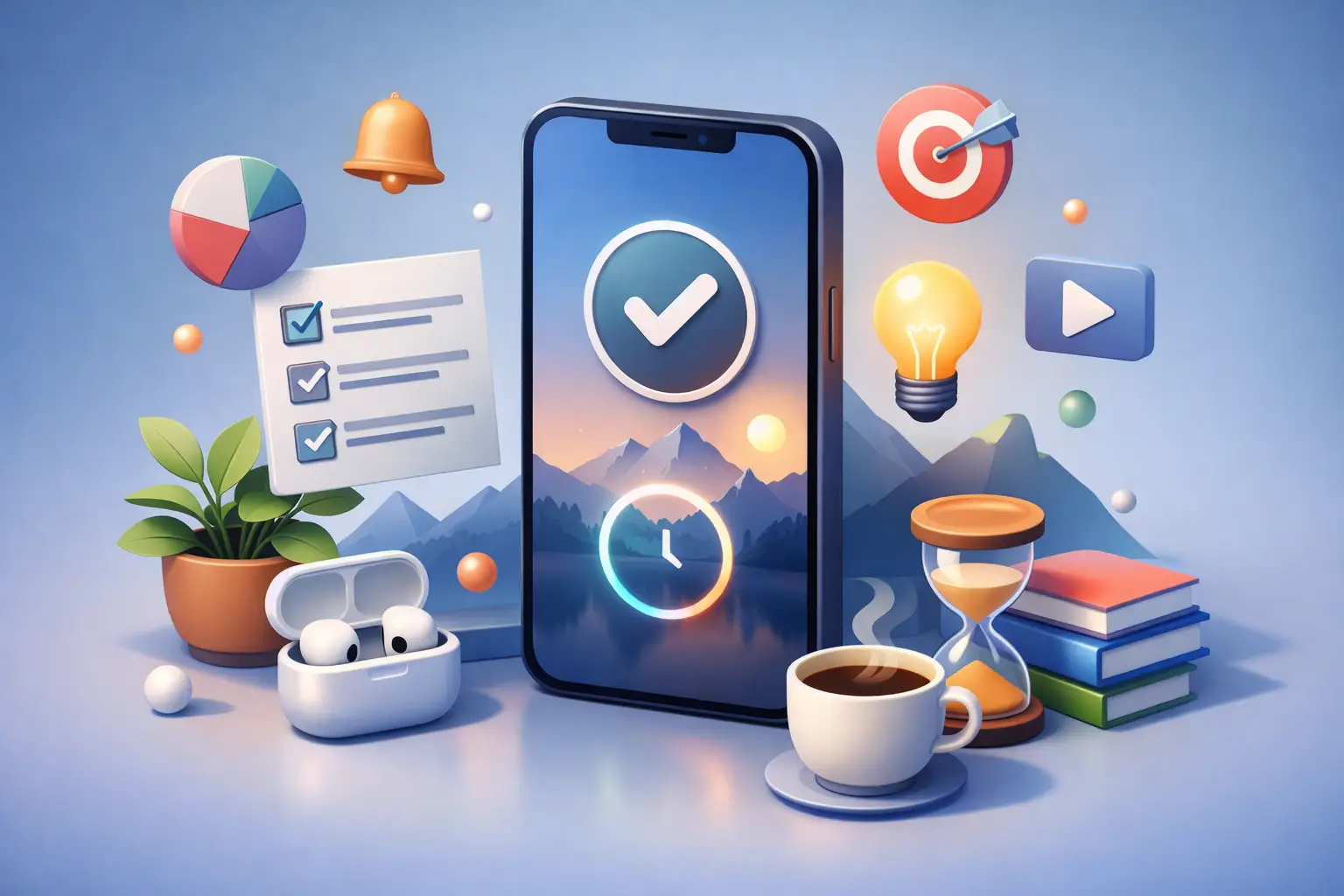
You do not lose focus all at once. You lose it in tiny phone checks.
A glance at the time turns into notifications. One notification turns into a feed. Five minutes disappears, then ten. That is why the best lock screen productivity app is not the one with the most features. It is the one that interrupts that loop before it starts.
If you want better focus, the lock screen matters more than most productivity apps admit. It is the last thing you see before you either stay on task or drift off. Used well, it can reinforce discipline. Used badly, it becomes another pretty dashboard you admire for a week and ignore after that.
What makes the best lock screen productivity app?
Start with the obvious rule. A lock screen productivity app should help you do less on your phone, not more.
That sounds simple, but a lot of apps miss it. They put widgets, streaks, graphs, reminders, quotes, and task clutter right where your attention is already fragile. The result is still screen engagement. It just looks more productive.
The best lock screen productivity app does three things well.
First, it gives you immediate visibility. You should know, at a glance, whether you are in a focus session, how much time is left, and what you committed to doing. No tapping around. No decision fatigue.
Second, it creates friction against distraction. Not punishment. Just enough resistance to stop reflexive checking. If the lock screen reminds you that you are 18 minutes into a writing block, it is harder to justify opening social media for no reason.
Third, it tracks real behavior. This is where many tools fall apart. They log intentions, not actions. You end up with ambitious plans and weak accountability. A useful app should show what you actually spent time on, by session and by day.
That is the difference between feeling organized and becoming more disciplined.
Why lock screen tools work better than full app systems
Most people do not need another complicated productivity stack. They need a cleaner interruption point.
The lock screen is powerful because it sits at the moment of temptation. You are about to check your phone. Before you go any further, the device can show you a simple truth: you are in the middle of something that matters.
That matters more than a beautiful dashboard hidden three taps deep inside an app.
This is also why lock-screen-first tools tend to work well for busy students, freelancers, creators, and professionals. Your day is already full of moving parts. You do not need another system that asks for setup, maintenance, tagging, and constant interaction. You need something visible enough to keep you honest and light enough that you will keep using it.
There is a trade-off here. Lock screen productivity apps are not great for complex project management. They will not replace a serious task app, calendar, or team workflow tool. That is fine. They should not try to.
Their job is narrower and more valuable: keep your attention where you put it.
The best lock screen productivity app is built around action
Look at how most productivity apps are designed. They assume more planning leads to better execution. Sometimes it does. Often it just creates the feeling of control.
Focus is different. Focus comes from commitment backed by constraints.
That is why timer-based systems fit the lock screen so well. You start a session. You name the activity. You put the phone down. The lock screen becomes a live reminder that the session is active and your choice is still in effect.
That flow is harder to rationalize your way around.
A good lock screen experience should make the next right action obvious. Start. Stop. Continue. Check progress. That is enough. If you need to manage categories, review history, or compare your week, you can do that later. During the session, simplicity wins.
This is where many users get better results from a dedicated focus app than from a general habit tracker. Habit trackers are useful for checking boxes. They are less effective when the problem is repeated, low-grade distraction throughout the day.
A focus session is specific. It asks, what are you doing right now, and for how long?
That question changes behavior.
Features that actually matter on the lock screen
A lot of feature lists are nonsense. Here is what is worth caring about.
Live session visibility is first. If an app cannot show an active timer clearly on the lock screen, it loses its main advantage. You should not have to reopen the app to confirm your session is still running.
Apple Watch support matters too, especially for people trying to stay off their phones. Starting or checking a session from your wrist removes one more excuse to pick up the device.
Widgets help, but only if they are quiet. A clean widget that shows active time, today’s total, or your next session can reinforce consistency. A widget crammed with stats usually turns into visual wallpaper.
Session history is another big one. Not because reviewing data is exciting, but because memory lies. Most people overestimate their focused time and underestimate how often they break it. Honest logs fix that.
Activity-based tracking is even better. It is one thing to know you focused for two hours. It is more useful to know you spent 45 minutes writing, 30 minutes studying, and 50 minutes on admin work. That gives you something to adjust next week.
Cross-device visibility is the final piece. If your active session appears on iPhone, watch, and web, your focus system feels real. It follows you instead of staying trapped inside one app screen.
How to choose the best lock screen productivity app for your style
Do not ask which app has the most features. Ask which one matches the behavior you are trying to build.
If you mainly need task organization, a lock screen app will only solve part of the problem. You may be better off pairing a simple task manager with a separate focus timer.
If your real issue is compulsive phone checking, fragmented work blocks, or drifting between tabs and apps, lock-screen-first design becomes much more valuable. In that case, choose the tool that makes active work visible and distraction inconvenient.
If you are in the Apple ecosystem, this matters even more. iPhone lock screen support, Live Activities, Apple Watch controls, and widgets can turn a basic timer into a system you actually see all day. Without that visibility, focus tools are easier to forget.
And if you care about habit building, not just one-off productivity sprints, choose an app that shows your weekly pattern. One great day means very little. Five decent days in a row changes your baseline.
A practical standard for the best lock screen productivity app
Here is the standard worth using.
The app should make it easy to start a session in seconds. It should keep that session visible without pulling you back into the app. It should reduce random phone interaction, not reward it. And it should show you what you really did this week.
That is the bar.
Anything less is just productivity theater.
A focused tool like Tupp fits that model because it treats the lock screen as part of the behavior system, not just a display layer. Start a timer. Put your phone down. See the session live on your lock screen, check it on Apple Watch, and review the truth later by activity and by day. That is useful because it supports the habit while you are doing the work, then gives you honest data after.
Still, the right choice depends on your discipline level and your environment. Some people need a strict timer to stay off the phone. Others just need a visible reminder. Some want weekly analytics. Others want bare minimum friction. The best app is the one you will keep running on an ordinary Tuesday, not the one that sounds impressive on a feature page.
If you are testing options, give each app a real week. Use it during normal work, school, workouts, or study sessions. Notice what happens when you instinctively reach for your phone. Does the lock screen pull you back to your intention, or does it fade into the background like everything else?
That is your answer.
The best lock screen productivity app is not the app that makes you feel productive. It is the one that helps you stay with the task a little longer, check your phone a little less, and face your week without guessing. Start there. Then repeat it until focus feels less like effort and more like proof.
 Download on the App Store