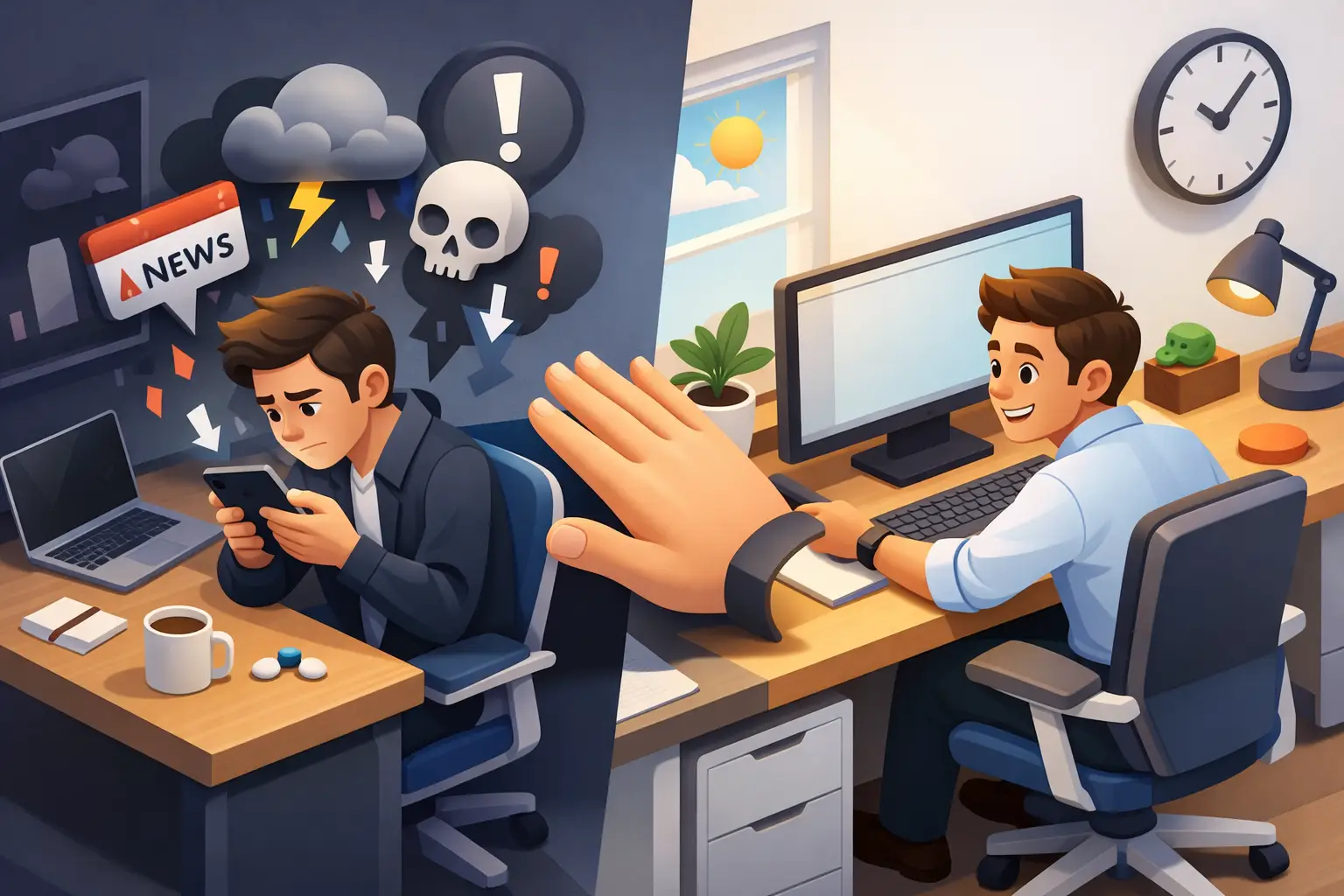
You were going to check one thing. A Slack alert, a headline, a text. Ten minutes later, your brain is full of bad news, your tab count doubled, and the task you meant to finish is still sitting there. That is exactly why people search for how to stop doomscrolling at work. It is not a small habit. It is a focus leak that keeps stealing the middle of your day.
Most advice on this problem is too soft. "Be more mindful." "Set better boundaries." That sounds nice. It does not help when your phone is already in your hand.
Doomscrolling at work is not just a content problem. It is a friction problem. The scroll is easy. Stopping is not. If you want this habit to lose, you need to make one behavior automatic and the other behavior annoying.
Why doomscrolling at work keeps winning
Your brain likes variable rewards. One scroll gives you nothing. The next gives you outrage, novelty, gossip, or a tiny hit of relevance. That uncertainty keeps you pulling. Work, by comparison, often starts slow. The reward comes later.
There is also a timing issue. Doomscrolling usually does not show up when you are energized and clear. It shows up in the gap between tasks, during a boring admin block, after a hard meeting, or right before starting something mentally expensive. In other words, it attaches itself to discomfort.
That matters, because if you treat doomscrolling like a character flaw, you will build the wrong fix. This is not about becoming a different person. It is about closing the gap between urge and action.
How to stop doomscrolling at work in practice
Start with one rule: do not try to "use your phone less" in a vague way. Replace that goal with a visible work interval.
Pick one task. Set a timer. Put your phone down before the timer starts. Then do not touch it until the timer ends.
That sounds almost stupidly simple. Good. Simple works when your attention is under pressure.
A fixed session does two things at once. It reduces negotiation, and it gives your brain an endpoint. You are not quitting your phone forever. You are just not touching it for the next block. That is much easier to obey.
If your workday is highly fragmented, start smaller than your ego wants. Fifteen minutes of clean focus beats an ambitious hour that collapses in six. Once you can repeat short sessions without breaking them, increase the length.
Stop relying on willpower
Willpower is unreliable at 2:17 p.m. after three context switches and a rough inbox. Design matters more.
Put the phone out of reach. Not face down on the desk. Not next to your keyboard. Across the room, in a bag, or in a drawer. If you use your phone for work authentication or calls, keep it visible only when needed, then remove it again. Distance creates a pause. That pause is where better choices happen.
Turn your lock screen into accountability instead of temptation. If the first thing you see is a pile of notifications, you already lost half the battle. Strip it down. Fewer alerts. Fewer badges. Less bait.
This is where a timer-based workflow earns its keep. When a session is active and visible on your devices, you are not asking yourself what to do next. You already decided. Start a timer. Put your phone down. Finish the block.
Use the urge instead of fighting it
The urge to scroll does not mean you need a break from work. Sometimes it means you need a cleaner transition.
When you feel the pull, do not open an app and promise yourself it will be quick. That deal is fake. Instead, run a reset that takes under a minute. Stand up. Get water. Write the next sentence of the task you are avoiding. Or set a 10-minute session and tell yourself you only need to survive that.
The point is not to become emotionless. The point is to stop letting every flicker of discomfort become a scroll.
You will notice patterns fast. Some people doomscroll when they feel overwhelmed. Others do it when the work is dull. Others do it after they finish a task and need a quick reward. Different trigger, same solution: insert a deliberate action before the phone gets a vote.
Build a workday that gives the scroll fewer openings
Doomscrolling thrives in unstructured time. If your day is one long, undefined "work until done" block, your attention will wander because there is nothing holding it.
Break the day into focused sessions with a named purpose. Not "work on project." Make it specific: draft outline, review client notes, clean up spreadsheet, send invoices. Specific tasks reduce avoidance because your brain knows where to start.
Keep transitions tight. The moment after finishing one task is dangerous. So is the moment before starting the next. Decide the next session before the current one ends. If you wait until after, the scroll will fill the gap.
There is a trade-off here. Overplanning can become its own avoidance tactic. You do not need a perfectly optimized calendar. You need enough structure that your attention does not default to whatever app shouts loudest.
Track reality, not intentions
One reason doomscrolling sticks around is that people measure the wrong thing. They track plans, aspirations, and color-coded schedules. None of that tells you what actually happened at 11:40 a.m. when your focus slipped.
Track completed focus sessions by activity and by day. That gives you honest data. Not a vague feeling that you were "kind of distracted," but a visible record of whether you did the work blocks you meant to do.
This is where many productivity systems fail. They create more administration than accountability. The better approach is low friction and hard truth. If you started the session and left your phone alone, it counts. If you did not, it does not.
Used well, that data changes behavior. You stop telling yourself stories about being busy and start noticing patterns. Maybe Tuesdays are weak because meetings break your rhythm. Maybe afternoons collapse because lunch turns into a content binge. Good. Now you can fix the actual problem.
What to do if your job requires being online
Some jobs make this harder. If your work lives in social feeds, breaking news, content research, community management, or customer response, you cannot simply block the internet and disappear.
In that case, separate creation from consumption. If you need a platform for work, enter with a task and a time limit. "Reply to comments for 12 minutes" is work. "Check what is happening" is a trap.
You can also batch reactive work. Handle messages at set times instead of grazing all day. That reduces the number of moments where one legitimate check turns into a scrolling spiral.
And be honest about edge cases. If your role truly requires frequent phone access, your system needs guardrails, not fantasy. Use shorter sessions. Keep only essential notifications. Return the phone to its place the second the work-specific action is done.
If you keep failing, shrink the challenge
People usually fail for one of three reasons. The session is too long, the phone is too close, or the task is too vague.
Fix those first.
Cut the session length in half. Move the phone farther away. Rewrite the task into something concrete enough to start without thinking. Then repeat. Consistency beats intensity here.
You do not need a dramatic digital detox to stop doomscrolling at work. You need a system that survives ordinary weekdays.
A simple timer app can help if it reinforces behavior instead of adding noise. Tupp is built around that exact sequence: start a session, put the phone down, and do not touch it until the timer ends. That works because it turns focus into a visible rule, not a vague intention.
The standard to aim for
Do not aim to never get distracted again. That is not real life. Aim to shorten the distance between noticing the urge and returning to the task.
Some days you will break the streak. Fine. End the scroll faster. Restart the session faster. Protect the next block.
That is the shift that matters. Not perfection. Control.
Start with one clean session today. Put the phone down before you feel ready. Let the timer carry the discipline until your habits catch up.
 Download on the App Store