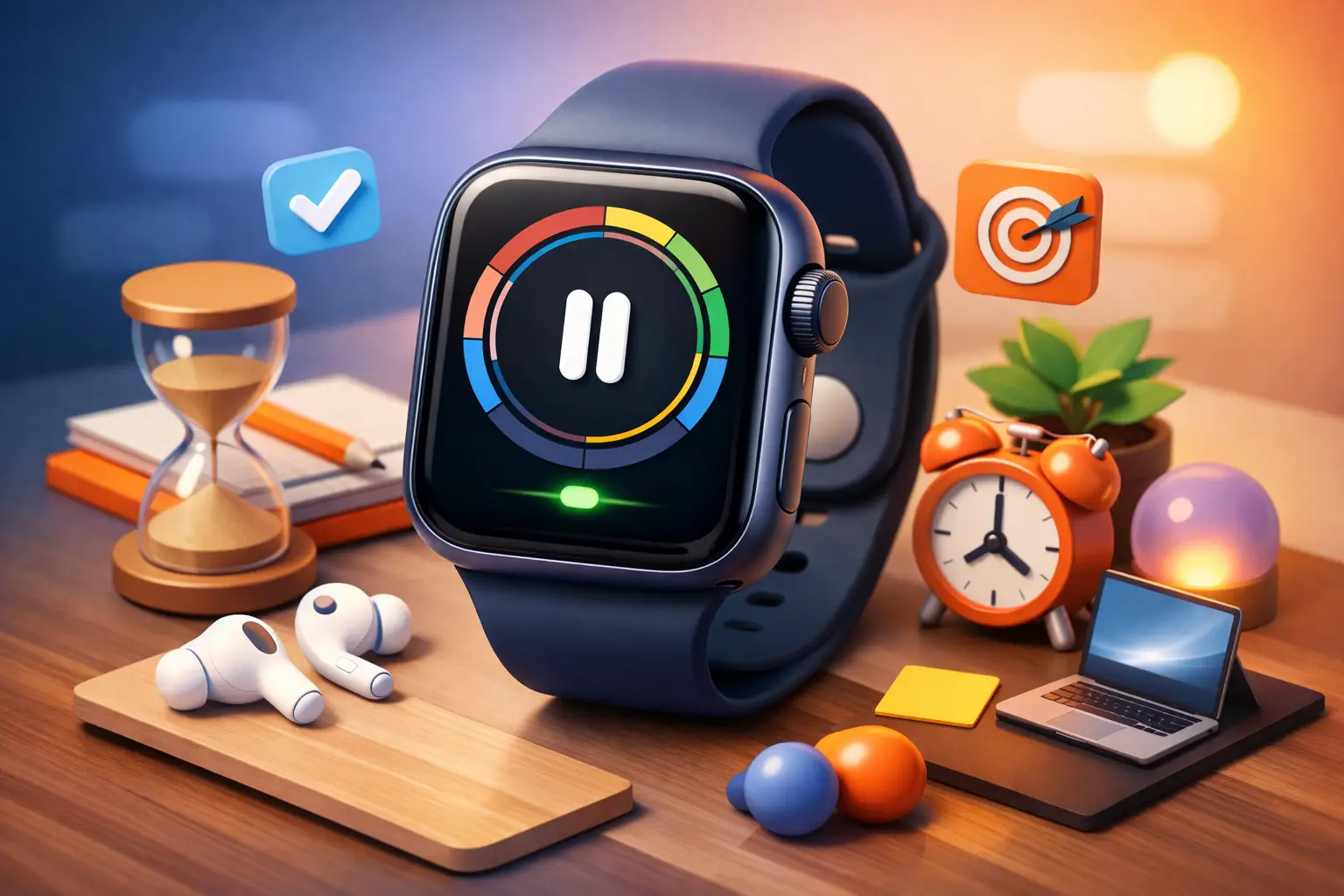
You do not need another productivity system. You need fewer chances to break your own attention. That is why an apple watch focus timer works so well when used correctly. It keeps the next decision close to your body, not buried inside a distracting phone.
That matters more than most people admit. A phone-based timer sounds simple until the same screen also offers texts, Slack, email, sports scores, and whatever algorithm knows how to steal your next 20 minutes. The watch changes the equation. Raise your wrist, start the session, and get back to work. No browsing. No detour.
Why an Apple Watch focus timer works
The best focus tools do one thing well. They reduce friction at the start and reduce temptation during the session. Apple Watch is strong on both.
Starting matters because most focus failure happens before the work even begins. You tell yourself you will start in a minute. Then you check one notification. Then another. A watch cuts that delay. A tap is enough. The shorter the gap between intention and action, the more likely you are to actually begin.
Temptation matters because attention is rarely lost in dramatic ways. Usually it leaks. You glance at your phone to check the timer. Then you see a message preview. Then you reply. Then your work block is gone. A timer on your wrist removes the excuse to touch the phone at all.
There is also a psychological edge here. Wearing the timer changes the feel of the session. It is not just an app sitting somewhere in a dock. It is active, visible, and harder to ignore. That small bit of physical presence can make a focus block feel more real.
What to look for in an apple watch focus timer
Not every timer on Apple Watch is built for actual focus. Some are just countdown tools with a wrist interface. Fine for brewing coffee. Weak for deep work.
A real focus timer should make it easy to start fast, see time remaining at a glance, and stay out of your way once the session begins. If the experience is clumsy, you will stop using it. If it asks you to manage too much from the watch, it defeats the point.
The best setup usually includes a few things. First, quick start controls on the watch itself. Second, clear visibility from other surfaces like your lock screen or widgets. Third, some record of what you actually completed, not just a generic timer history. If you are trying to build discipline, you need evidence.
That last point is where most timer apps fall short. They can tell you a countdown ended. They cannot always tell you what kind of session it was, how often you stayed consistent this week, or whether your “busy” days included any meaningful focused time at all. A timer is useful. A timer tied to honest tracking is better.
Simple timer vs. behavioral system
This is the real split.
A simple timer measures minutes. A behavioral system shapes decisions. If all you want is a 25-minute countdown, the built-in tools on Apple devices may be enough. If you want to reduce phone checking, track focus by activity, and see whether your week reflects your priorities, you need more than a countdown.
That is why people often bounce between timer apps. The first few sessions feel productive. Then the novelty fades because nothing changed underneath. The tool did not create accountability. It just added another screen.
A better approach is straightforward. Start a session. Put your phone down. Do not touch it until the timer ends. Repeat often enough that this becomes automatic. That is where an Apple Watch shines. It supports the habit without inviting the distraction.
The trade-offs you should know
Apple Watch is useful, but it is not magic.
If you are hoping the watch alone will make you focused, it will not. You can still interrupt yourself. You can still quit early. You can still decide that organizing folders counts as real work. The tool helps, but discipline still has to come from you.
There is also the issue of interaction limits. The watch is ideal for quick actions, not complex planning. That is a strength most of the time. It keeps the workflow tight. But if you want to rename projects, review long histories, or compare weekly trends in detail, the phone or web experience will usually be better.
Battery life can matter too, especially if you wear the watch all day, track workouts, and use multiple complications. A focus timer is lightweight, but heavy watch usage adds up. For most people this is manageable. It is still worth noting if you run your devices hard.
Then there is the temptation to over-customize. Some users spend more time tweaking timer lengths, labels, and routines than doing focused work. Keep it clean. Pick a few session lengths that fit your day and stick with them.
How to use an Apple Watch focus timer without overthinking it
The best workflow is boring on purpose.
Choose one or two session lengths. For many people, that means something like 25 minutes for admin work and 50 minutes for deeper work. Start from your watch. Put the phone face down or in another room. Work until the session ends. If you need a break, take one. Then start again.
Do not make every session a high-stakes event. Consistency beats intensity here. Three honest sessions in a day will do more for your output than one dramatic sprint followed by six hours of drift.
It also helps to name the work before you begin. Not “be productive.” Something specific. Write proposal. Study chemistry. Edit video. Clear inbox. The clearer the activity, the easier it is to judge whether you actually followed through.
If your timer app supports activity-based tracking, use it. This is where patterns become visible. You may think you spent all week on creative work, then realize most of your sessions went to meetings, admin, and cleanup. That is not failure. That is useful data.
The best times to start from your watch
Certain moments make the Apple Watch especially effective.
It is strong when you are away from your desk and need a low-friction way to begin. It is useful during transitions, like getting back from lunch, finishing a meeting, or sitting down to study. It is also excellent when your phone is the main problem. If touching your phone tends to trigger ten other behaviors, keep the start button on your wrist.
This matters for people with fragmented schedules. Students between classes, freelancers switching projects, and professionals juggling meetings do not always have the luxury of perfect conditions. They need a fast reset. Watch-based timing can provide that.
Where most people get it wrong
They use the timer as a symbol instead of a rule.
Starting a session feels productive. That feeling can be misleading. If you keep checking messages, switching tabs, or pausing every few minutes, the timer is decoration. The point is not to display effort. The point is to protect it.
Another mistake is relying on memory instead of tracking. People routinely overestimate how much focused work they did. Not because they are lazy. Because the brain is generous with stories. Session data is less generous. It shows what happened.
That is one reason a cross-device setup is so effective. You can start a session from your watch, glance at progress from your lock screen, and review the week later from a larger screen. Less friction during the work. Better clarity afterward. Used well, that turns focus from a mood into a measurable habit.
Tupp fits this model well because it is built around one hard rule: start a timer, put your phone down, and let the session speak for itself.
Should you use an Apple Watch focus timer?
If your biggest problem is getting pulled into your phone when you meant to work, yes. An apple watch focus timer is one of the simplest upgrades you can make. It reduces the number of bad decisions available in the moment.
If you already have strong focus habits and just need a countdown now and then, a basic timer may be enough. No need to complicate it.
But if you want more control over your week, more honest data about how you spent time, and fewer excuses to break concentration, the watch is more than a convenience. It is a practical layer of accountability.
Start small. Use it for one real block today. Keep the phone out of your hand. Let the session finish. Then do it again tomorrow. That is how focus gets built - not by thinking harder about productivity, but by making distraction harder to reach.
 Download on the App Store