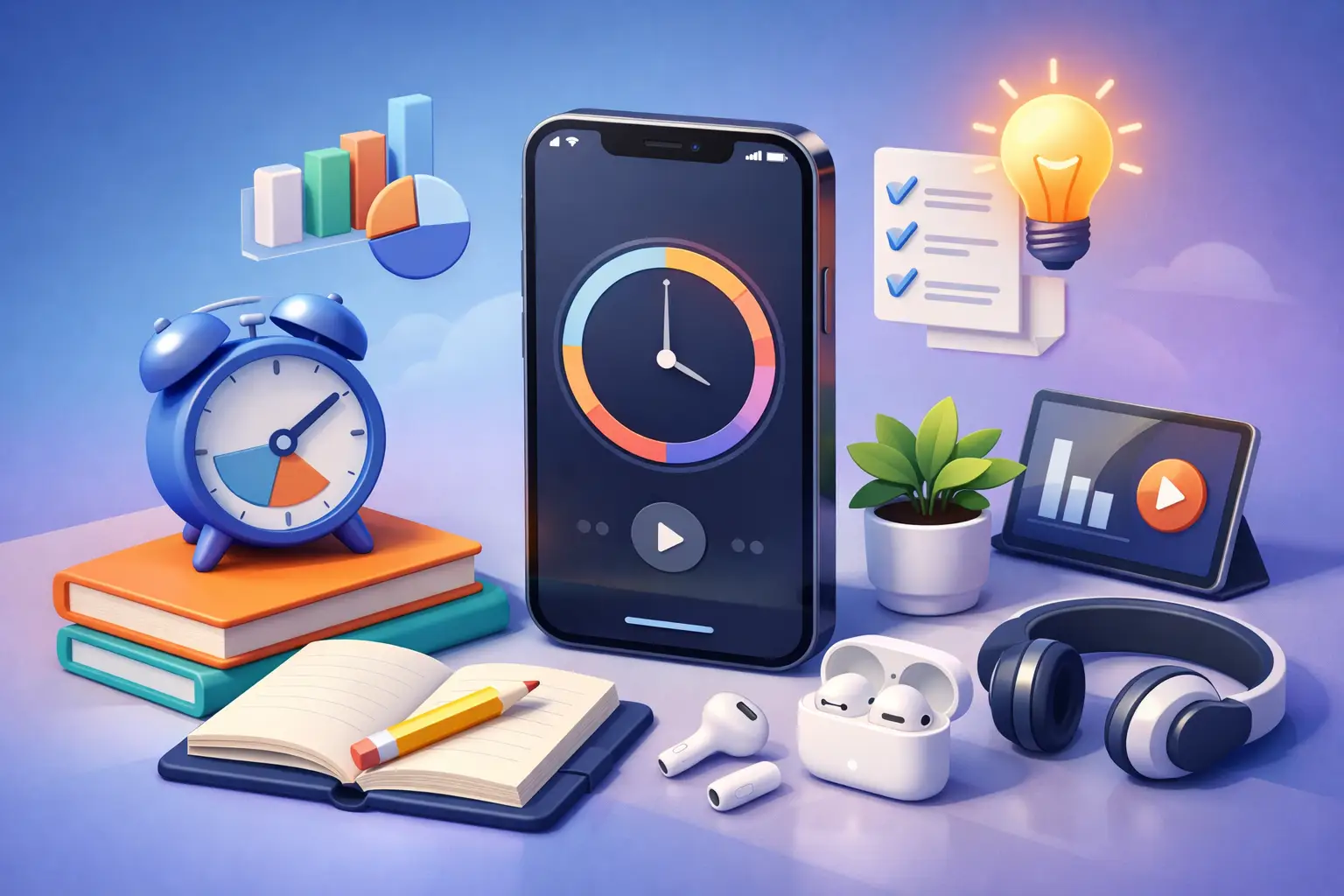
Most students do not need more motivation. They need fewer excuses to touch their phone.
That is why picking the right iPhone study timer app matters. A weak app turns study time into one more thing to manage. A good one does the opposite. It creates a clean start, keeps your session visible, and makes it harder to break focus for no reason.
If your current setup involves opening five apps, choosing a playlist, setting a timer, checking notifications, and calling that "studying," the problem is not effort. The problem is friction. A study timer should remove it.
What an iPhone study timer app should actually do
The best tools are not the ones with the most features. They are the ones that make the next right action obvious.
For studying, that usually means one tap to start, clear time boundaries, and enough visibility that you do not need to keep reopening the app. If you have to babysit your timer, it is already failing.
A strong app should help you do four things well. Start fast. Stay off the phone. Know what you worked on. See whether your week matched your intentions.
That last part gets ignored. A lot of timer apps are good at creating a session and bad at creating accountability. You finish a 45-minute block, feel productive, and then learn nothing from it. By Friday, you still cannot answer a basic question: how many real study sessions did you complete this week?
That is where the gap is. Not in timing. In honest tracking.
The difference between a timer and a study system
A basic timer counts down. A study system changes behavior.
Those are not the same thing.
If you are studying for the MCAT, the bar exam, finals, or even just trying to get through a stats chapter without checking Instagram every six minutes, the app has to do more than tell time. It has to support a rule. Start the session. Put the phone down. Do not touch it until the timer ends.
That sounds simple because it is. It is also harder than most people think.
Many apps avoid that reality. They focus on aesthetic dashboards, cute sounds, or gamified streaks. Those can help a little. They can also become another layer of digital entertainment. The trade-off is real. If the app is too passive, it does not shape behavior. If it is too playful, it can become its own distraction.
The sweet spot is discipline without clutter.
Features that matter in an iPhone study timer app
If you are comparing options, stop looking at the app store screenshots first. Look at what the app demands from you during a study block.
A good iPhone study timer app should make active sessions easy to see without forcing interaction. Lock screen visibility matters. Live Activities matter. Apple Watch support matters if you want to check time remaining without picking up your phone and risking a detour into messages, sports scores, or short-form video.
This is where many apps quietly lose. They start well, then force you back into the phone to check progress, pause, switch tasks, or confirm completion. Every extra tap creates an opening for distraction.
You also want activity-based tracking. "Studied for 2 hours" is better than nothing. "Studied chemistry for 50 minutes, calculus for 40, and reviewed flashcards for 30" is much better. Specificity helps you see patterns. It also makes planning more honest.
Then there is weekly history. This is not just for productivity nerds. It is how you stop lying to yourself. People tend to remember intention as action. They remember planning to study as studying. A real session log fixes that.
What to avoid
If an app treats breaks, badges, ambient sounds, social feeds, task boards, journaling prompts, and habit pets as the main event, be careful.
None of those are automatically bad. Some people genuinely like them. But if your main problem is fragmented attention, more interface is usually not the answer.
Also watch out for apps that make session editing too easy after the fact. Flexibility sounds nice until it turns tracking into fiction. If the goal is better study habits, your records should reflect what happened, not what you wish happened.
Another common mistake is choosing an app built for generic productivity teams instead of individual focus. Students need fast starts and clear feedback. They do not need a mini project management suite every time they sit down with lecture notes.
Why Apple ecosystem support changes the experience
On iPhone, the best timer is often the one you barely have to open.
That is why Apple-specific integration matters more than people assume. A lock screen timer lets you glance without drifting. A widget keeps your current goal visible. Apple Watch support reduces the urge to unlock your phone. A web view can help you review your week from a laptop without turning your study session into another mobile interaction loop.
This is one of the strongest arguments for using a purpose-built app instead of a generic countdown timer. The hardware is already in your life. The app should use it to reduce temptation, not increase dependence.
A tool like Tupp leans into that approach. Start a session. Put your phone down. Keep the timer visible across iPhone, Apple Watch, lock screen, and web. That design choice matters because it supports the behavior you are actually trying to build, not just the session you are trying to finish.
How to choose the right app for your study style
It depends on what keeps breaking your focus.
If your issue is getting started, choose the simplest possible app with fast session presets and almost no setup. You want less thinking before the work begins.
If your issue is staying on task, prioritize visibility and low phone interaction. Live Activities, widgets, and watch support will matter more than custom themes or long settings menus.
If your issue is inconsistency across the week, choose an app with clear history and analytics. You need proof of effort, not just a timer sound at the end of a block.
And if you switch between different subjects, look for activity labels or profiles. Studying is not one category. Reading case law, solving problem sets, and writing a paper are different kinds of work. Your data should show that.
A better way to use a study timer
The app matters. Your rules matter more.
Start with a session length you will actually respect. For some people, that is 25 minutes. For others, 45 or 60 works better. Do not choose a number because it sounds disciplined. Choose one that keeps your attention tight without creating panic.
Then define the task before the timer starts. Not "study biology." That is vague. Try "review chapter 6 notes and complete 15 practice questions." Specific work reduces drift.
When the session begins, put the phone down face down or out of reach. If you need music, set it before starting. If you need materials, collect them first. Protect the session from small interruptions because small interruptions rarely stay small.
After the timer ends, log the result honestly. Finished the block but got distracted twice? Count it, but notice it. Quit after 12 minutes? Notice that too. Accurate tracking is more useful than flattering tracking.
Over time, the goal is not perfect focus. The goal is fewer broken promises to yourself.
The real standard: does it change your week?
Most apps are easy to judge in the first five minutes and hard to judge after five days. That is backward.
The real question is not whether the interface feels nice. It is whether you studied more consistently this week because of it. Did you complete more focused sessions? Did you spend less time negotiating with yourself? Did the app help you see where your time went?
That is the standard.
A good study timer should make discipline easier to repeat. It should reduce the gap between saying you will study and actually doing it. If it cannot do that, it is decoration.
Choose the app that makes focus visible, friction low, and excuses harder. Then keep the promise simple. Start the timer. Put the phone down. Let the session count.
 Download on the App Store