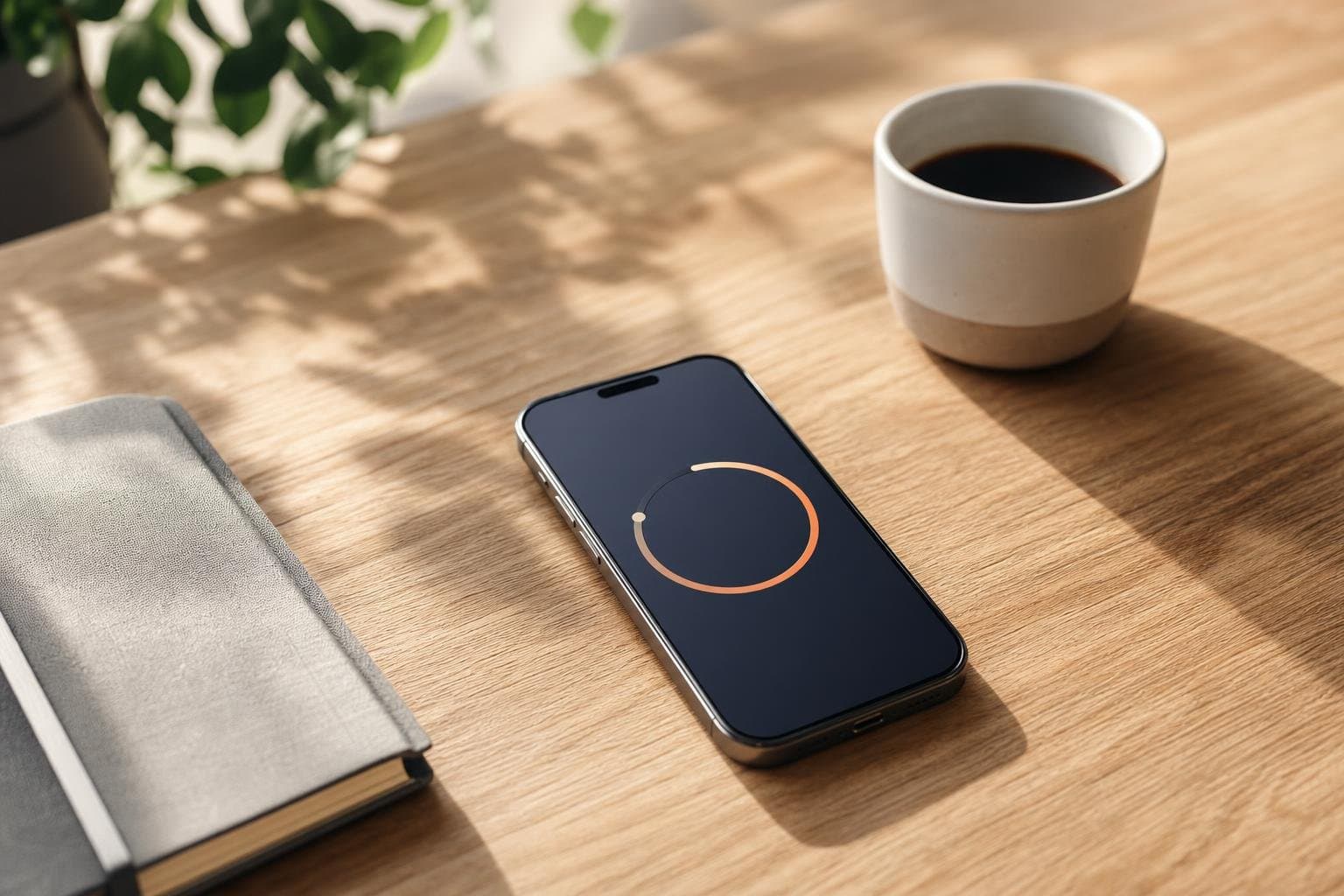
Finding the best focus timer app for iPhone can completely change how you approach your daily workload. When you want to stop getting distracted by notifications and actually finish what you started, you need a reliable tool that keeps your goals front and center. Tupp provides a robust active timer designed specifically to integrate smoothly into your day without adding unnecessary administrative overhead.
Why Your iPhone Needs a Dedicated Time Management Tool
Smartphones are engineered to capture your attention with endless notifications, social media feeds, and competing demands. Relying on sheer willpower alone is rarely enough when you need to write a proposal, study biology, or edit video. By using a dedicated focus timer, you establish a firm boundary between deep work and passive browsing. This structural discipline trains your brain to lock in during scheduled sessions and rest properly when the work is done.
Key Features to Look For in an iOS Productivity Tool
Not all time-tracking applications are created equal, especially within the Apple ecosystem. You want a utility that respects your screen real estate while offering immediate visibility into your ongoing sessions. Lock screen productivity features allow you to check your remaining time without unlocking your device and opening distracting apps. Furthermore, seamless syncing across your iPhone, Apple Watch, and the web ensures your data remains accurate no matter which device is closest to hand.
Comparing Options for Your Daily Workflow
When evaluating your choices for daily time management, you must weigh how easily an app fits into your actual routine rather than an idealized schedule. Some platforms require extensive manual entry and complex dashboards that take longer to maintain than the tasks themselves. Others rely on lightweight interfaces that let you begin working in seconds. You can explore how Tupp compares to alternative setups by visiting our pricing page to find the right tier for your personal or professional needs.
Integrating Sessions Into Your Regular Habits
Tracking isolated blocks of time is helpful, but true productivity comes from stacking multiple routines together into a cohesive day. Whether you are performing client research, reading industry publications, or tackling heavy admin work, consistency is what separates successful execution from broken intentions. You can use homescreen widgets to view your current status and jump back into your workflow instantly. If you also want to build sustainable habits alongside your timed intervals, our clean days habit tracker app article outlines how to monitor streaks over a thirty-day window.
Building Long-Term Discipline Without Burnout
Many people attempt to force intense hours of labor without taking adequate breaks, leading straight to mental exhaustion by Wednesday afternoon. Sustainable productivity requires alternating periods of intense concentration with deliberate rest. Our focus timer tool lets you structure these intervals naturally so you can maintain high output throughout the week. Over time, these managed sessions compound into significant progress on your most important long-term projects.
Frequently asked questions
What makes a focus timer effective on iPhone?
An effective focus timer on iPhone must minimize friction by offering quick access through homescreen widgets and lock screen integrations, keeping you accountable without demanding constant app management.
How do active timers prevent phone distractions?
Active timers use visual indicators on your lock screen and Dynamic Island to remind you that a session is currently running, making you think twice before opening social media or messaging apps.
Can I sync my focus sessions across multiple devices?
Yes, applications like Tupp sync your sessions seamlessly across your iPhone, Apple Watch, and the web so your progress is always up to date.
How long should a typical focus session last?
Most people find success using twenty-five to fifty-minute intervals of uninterrupted work, followed by a short break to rest and reset before the next block.
 Download on the App Store