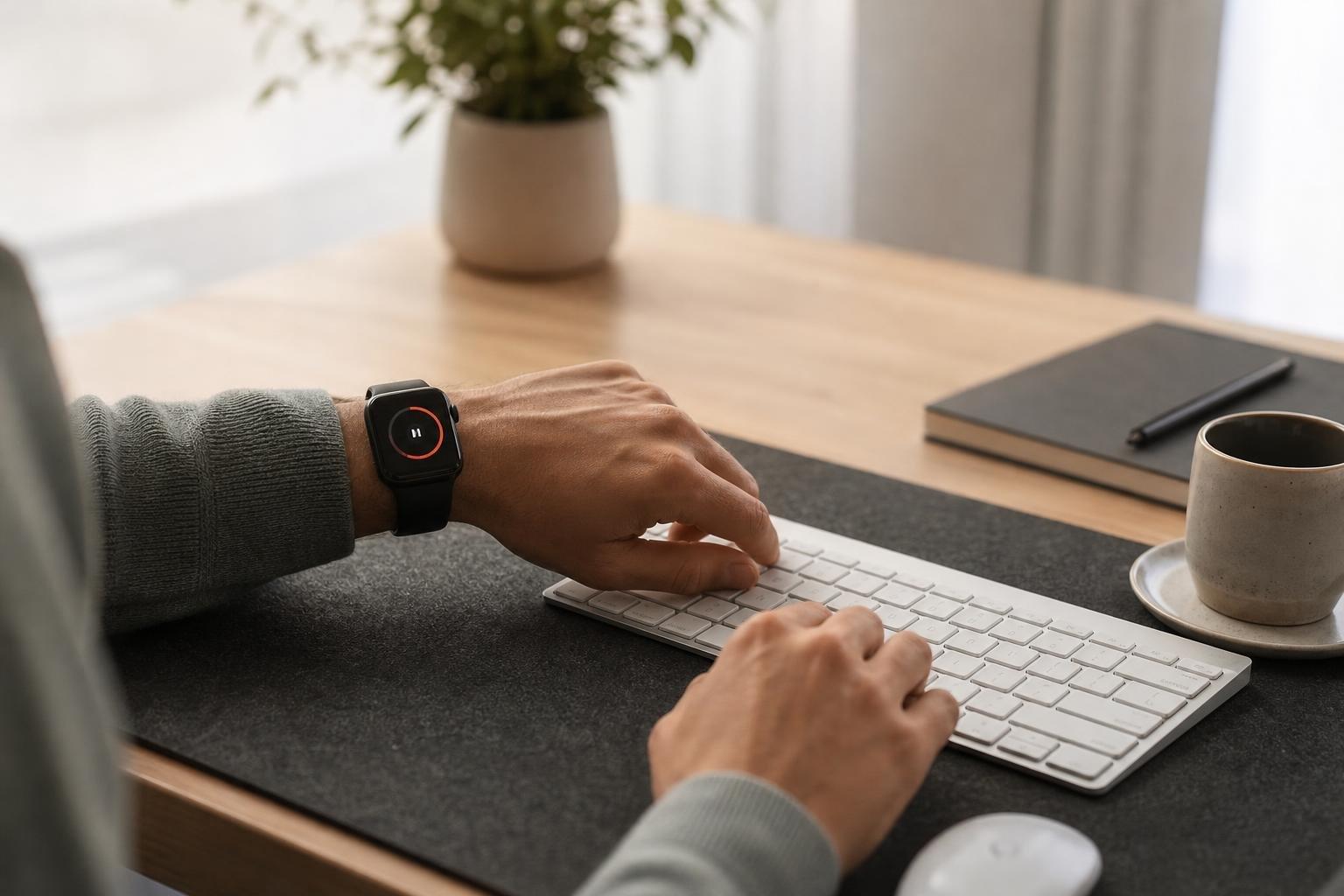
Finding the right focus timer with Apple Watch integration comes down to eliminating screen friction so you can get straight to work. When your timer lives on your wrist, you do not need to unlock your phone and risk digital distractions just to track an interval. We believe that wrist-based session management offers the fastest path to maintain momentum throughout your day.
Why Wrist-Based Focus Tracking Outperforms the Phone
Every time you wake up an iPhone to start an interval, you risk derailment from unread messages, social feeds, and missed calls. A wearable interface eliminates that vulnerability entirely. Having your intervals managed on your wrist lets you put the phone down, stay anchored in deep work, and start a session without glancing at a mobile display.
Hardware advantages make wrist timers uniquely effective. With haptic notifications, silent vibrations tap your wrist when a session concludes, sparing you jarring alarms that interrupt your flow or disturb quiet shared offices. As documented by tools on the App Store like Tomato Hour, real-time countdown progress and wrist interactions allow you to monitor intervals without waking an iPhone.
Core Features to Look for in an Apple Watch Timer
Not all timer tools deliver the same wrist experience. Some act as simple remote controls that require your phone nearby, while others run independently on watchOS.
Complications and Standalone Reliability
A primary feature to evaluate is complication support. When your timer provides glanceable complications on your watch face, you can verify your remaining time in a fraction of a second. Apps like WatchPomo provide three different real-time complication styles that display remaining session time, break status, or current session counts directly on watch faces.
Standalone functionality is equally vital. For example, FocusPomo operates as an independent Apple Watch app, allowing users to create tasks, start sessions, and sync records via iCloud without keeping an iPhone nearby. If you want true independence during study or deep work blocks, ensure your app does not require a tethered phone.
Customization and Ecosystem Integration
Rigid 25-minute intervals do not fit every workflow. Solutions like Distractionless Focus Timer provide customizable focus and rest intervals in one-minute increments alongside background haptic alerts. Look for flexible interval settings, break management, and ecosystem sync so your logs reflect across your entire hardware setup.
Comparing Top Focus Timers for Apple Watch
To choose the setup that fits your habits, weigh how different apps approach synchronization, watchOS independence, and display integrations.
| Focus Timer | Standalone watchOS | Complications | Multi-Device Sync | Best Suited For |
|---|---|---|---|---|
| WatchPomo | Yes | 3 live styles | Local / iCloud | Glanceable watch face stats |
| FocusPomo | Yes | Yes | iCloud | Phone-free independent sessions |
| Distractionless | Yes | Basic | Standalone focused | Custom interval lengths |
| Tomato Hour | Yes | Yes | CloudKit | Live syncing across Apple devices |
| Flow | Yes | Yes | iCloud & Apple Health | Habit, health, and calendar tracking |
Selecting the right balance depends on your daily environment. If you want comprehensive cross-device alignment, our focus timer pairs Live Activity integration across your Apple Watch, Dynamic Island, and lock screen, so you can manage your work effortlessly across devices. You can also explore our guide on using a focus timer for Apple Watch Series for dedicated wrist setups.
Integrating Wrist Timers into Your Broader Productivity System
Tracking isolated work sessions is only the first step toward lasting personal discipline. The real advantage comes when your focus sessions connect back to broader habit structures and daily planning.
In a 2026 Zapier roundup of Pomodoro timers, tools like Flow and Session were highlighted for offering specialized focus timers within the Apple ecosystem that sync seamlessly across Mac, iOS, and watchOS devices. Similarly, Flow integrates Pomodoro session data with Apple Health and Apple Calendar alongside multi-device iCloud synchronization.
When your logged hours speak directly to your daily checklists and habit tracking, you gain clear visibility into where your energy actually goes. For a deeper look at managing your routine without extra phone clutter, read our overview of the best focus timer app for iPhone to see how lock screen widgets and wrist notifications work together.
How Teams and Professionals Protect Focus on the Wrist
Wearable timers are not solely for individual productivity. For professionals, freelancers, and remote teams, wrist tracking provides transparent time logs without interrupting deep work.
When you use an integrated setup, you protect focus during collaborative sprints while keeping accurate logs for billing or sprint reviews. Solutions such as Be Focused support cross-device Pomodoro tracking across iPhone, iPad, Mac, and Apple Watch, incorporating Apple Shortcuts integration and customizable session goals. When individuals log sessions consistently, team leaders can gauge capacity without intrusive micromanagement.
Organizations seeking shared transparency across groups can explore Tupp for Teams to access administrative controls, seat management, and shared activity libraries. Paired with our multi-device focus timer, team members can initiate sprints from their wrist while synchronization keeps project boards aligned automatically.
Frequently asked questions
Can I use an Apple Watch focus timer without having my iPhone nearby?
Yes. Independent watchOS apps allow you to start intervals, pause sessions, and log completed work directly from your wrist. When you reconnect to Wi-Fi or Bluetooth, your records automatically sync to your account.
Do focus timer complications drain the Apple Watch battery quickly?
Standard complications consume minimal battery because watchOS regulates how often complications update. Apps that rely on native system timers update smoothly without running excessive background processes.
How do haptic alerts improve focus sessions compared to audio alarms?
Haptic alerts produce quiet, tactile vibrations on your wrist rather than loud audio chimes. This gently signals interval transitions without shocking your attention or disturbing colleagues in shared work environments.
Can I connect my Apple Watch timer sessions with my overall habit tracking?
Yes. Modern productivity systems sync completed focus intervals with your daily checklists, streak trackers, and calendar views, giving you a comprehensive record of your discipline across the day.
 Download on the App Store