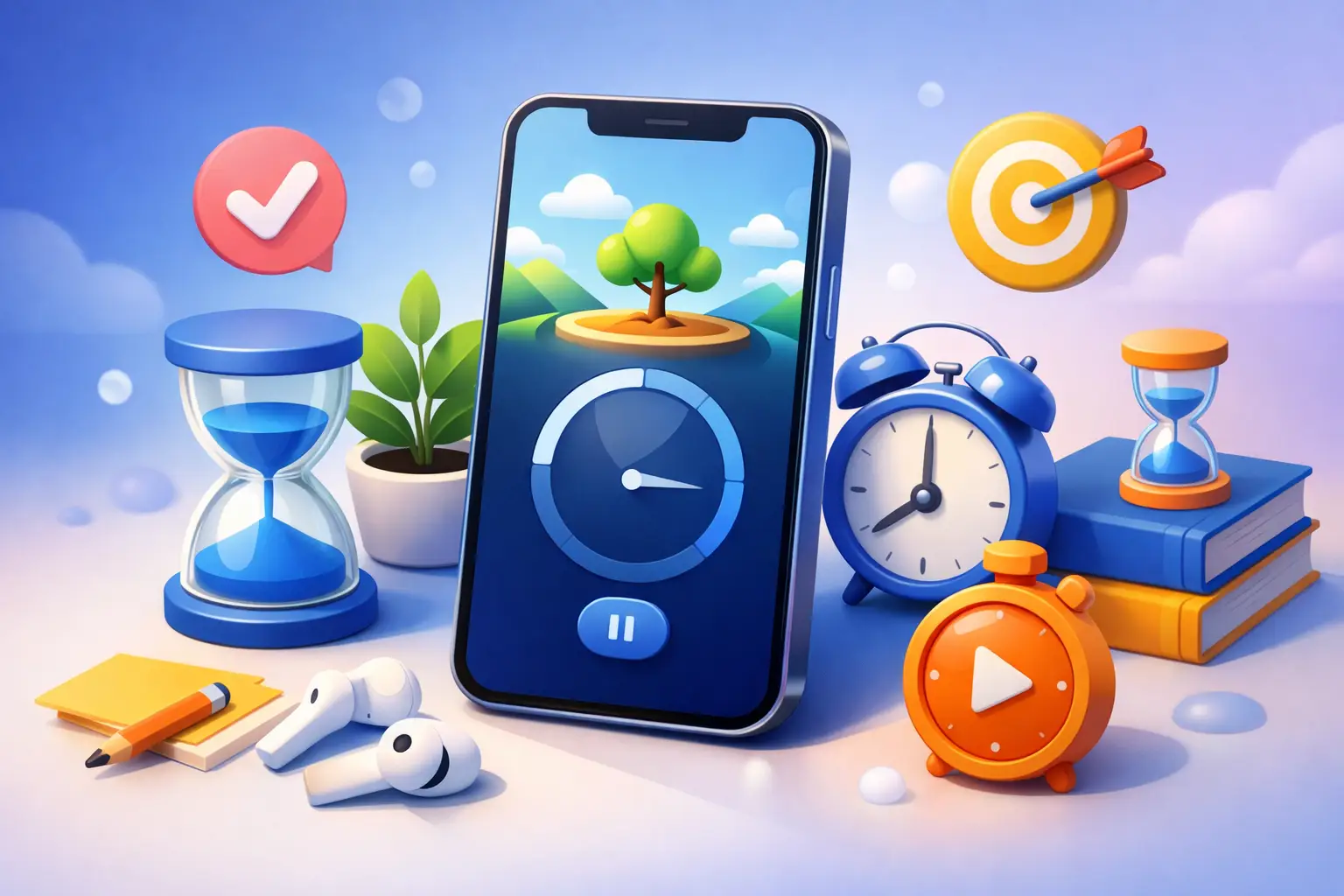
Your timer should stay visible when your willpower drops. That is the whole point. The best lock screen timer apps do more than count down in the background. They keep your session in front of you, reduce the urge to tap around, and make it easier to finish what you started.
That matters if your phone is part of the problem. A standard timer app can tell you when time is up. A lock-screen-first timer changes behavior while the clock is still running. If you want fewer interruptions, cleaner focus blocks, and a better record of how you actually spent your time, the app choice matters.
What makes the best lock screen timer apps worth using
A good timer app is easy to start. A good lock screen timer app is easy to obey.
That is the difference. When the timer stays visible on your lock screen, watch, or widget, you do not need to reopen the app to check progress. That removes friction, but it also removes excuses. You can see the session. You know it is active. The contract is clear.
The best options usually get a few things right. They show active time clearly, update fast enough to feel live, and keep controls simple. They also avoid turning focus into app maintenance. If you spend more time tweaking labels, themes, and interval rules than doing the work, the timer is not helping.
There is also a trade-off here. Some apps are great at countdown visibility but weak at habit tracking. Others are strong on analytics but clunky in the moment. The right pick depends on whether you care most about finishing the next 25 minutes or building a system you can trust every week.
8 best lock screen timer apps to consider
1. Tupp
If your goal is simple, honest focus sessions, Tupp has the right bias. Start a timer. Put your phone down. The app is built around session-based accountability, not vague productivity theater.
What makes it stand out is how naturally it fits the Apple ecosystem. Your active timer stays visible through lock screen Live Activities, Apple Watch, widgets, and the web. That matters because it keeps the session present without asking you to keep opening the app. Less tapping. More doing.
It is especially strong if you want more than a timer but less than a bloated task manager. You can track sessions by activity, review your week, and see what you actually did by day. The trade-off is obvious: this is for people who want discipline, not people who want a playful timer with lots of decoration.
2. Focus To-Do
Focus To-Do blends Pomodoro timing with task management. If you like pairing a countdown with a checklist, it makes sense fast.
Its strength is structure. You can assign timers to tasks, run standard work and break intervals, and keep your day organized in one place. For users who need a timer to sit next to planned work, that is useful. The downside is that it can feel busier than a pure focus app. If you mainly want a visible lock screen timer and fewer decisions, it may be more system than you need.
3. Session
Session is designed for people who want a clean focus environment with Apple-friendly presentation. It looks polished, and that matters more than some people admit. A timer you enjoy seeing is one you are more likely to use.
It works well for solo focus blocks and supports the kind of calm interface many Apple users prefer. The trade-off is that visual refinement does not always equal deeper accountability. If your main need is simply staying on task during a session, it fits. If you want a stronger record of behavior over time, you may outgrow it.
4. Forest
Forest remains popular because it gives focus a visible reward. Start a session, grow a tree, and avoid using your phone if you want the tree to survive. It is simple, memorable, and effective for people who respond well to gamification.
That said, gamification is not the same as discipline. For some users, the game mechanic creates enough friction to stop casual phone checking. For others, it becomes background decoration. Forest is best if you want a softer behavioral nudge, not a stricter focus system.
5. Structured
Structured is closer to a visual day planner with timer support. If you think in blocks and routines, it can be a strong fit.
Its value is context. You are not just running a timer. You are placing focused work inside a visible daily plan. That helps if your real problem is not starting work but organizing your time realistically. The drawback is that the timer is not always the star of the experience. For users specifically searching for the best lock screen timer apps, that distinction matters.
6. Tide
Tide combines focus timing with ambient sound and a calmer wellness feel. It is useful if you work better with noise support and want your timer wrapped in a less clinical experience.
There is a clear audience for that. Some people need pressure. Others need a smoother entry into concentration. Tide leans toward the second group. If you are trying to reduce phone distraction with a firmer hand, it may feel a little gentle.
7. Toggl Track
Toggl Track is better known as a time tracker than a pure focus timer, but it deserves a mention because some users care more about logging work accurately than following Pomodoro rules.
Its strength is reporting and flexibility. You can track client work, projects, and categories with more precision than most focus apps offer. But precision comes at a cost. It is not always the cleanest option when you just want to start a visible countdown and keep your hands off the phone.
8. Be Focused
Be Focused sticks closely to the classic Pomodoro model. Work interval, short break, repeat. That simplicity is the point.
For users who do not want a lot of customization, that can be refreshing. It gives you a familiar system and keeps the learning curve low. The limitation is that classic Pomodoro apps can feel rigid if your work does not fit neat 25-minute boxes. Writers, developers, and students often need that flexibility once the session is going well.
How to choose among the best lock screen timer apps
Start with your real failure point.
If you keep checking your phone mid-session, choose the app that keeps the timer most visible with the fewest taps. If you start sessions but never review your patterns, choose one with stronger history and weekly data. If you avoid focused work because getting started feels heavy, pick the simplest interface and remove every extra decision.
Also think about your device setup. If you use an iPhone, Apple Watch, and Mac throughout the day, cross-device visibility matters more than a fancy theme. If your phone is your main work distraction, lock screen presence matters more than task complexity. The timer should meet you where you usually fail.
This is where many people overbuy. They install an all-in-one productivity platform when what they actually need is a visible timer and a rule: do not touch the phone until it ends. More features are not automatically better. Better means easier to repeat.
The trade-off most people miss
A lot of timer apps are good at starting motivation. Fewer are good at reinforcing honesty.
That matters because focus is not a branding exercise. You do not need an app that makes you feel organized for five minutes. You need one that shows whether you really worked. A timer on the lock screen can support that by keeping the session visible, but visibility alone is not enough. The app also has to make your completed time easy to review and hard to fake.
This is why some people bounce between apps. They pick one for aesthetics, another for analytics, and another for habit building, then end up using none of them consistently. A better move is to decide what behavior you want the app to enforce. Start there. Then choose the timer that makes that behavior easier and distraction harder.
Which app is best for you?
If you want strict, visible focus sessions with honest tracking, go with the app that treats the timer as a behavioral tool, not just a countdown. If you want a softer experience, Forest or Tide may suit you better. If your work depends on project logs and reports, Toggl Track makes more sense. If you live by Pomodoro, Be Focused or Focus To-Do will feel familiar.
The right answer is not the app with the longest feature list. It is the one you will start every day without negotiation.
Pick one. Run a session today. Put your phone down and let the timer do its job.
 Download on the App Store