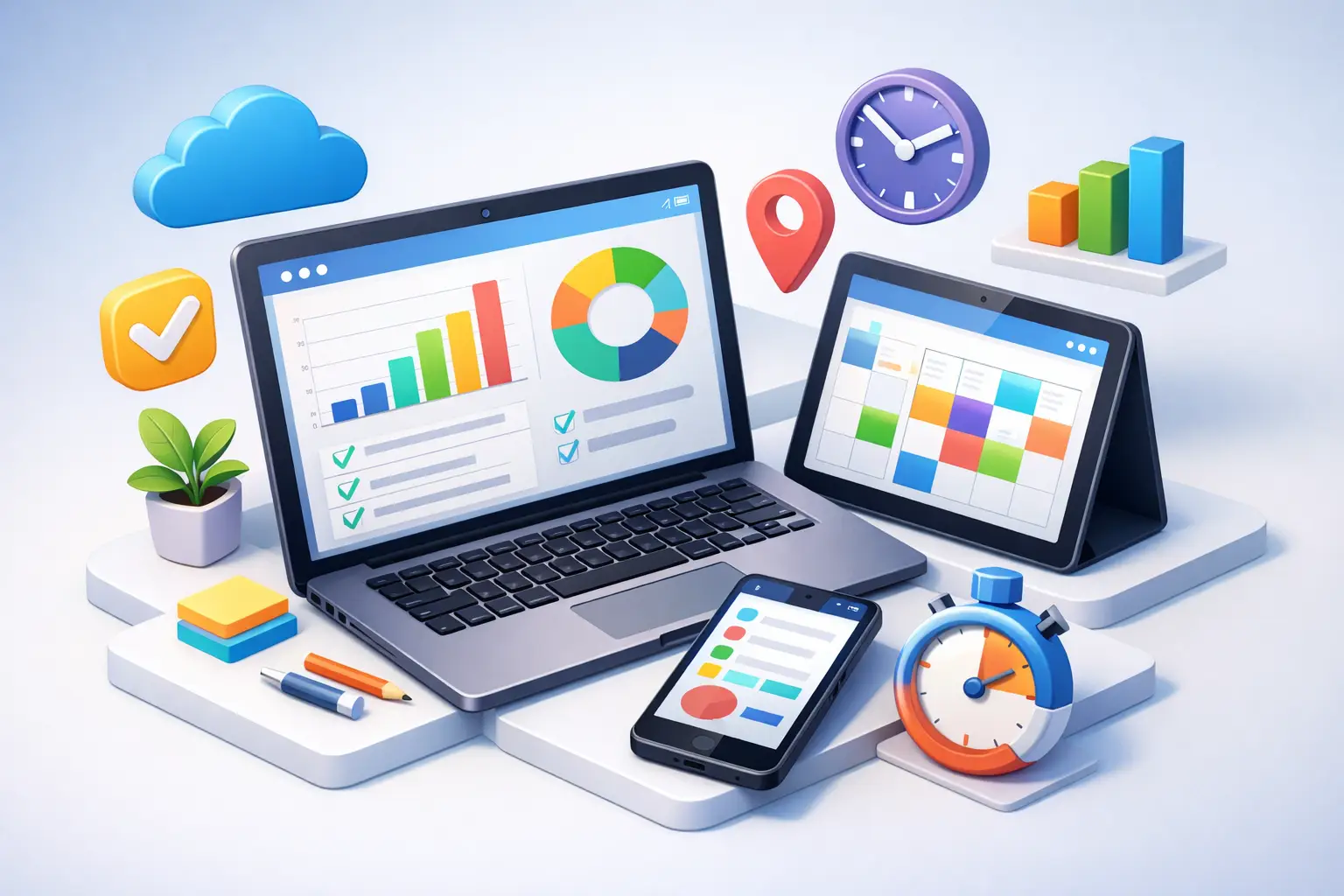
You do not need another app that makes you feel organized for five minutes and scattered for the next five hours. A cross device productivity tracker only matters if it helps you stay on task when your attention starts slipping - on your phone, on your watch, and at your desk.
That is the real standard. Not pretty charts. Not a giant feature list. Not a dashboard you check once and forget. If the tool does not help you start focus faster, stay with the work, and see what actually happened later, it is just another layer of digital clutter.
What a cross device productivity tracker should actually do
Most productivity tools fail in the same way. They are good at planning and weak at behavior. They let you build categories, rearrange priorities, and set goals, but they do very little in the exact moment you are about to get distracted.
A useful cross device productivity tracker solves that moment first. It should make starting a work session obvious. It should keep the session visible without forcing you to babysit the app. And it should record your time in a way that is honest enough to be useful later.
That means the best trackers are not really about tracking alone. They are behavior systems. You start a session. You commit to one activity. You leave the phone alone. You finish the block. Then the data means something because it reflects a real decision, not a rough guess.
If your current app relies on manual backfilling at the end of the day, expect bad data. If it asks you to constantly open menus, expect friction. If it gives you weekly numbers without showing how the work was done, expect vague self-deception.
Why cross-device matters more than most people think
People like the idea of productivity tools that work everywhere. The usual pitch is convenience. That is part of it, but convenience is not the main point.
Visibility is.
When your focus session follows you across devices, it stays present in your environment. You glance at your lock screen and see the timer running. You check your watch and know whether you are still in the block. You open your laptop and the session is already there. That constant visibility cuts down on the mental drift that happens when work becomes abstract.
A good cross device productivity tracker reduces the number of times you need to ask, What was I doing? How long have I been at this? Did I already start a focus block or just mean to?
Small interruptions matter. So does restart friction. If switching devices breaks your momentum, your system is fragile. If your tracker keeps your session visible wherever you are, your system holds up better under real life.
This is especially true for people inside the Apple ecosystem. If your iPhone, Apple Watch, widgets, lock screen, and web app all reflect the same active session, you stop relying on memory and motivation alone. The environment reinforces the habit.
The difference between tracking time and tracking intent
A lot of people use the phrase productivity tracker when they really mean time log. Those are not the same thing.
A time log tells you where hours went, usually after the fact. Sometimes that is enough for billing or reporting. It is not enough if your real problem is distraction.
A productivity tracker should capture intent at the start of the session. You choose the activity before you begin. That changes the quality of the data. Now you are not just measuring time spent near your work. You are measuring committed focus on a defined task or category.
This matters when you review your week. You want to know how much time went to writing, studying, coding, training, admin, or client work. You also want to know whether those blocks were deliberate.
Honest tracking is powerful because it removes fantasy. Maybe you thought you spent ten hours on deep work and it was actually four. Good. Now you can work with reality.
What to look for in a cross device productivity tracker
Start with speed. Can you begin a session in seconds? If starting takes too long, you will skip it when you need it most.
Next, look at visibility. The active session should be easy to see without opening the app every time. Lock screen support, watch support, and widgets are not extras. They are part of the behavior loop.
Then check how the tracker handles categories or activities. You need enough structure to separate meaningful work types, but not so much setup that the system becomes its own chore. Simpler is usually better.
History matters too. A cross device productivity tracker should show daily and weekly patterns clearly. Not just total time, but how that time breaks down by activity. Otherwise you cannot spot what is improving and what is sliding.
Finally, think about accountability. Does the app reflect what you actually did, or does it let you revise reality too easily? There is a trade-off here. Some people want flexibility. Others need firmer boundaries. If distraction is your main problem, a little discipline in the design is a feature, not a bug.
The trade-offs most people miss
More features do not always mean better focus.
Some tools try to be task manager, calendar, note app, habit tracker, and team dashboard at the same time. That can work for complex workflows, but it often weakens the one thing a distracted person needs most: a clear start button for focused work.
There is also a trade-off between passive tracking and active tracking. Passive tools promise convenience by logging behavior automatically. That sounds attractive, but passive data is often noisy. It tells you what apps were open, not whether you were doing meaningful work.
Active session tracking asks more from you at the start. You have to declare the work and begin the timer. But the payoff is cleaner data and stronger intent. For habit building, that trade is usually worth it.
Cross-device access has its own trap. If every device becomes another place to tinker, you can turn your productivity system into a distraction loop. The right setup should reduce interaction, not increase it. Quick start. Constant visibility. Minimal checking.
Why weekly review is where the value compounds
The session helps you focus now. The weekly view helps you improve next week.
This is where a cross device productivity tracker earns its keep. Daily sessions are useful, but patterns are what change behavior. You start to see whether your focus is consistent or random. You notice which activities get real time and which only get good intentions. You see whether your strongest days are structured or improvised.
That kind of feedback is hard to fake. It is also hard to ignore.
For students, this can reveal the gap between planned study time and actual study time. For freelancers, it can expose whether client work is crowding out business development. For creators, it can show whether content production is being replaced by low-value admin. For professionals, it often makes one thing obvious: meetings are not the same as progress.
When the data is clean, the review gets simpler. You do not need a long ritual. You just need enough signal to answer a few blunt questions. What did I spend time on? Was it the right work? What needs to change this week?
A cleaner standard for productivity
The best system is rarely the most impressive one. It is the one you will actually use when you are tired, distracted, and tempted to drift.
That is why a strong cross device productivity tracker feels less like software and more like a rule. Start the timer. Pick the activity. Put the phone down. Finish the block. Review the week. Repeat.
If a tool helps you do that across iPhone, Apple Watch, lock screen, widgets, and web without adding noise, it is doing its job. Tupp is built around exactly that kind of discipline - visible sessions, honest tracking, and weekly proof of how you spent your time.
Do not look for a system that flatters you. Look for one that tells the truth and makes the next focused hour easier to start.
 Download on the App Store