
Finding the right pomofocus timer depends on whether you work best from a browser tab or need a dedicated tool that follows you across mobile devices. A structured interval timer divides demanding projects into manageable blocks so you can start a session without decision fatigue. When used correctly, rhythmic focus cycles protect your attention and make sustained deep work feel natural.
The Science of Interval Timers and Deep Work
Cal Newport defines deep work as professional activities conducted in a state of distraction-free concentration that push cognitive capacity to its limits. When you leave tasks open-ended, attention wanders and context switching drains your cognitive reserves.
Interval-based time management bridges the gap between high-level intentions and day-to-day execution. In a 2025 scoping review examining 32 studies on the Pomodoro Technique, researchers confirmed that structured focus intervals consistently reduce mental fatigue and improve sustained task performance compared to self-paced breaks. Committing to a visual boundary lets you focus on an immediate deliverable and put the phone down.
These structured blocks also align with natural biology. Chronobiology research shows that human focus aligns with ultradian rhythms, which cycle approximately every 90 minutes between states of high arousal and required rest. Breaking your day into targeted intervals allows you to work alongside these physiological peaks rather than fighting against mental exhaustion.
Understanding the Original Pomofocus Platform
The web-based application known as Pomofocus is a browser-based focus timer based on the classic interval method, developed by Yuya Uzu under Tokyo-based FocusLab LLC. Its interface shifts color dynamically, using distinct visual states like red during active focus blocks and green during breaks to communicate status at a glance.
For workers who spend their entire day in a single desktop browser, it serves as a lightweight session tracker. Its audio panel includes configurable background focus audio such as slow ticking, fast ticking, white noise, and brown noise to drown out quiet office interruptions.
However, browser tabs carry obvious trade-offs. It is easy to close an open tab by mistake, lose track of your timer behind spreadsheet windows, or get pulled into unrelated websites during a break. When your work shifts to tablets or phones, a purely web-based solution leaves major gaps.
Comparing Top Focus and Pomodoro Tools
Different interval tools serve different working styles. Web tools prioritize instant access without installation, while dedicated native applications provide system-level alerts and offline continuity.
| Tool | Best For | Platform Availability | Key Feature | Pricing Model |
|---|---|---|---|---|
| Pomofocus | Quick desktop sessions | Web browser | Visual background color shifts | Free, or $3/mo / $18/yr |
| Flow Pomodoro | Long study blocks | Android, iOS | Custom flow durations | Freemium |
| Tupp | Cross-device focus | iPhone, Apple Watch, Web | Live Activities & Dynamic Island | Free tier available |
| Minimalist Hourglass | Physical offline desks | Analog physical tool | Zero digital distractions | One-time hardware purchase |
For users who stick with the official Pomofocus site, pricing runs $3 per month, $18 per year, or $54 for lifetime access with a 7-day free trial. That upgrade removes banner promotions and lifts restrictions, since the free version caps free users at three saved templates while the paid tier unlocks unlimited templates, custom projects, CSV export, and yearly data views.
Overcoming Browser Distraction with Native Hardware
Browser-based timers create a fundamental vulnerability: the device timing your work is often the primary source of incoming distractions. When an alert arrives or you look up to check the remaining time, an open browser window tempts you with tab switching and instant communication tools.
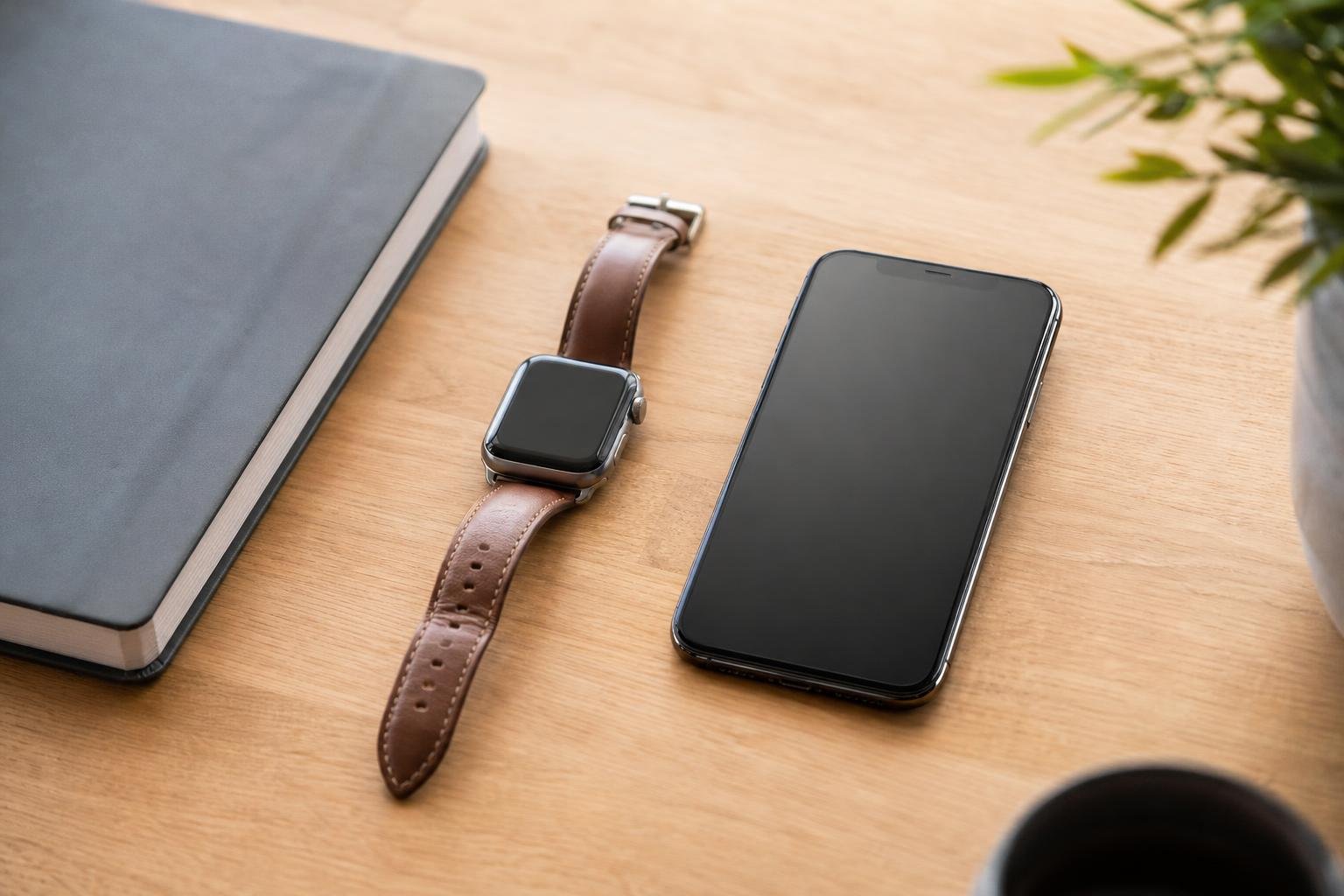
Native applications resolve this by embedding timer controls into system surfaces. When you can monitor intervals on your lock screen or wrist, you do not need to keep distracting browser windows visible on your monitor. We explored this in our review of how to choose the best focus timer for your daily workflow, noting that glanceable progress indicators keep you engaged without breaking concentration.
With Tupp, our focus timer streams active session intervals directly to your Dynamic Island, lock screen Live Activity, and Apple Watch. You can start a session, keep your workspace clean, and see your progress without unlocking your handset or opening a web tab.
Structuring Your Daily Focus Blocks for Flow
A timer is only as effective as the routine surrounding it. To protect focus over long workdays, pair fixed sprint lengths with concrete preparatory rules.
Define the Scope Before Starting
Never hit start until you have named the specific outcome of the block. If an item says "work on report," clarify it to "draft three body sections of quarterly summary." Vague intentions cause mid-session stalling.
Match Durations to the Task Type
While traditional interval systems emphasize 25-minute sprints, creative tasks often require extended runs. If you find standard periods disruptive, learn how to adapt your cycles with a pomodoro timer with Dynamic Island support on iOS to run 45 or 50 minutes of uninterrupted analysis.
Enforce True Physical Breaks
When the break interval triggers, step away from your monitor entirely. A five-minute rest spent checking social media feeds keeps your eyes and cognitive systems active. Stand up, stretch, grab water, and let your working memory reset before commencing the next round.
Selecting the Right Interval Setup for Your Needs
Before adopting any system, consider the exact environment where you spend the majority of your day. Desk workers with tight software restrictions often favor no-install web tools, whereas remote professionals managing variable meetings benefit from persistent hardware tracking.
If you work as part of an organization, individual timers can also leave team schedules disjointed. Teams needing shared routines and standardized work libraries can explore Tupp for Teams to maintain consistent time allocations across internal departments.
Regardless of the exact platform you select, consistency remains key. Establish your desired sprint length, commit to completing one block at a time, and rely on clear visual boundaries to shield your workflow from interruptions.
Frequently asked questions
What is the difference between Pomofocus and a standard Pomodoro timer?
Pomofocus is a specific, browser-based implementation of the Pomodoro Technique created by Yuya Uzu. While all Pomodoro timers divide work into intervals and short rest breaks, Pomofocus operates directly within web browsers, offering visual background color shifts and task templates without requiring a software download.
Can I use Pomofocus offline?
The official Pomofocus web application requires an active internet connection to load its scripts, save templates, and maintain cloud account synchronization. If you need offline capability, dedicated desktop applications or native mobile focus timers run locally without relying on continuous web connectivity.
Are 25-minute focus intervals best for deep work?
The classic 25-minute interval works well for quick administrative tasks and study sessions. However, complex professional work like coding or writing often benefits from longer 45-minute to 50-minute blocks that give you adequate time to enter deep concentration before taking a break.
How does Tupp compare to browser-based timers?
While browser-based options require keeping an open tab on your screen, Tupp delivers a native focus timer that integrates with your iPhone lock screen, Dynamic Island, and Apple Watch. This setup lets you monitor intervals and protect focus without keeping distracting browser windows open.
 Ladda ner på App Store