
A daily task planner with time tracking bridges the gap between what you intend to do and how your day actually unfolds. Standard to-do lists show what matters, but without tracked intervals, priorities expand to fill unstructured hours. When you combine daily planning, focused timers, and habit metrics into a unified workflow, you protect focus and maintain clear momentum from morning to evening.
Why Traditional To-Do Lists Fail Without Time Tracking
Static checklists record intent, but they fail to account for capacity. A list of ten items treats a five-minute email response the same as a two-hour research brief. This lack of dimension leads to planning fallacy, where you expect to complete six complex objectives before noon and end the afternoon demoralised by unfinished items.
Time tracking turns an abstract list into concrete reality. When you assign estimated windows to an objective and measure the minutes spent on it, you confront real limits. You begin to understand whether your backlog stalls due to genuine complexity or unexpected interruptions. By logging actual output against planned effort, individuals and teams can adjust daily workloads to match true capacity rather than optimistic guesses.
The Core Components of an Integrated Daily System
An effective daily productivity system must handle three distinct types of work: non-negotiable routines, focused project intervals, and recurring administrative items. Isolating these elements across separate tools creates friction, causing you to constantly swap screens and lose momentum.
| Component | Primary Purpose | How It Prevents Distraction |
|---|---|---|
| Daily Checklists | Outlines key recurring chores and maintenance | Resets every morning to remove yesterday's clutter |
| Focus Timer | Sets strict boundaries for deep work | Encourages you to put the phone down and commit |
| Time Tracking | Measures precise minutes invested per task | Replaces guesswork with verifiable workload data |
| Habit Tracking | Builds long-term discipline through consistency | Visualises clean streaks without derailing daily tasks |
Using an all in one productivity app for web and ios lets you coordinate these components in one place. Instead of relying on guesswork, your daily schedule reflects both foundational habits and primary projects.
How to Structure Your Day for Focused Output
Protecting your attention requires an intentional daily sequence. When you wake up, avoid immediately diving into high-friction tasks or responsive communication channels. Use a consistent progression to anchor your routine.
1. Clear Your Recurring Foundations
Begin with your baseline routines before opening incoming messages. Completing automated morning checklists provides an early win and clears your workspace. If you rely on morning routines, an automated morning checklist app that resets daily keeps this process frictionless so you can start with a fresh slate.
2. Time-Block Core Priorities
Select two to three primary outcomes for the day. Schedule dedicated intervals for each priority, treating these blocks as appointments with yourself. If an initiative requires extensive drafting, allocate a distinct 90-minute block rather than an open-ended to-do item.
3. Start a Session and Run a Focus Timer
When it is time to work, start a session and eliminate ambient tabs. A visible countdown forces single-task commitment. Tracking the session produces an objective log of whether you maintained deep concentration or succumbed to routine task switching.
Connecting Long-Term Habits to Daily Task Management
Daily tasks finish discrete projects, but habits build operational discipline. When habit logging is decoupled from task planning, personal consistency suffers whenever deadlines become demanding. You skip exercise, abandon deliberate reading, and compromise foundational routines to satisfy urgent pings.
Tracking habits alongside planned tasks creates balance. A robust habit tracker provides immediate feedback through clean days, logged frequencies, and rolling trends. Monitoring a 30 day habit tracker pattern view helps you spot recurring drop-offs, such as mid-week slumps or post-travel declines.
At Tupp, we design our daily checklists, focus timer tools, and habit tracking routines to work together seamlessly. Maintaining this visibility across iPhone, Apple Watch, and the web ensures that your daily duties never crowd out the essential routines that sustain long-term performance.
Reducing Friction with Cross-Device Widgets
The greatest danger to focused execution is unlocking your device to check an item and falling into social feeds or messaging apps. Every screen switch carries a cognitive switching cost that drains your willpower.
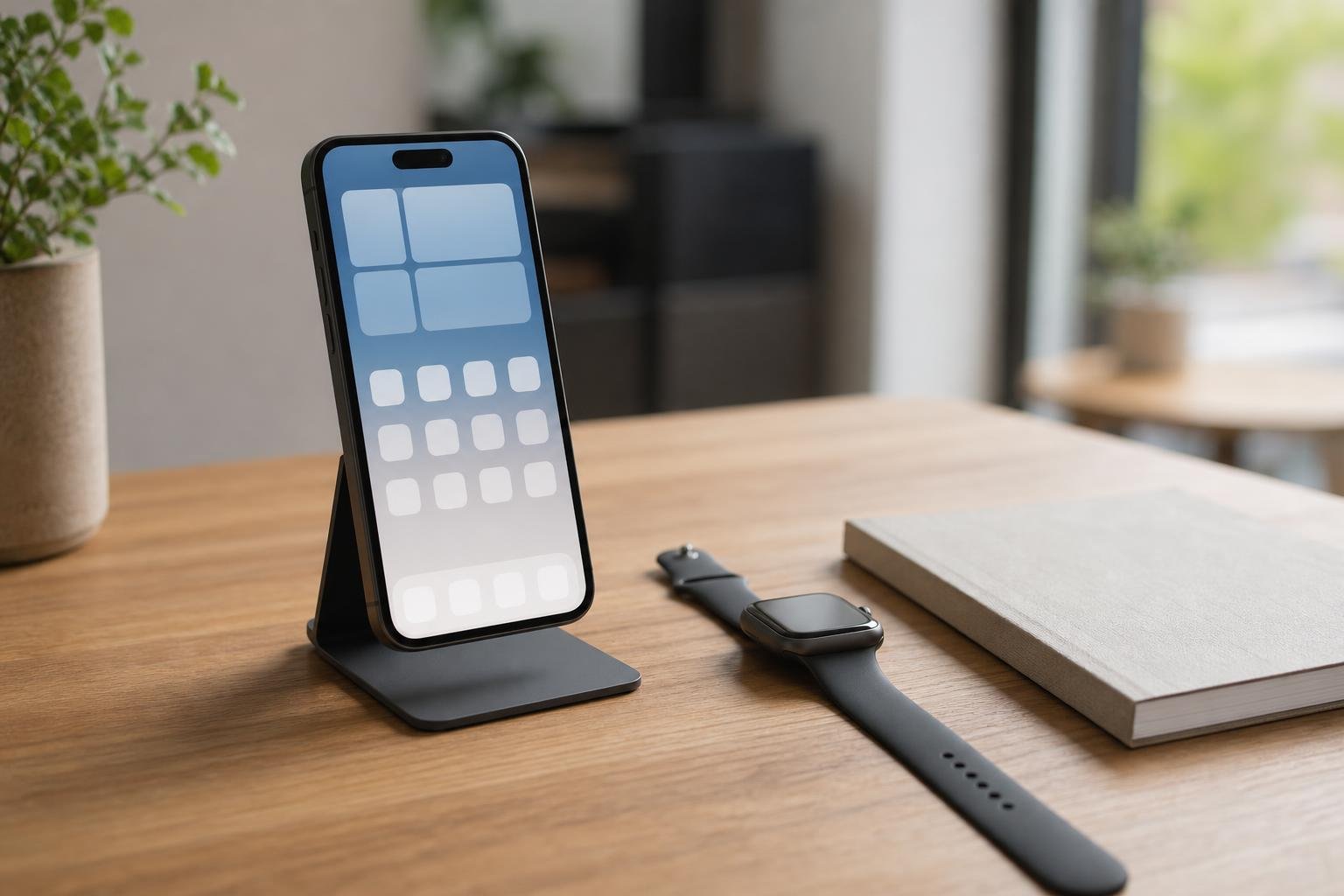
Homescreen widgets and lock screen controls solve this problem by exposing your day at a glance. You can review scheduled intervals, check off completed habits, and glance at your focus timer without navigating deep into application menus. Setting up interactive homescreen widgets for tasks allows you to log progress in seconds, put the phone down, and return immediately to your work.
Using Time Tracking Insights for Team Alignment
For teams, time tracking goes beyond personal discipline. It creates operational clarity without requiring micromanagement or intrusive check-ins. When everyone logs sessions against shared task categories, leaders can observe workload distributions objectively.
Organisations using Tupp for Teams benefit from shared activity libraries and consolidated workspace views. By comparing estimated hours with logged intervals, teams identify systemic bottlenecks, balance assignments fairly, and protect focus across departments without recurring status meetings.
Frequently asked questions
How does a daily task planner with time tracking differ from a basic calendar?
A calendar reserves blocks of time for scheduled meetings and events, but it rarely tracks granular performance or recurring micro-habits. A daily task planner with time tracking records exact minutes spent on active work, manages automated checklists, and captures streaks, offering a comprehensive view of execution rather than just scheduled availability.
Can I use this planning method if my daily schedule changes constantly?
Yes. Instead of fixing tasks to rigid hours, focus on running timed sessions for chosen priorities whenever breaks occur. Tracking the duration of each session ensures you log deep work and maintain essential daily habits, even when meetings shift your schedule unexpectedly.
How many tasks should I plan in my tracker each morning?
Limit your daily list to two or three core priorities alongside your recurring baseline checklist. Scheduling too many heavy tasks leads to fatigue and incomplete plans. Grouping focus sessions around high-value objectives creates sustained momentum throughout the week.
Does tracking time create unnecessary admin overhead?
Not when you use integrated tools. With homescreen widgets, lock screen controls, and quick-start timers, starting or stopping a focus session takes only a single tap. The clarity gained from knowing your true working pace far outweighs the few seconds spent logging the block.
 Download on the App Store