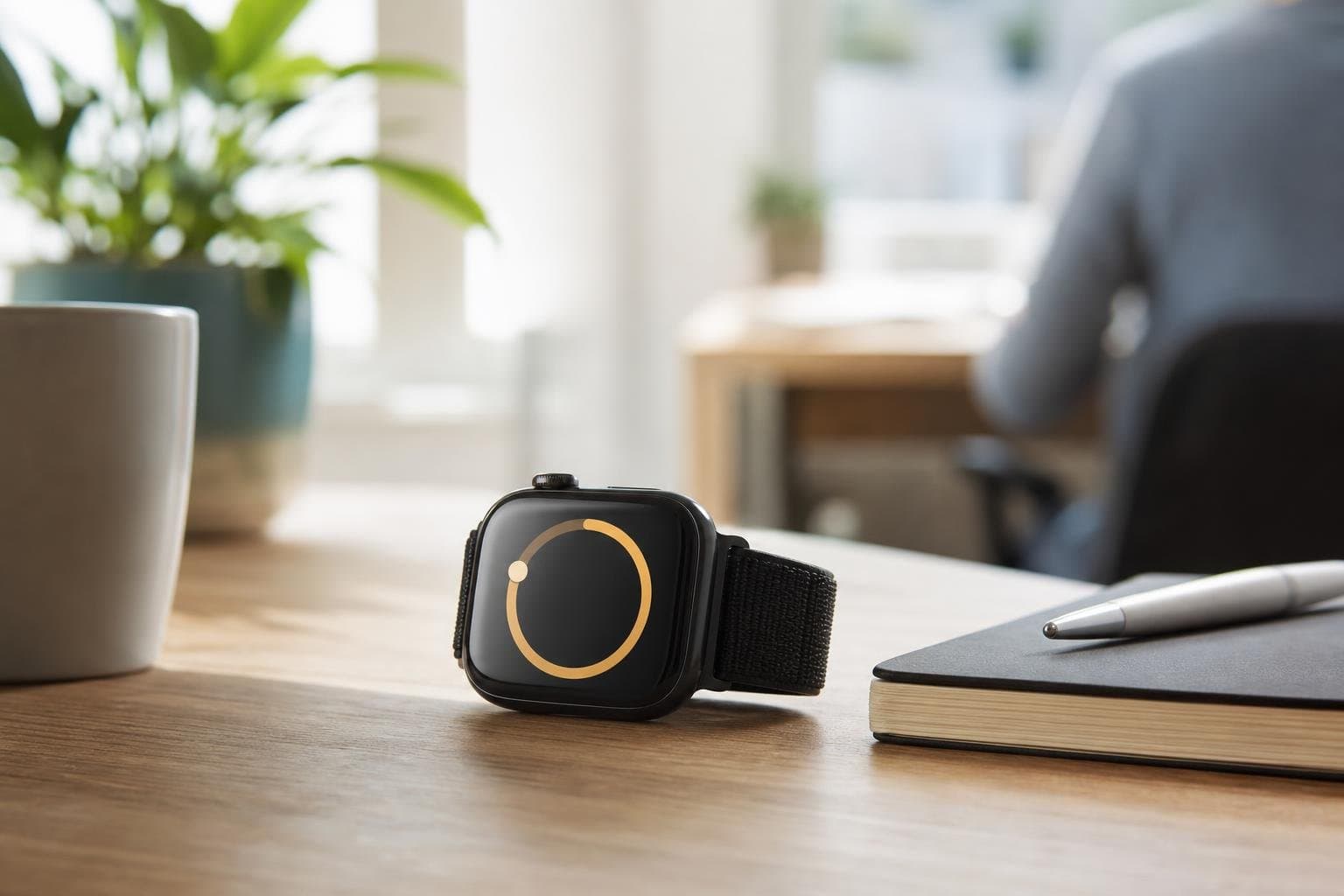
Using a focus timer for Apple Watch series devices allows you to run deep work intervals directly from your wrist. When you leave your phone in another room or keep it stowed in your bag, your wrist provides immediate tactile feedback for every interval you complete.
Why Use a Wrist-Based Timer
Reaching for your phone to start a work session often leads to checking notifications, opening messaging apps, and losing your train of thought. A dedicated wrist interface removes that friction entirely. You tap the screen, start your countdown, and get straight to work without opening a portal to digital distractions. Your watch keeps you anchored to the current task through subtle vibrations rather than loud alarms that disrupt your environment. Whether you sit at a desk or move around an office, keeping your active timer visible on your arm ensures you never lose track of how much time remains in your current work block.
Integrating Tupp on Your Wrist
Tupp brings seamless time tracking and focus sessions directly to your hardware ecosystem. You can launch your focus timer straight from your watch face, allowing you to initiate deep work blocks in seconds. The app syncs instantly across your iPhone, Apple Watch, and web browser, meaning your completed sessions update everywhere at once. If you pause a session on your wrist to handle an urgent matter, your other devices reflect that state immediately. This level of cross-device synchronization eliminates gaps in your productivity logs and keeps your daily statistics accurate without manual intervention.
Managing Focus and Breaks Effectively
Structured intervals prevent mental fatigue during long workdays. A reliable wrist timer lets you alternate between intense concentration and mandatory rest without guessing.
- Set a fixed interval for uninterrupted tasks.
- Allow the watch to signal the exact second your break begins.
- Step away from your desk during rest periods to clear your mind.
- Return to your workspace immediately when the next vibration prompts you.
Following a rigid cadence trains your brain to enter a state of deep focus quickly. Over time, you require less warm-up energy to lock into complex assignments.
Combining Focus Sessions with Habit Tracking
Deep work rarely happens in isolation. Building a sustainable routine requires pairing your focus hours with consistent daily actions. As you wrap up your timed work blocks, you can check off related items on your daily checklists or log occurrences in your habit trackers. Tupp connects these disciplines so you can view your focus hours alongside your broader habit metrics on the web. Teams looking to scale these habits across an entire department can explore Tupp Business for shared activity libraries and administrative oversight.
Optimizing Your Apple Watch Layout
Your watch face should support your workflow rather than cluttering your vision. Place your productivity complications prominently so you can view active countdowns at a glance.
- Choose a modular watch face that accommodates a direct app shortcut.
- Keep your daily progress visible alongside the time.
- Test different complication sizes to find what fits your reading habits best.
- Minimize non-essential notifications on the same watch face to protect your attention.
When your wrist acts as a clean dashboard for your daily goals, checking your schedule takes less than a second. You maintain momentum throughout the day by eliminating unnecessary taps and swipes.
Frequently asked questions
Does the watch timer work without my iPhone nearby?
Yes. Once your sessions and routines are synced to your device, you can run your active timer independently while your phone is out of reach.
How do I start a session from my wrist?
You simply open the Tupp app on your Apple Watch, select your preferred interval duration, and tap to begin your countdown.
Will my watch notify me silently when time is up?
Yes. The app utilizes haptic feedback to tap your wrist gently when your work session or break period concludes, keeping your environment quiet.
Can I track habits on my watch as well as focus sessions?
Your watch serves primarily as a wrist-based control center for active focus, while your full habit tracking history and routine schedules sync seamlessly across your iPhone and web dashboard.
 Download on the App Store