Using homescreen habit tracking widgets eliminates the friction between completing an action and recording your progress. Instead of opening an app, navigating menus, and risking digital distractions, you register an update with a single tap directly from your display. At Tupp, we design tools that protect focus and help you sustain daily consistency without unnecessary screen time.
The Cost of App Friction in Daily Routines
Every extra tap required to record a habit reduces the likelihood that you maintain it over time. When logging an activity demands opening an unlocked phone, locating an app icon, and waiting through an interface load, you introduce immediate temptation. A routine check-in often turns into scrolling through message feeds or opening unread notifications.
Friction acts as a silent deterrent to discipline. Behavioral consistency depends on rapid positive feedback, where the effort to document an action never exceeds the effort of the action itself. If logging your hydration, stretching, or reading takes thirty seconds of smartphone navigation, the administrative overhead disrupts your focus.
Placing your routines directly on your primary interface transforms how you interact with your phone. A glance replaces an app search, and a direct tap replaces an extended digital detour. By keeping routine management upfront, you complete your record and immediately put the phone down.
How Instant Updates Protect Focus and Momentum
Momentum in personal discipline relies on continuous reinforcement. Seeing an incomplete item directly on your device acts as an ambient cue throughout the day. Rather than relying on intrusive push notifications that break deep work sessions, visible widgets provide quiet, constant awareness.
When you mark a routine complete directly from the widget, the state updates in real time. This immediate feedback loop delivers two specific operational benefits:
- Reduced distraction exposure: You never expose your attention to notification badges or social feeds while confirming your progress.
- Accurate time records: Activities are logged the moment they happen rather than reconstructed from memory at the end of the day.
Immediate recording also preserves your visual streaks. As outlined in our guide on using a habit tracker that shows streaks, steady visual progress strengthens commitment. A widget ensures that every verified action reflects instantly on your counter without operational lag.
Comparing Widget Layouts and Functional Setups
Different habits require different visual real estate and interaction styles. Selecting the correct widget format prevents display clutter while presenting the right amount of actionable data for your daily schedule.
| Widget Configuration | Best Suited For | Primary Interaction | Displayed Information |
|---|---|---|---|
| Small Square (2x2) | Single core priority | Single tap to complete | Current streak, icon, completion status |
| Medium Horizontal (2x4) | Daily 3-5 item routines | Individual checklist taps | Multiple habit titles, checkboxes, progress bar |
| Large Block (4x4) | Comprehensive daily overview | Multi-item status updates | Full daily schedule, streaks, pattern summaries |
| Lock Screen Compact | Critical ambient reminders | Glanceable indicator | Binary completion ring, target counter |
For high-frequency binary tasks like taking vitamins or drinking water, a small format provides an efficient target. For sequenced morning or evening workflows, a medium layout provides clear checklists so you know exactly what comes next without switching screens.
Configuring Your Interface for Maximum Discipline
A disciplined digital space reflects intentional priorities rather than reactive consumption. Positioning your tools thoughtfully on your device prevents cognitive overload and maintains a clutter-free working environment.
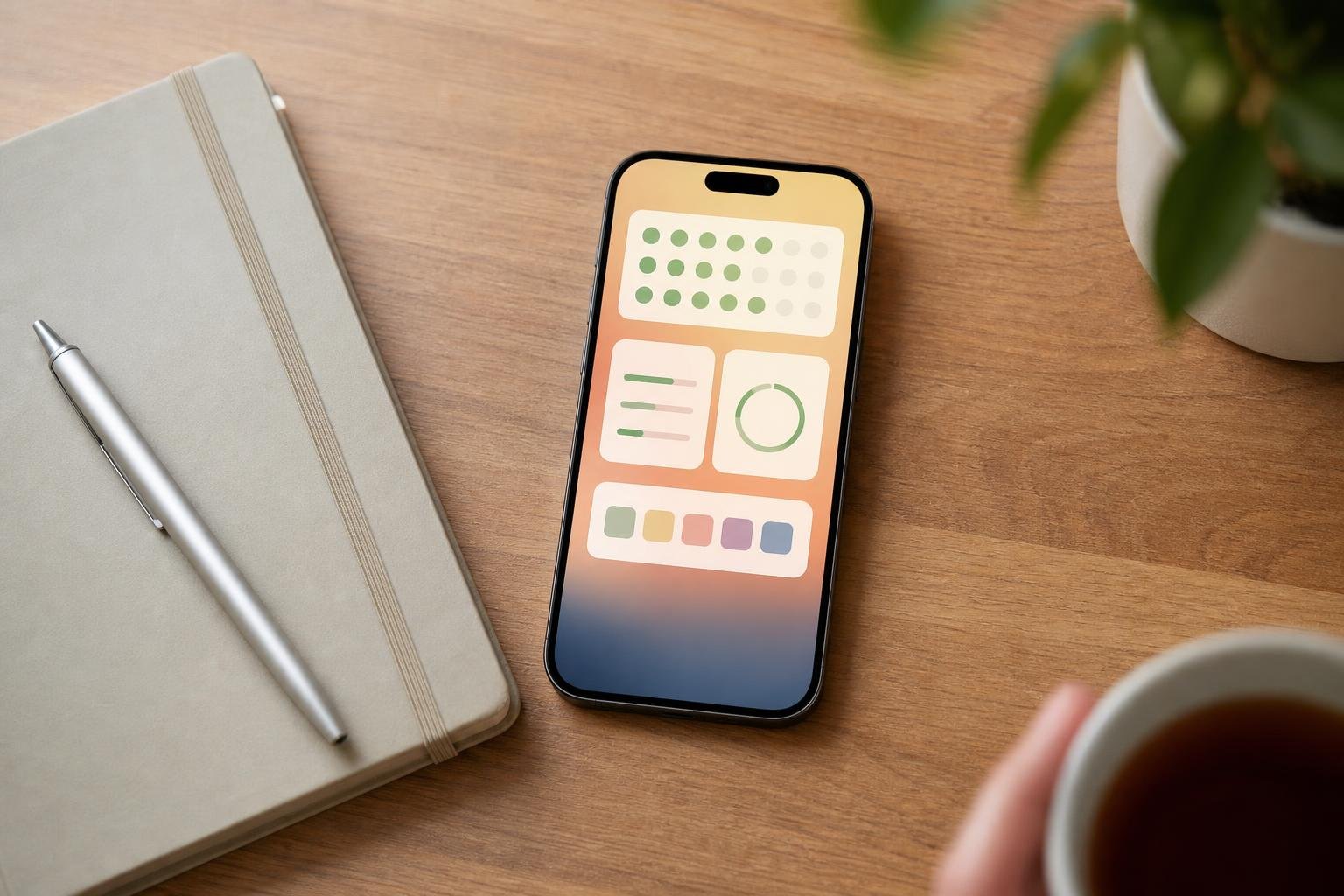
Prioritise the Primary Page
Reserve your initial display strictly for essential tools and deliberate commitments. Place your homescreen widgets where your thumb naturally rests, keeping passive entertainment and communication apps off the first screen entirely. This layout ensures that every glance reinforces purposeful action rather than passive browsing.
Organise by Routine Phases
If your schedule changes across the day, group habits logically by sequence. Morning routines, mid-day focus sessions, and evening wrap-ups can sit in distinct sections or dedicated stacks. This structure aligns your screen with your real-world rhythm.
Balance Binary Checks with Analytics
While daily checkmarks keep you moving, context matters. Pair simple interactive check-offs with broad perspective tools, such as our 30 day habit tracker pattern view, to see how individual days construct your broader performance trends.
Synchronisation Across iPhone, Apple Watch, and the Web
Habit management cannot remain confined to a single device. A routine completed during an outdoor workout or away from your desk needs immediate capture without requiring you to retrieve your phone.
Using Tupp, your progress synchronises continuously across your iPhone, Apple Watch, and web interfaces. When you tap a widget on your wrist during a training session, the change registers across your devices instantaneously. Your desktop view updates without requiring manual refreshes or data reconciliation.
This unified ecosystem ensures that individuals and teams maintain reliable records regardless of where work happens. When routine tracking operates reliably in the background, you spend less time managing software and more time executing your goals.
Frequently asked questions
Can I check off habits directly without opening the full application?
Yes. Interactive widgets allow you to tap an item on your screen to log completion instantly, updating your streaks and daily progress without launching the underlying app interface.
Do habit tracking widgets drain device battery quickly?
Modern widgets rely on operating system refresh budgets and local processing. They update visual states on direct interaction and periodic background syncs, resulting in negligible impact on your daily battery life.
How do widgets handle habits that happen multiple times a day?
Multi-count habits display a progressive counter or segmented progress bar on the widget. Each tap increments your count until you reach the target threshold set for that specific routine.
Can I hide completed habits from the widget to keep it clean?
Yes. You can configure widgets to filter completed items automatically, leaving only pending actions visible so your remaining responsibilities stay clear throughout the afternoon and evening.
 Download on the App Store