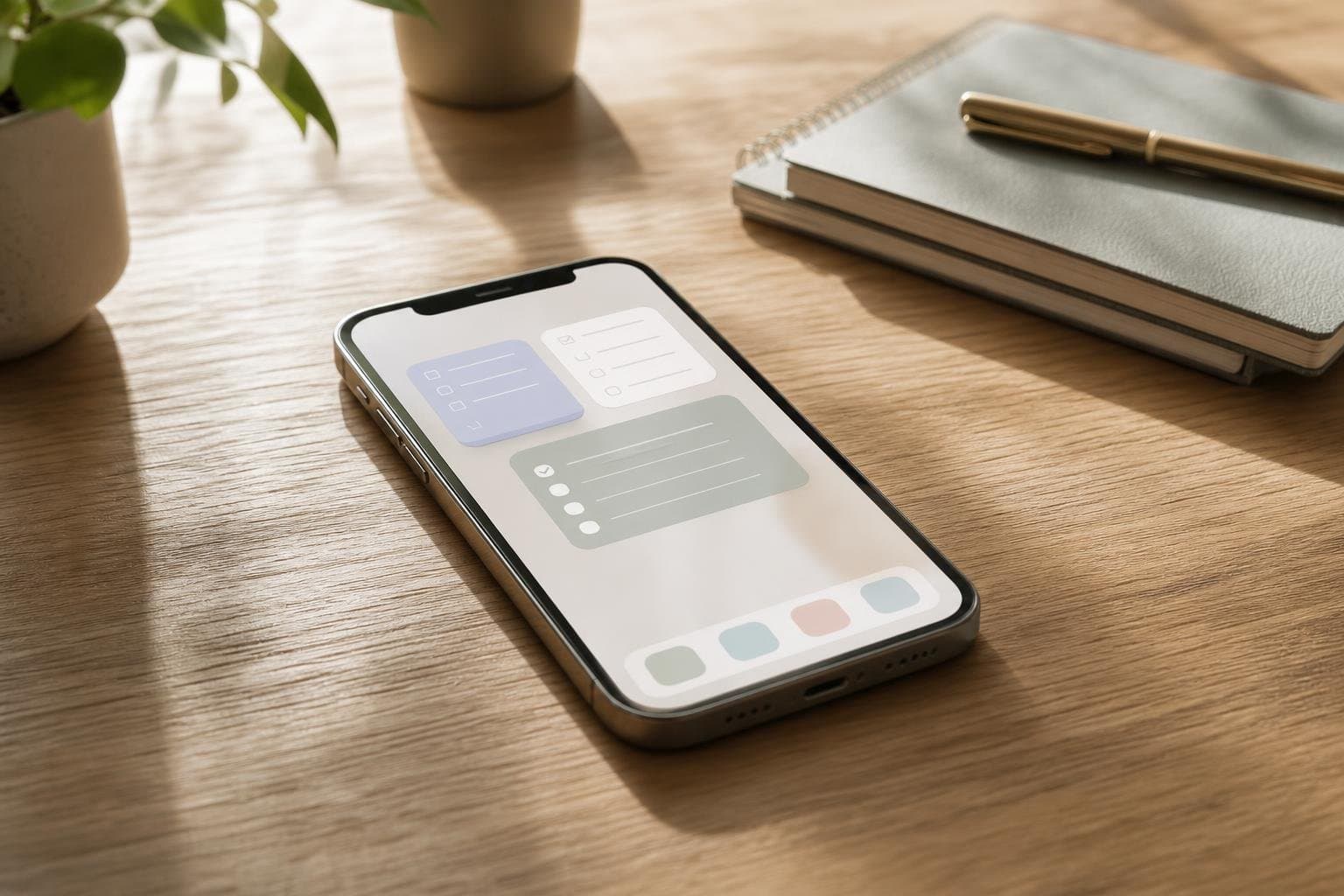
Managing your daily workload often requires opening numerous applications just to check off a single item. By implementing interactive homescreen widgets for tasks, you can bypass unnecessary app launches and manage your responsibilities directly from your device background. We design Tupp to integrate seamlessly into your daily routine, helping individuals and teams protect focus without added friction.
The Mechanics of Homescreen Productivity
Traditional task management apps demand that you unlock your phone, locate an icon, and wait for the interface to load. This multi-step process invites distraction, as notifications and unrelated apps compete for your attention. Interactive widgets remove these friction points by bringing core functionalities directly to your primary view.
When you can check off a task or log a habit with a single tap, your digital environment supports your discipline rather than undermining it. You spend less time navigating software and more time executing your plans. This direct access transforms your phone from a distraction engine into a structured workspace.
Comparing Task Management Methods
Different workflows require different tools to maintain momentum throughout the day. Reviewing how access methods compare helps you determine the most efficient path for your daily habits. Here is how standard app navigation stacks up against direct screen interactions.
| Access Method | Friction Level | Distraction Risk | Best Suited For |
|---|---|---|---|
| Traditional App Opening | High | High | Deep planning sessions |
| Menu Bar Shortcuts | Medium | Medium | Desktop-heavy work |
| Homescreen Widgets | Low | Low | Quick tasks and habits |
Selecting the right access method keeps your attention focused where it belongs. When you reduce the steps required to complete a minor chore, you protect your mental energy for larger challenges. Explore our Tupp pricing details to find the right tier for your routine.
Integrating Widgets Into Your Daily Flow
Maximizing the utility of your device background requires intentional placement of your most critical items. Place time-sensitive priorities on your primary page where you see them first thing in the morning. Group routine items together so you can clear your morning checklist in seconds.
As you build consistency, you will notice that minor friction points often derail good intentions. Putting essential tools on your display helps you start a session without hesitation. For individuals managing complex workflows, pairing these views with our focus timer creates a unified system across your devices.
Designing a Distraction-Free Device Setup
Your device layout should serve your goals rather than serving app developers. Remove social media icons and entertainment apps from your primary pages to reduce the urge to scroll. Fill those prominent spots with functional tools that prompt positive actions.
When you open your phone to check the time, you should be greeted by your immediate priorities. This intentional design choice reinforces your commitment to your daily checklist. You take control of your attention before external noise has a chance to intervene.
Expanding Productivity Across Teams
Productivity is not just an individual endeavor; teams also benefit from streamlined daily alignment. When everyone on a team uses shared views, coordination becomes second nature. Administrative controls ensure that team members stay aligned on core objectives without excessive meetings.
Organisations looking to unify their daily routines can explore our Tupp for Teams offerings. Shared activity libraries and seat management help teams maintain momentum together. Clean interfaces keep everyone focused on output rather than software complexity.
Frequently asked questions
How do interactive widgets work on my phone screen?
Interactive widgets allow you to check off tasks, log habits, and update your daily checklist directly from your homescreen without opening the main application.
Can I use these widgets on both iPhone and Apple Watch?
Yes, Tupp syncs seamlessly across your iPhone, Apple Watch, and the web so your tasks and habits are always up to date wherever you look.
How do homescreen widgets reduce daily distractions?
By eliminating the need to unlock your phone, locate an app icon, and wait for it to load, widgets prevent you from seeing unrelated notifications that trigger mindless scrolling.
 Download on the App Store