A modern live activity focus timer app turns your Lock Screen and Dynamic Island into an ambient command center so you never need to open your phone during deep work. Instead of unlocking your device and risking instant distraction, you get real-time elapsed intervals and pause controls right on the surface. We designed this continuous visibility to help you maintain unbroken concentration across busy working days.
The Friction Problem with Standard Timers
Traditional timer apps force you to unlock your screen whenever you want to check your remaining minutes. That single action exposes your attention to unread messages, social feeds, and notification badges.
Every unlock creates an opportunity to derail deep work. When a brief glance at your session turns into ten minutes of scrolling, your rhythm breaks. You lose the cognitive flow that took half an hour to build.
A system using Apple Live Activities solves this friction directly. It projects session data onto your Lock Screen, letting you verify progress at a glance, put the phone down, and protect focus immediately.
How Live Activities Streamline Session Management
Live Activities present persistent, real-time app data on the Lock Screen and expand interactively within the Dynamic Island. When you start a session, your progress updates continuously without sending repetitive push alerts.
Lock Screen Glances
Your elapsed time, target milestone, and current task appear as a clean card on the Lock Screen. You can see your state without touching the glass or authenticating with Face ID.
Dynamic Island Controls
While working across other utilities on your device, the Dynamic Island shows your active countdown as a compact pill. Long-pressing the pill opens quick controls to pause or conclude the interval without switching apps.
| Interface Surface | Visibility State | Primary Interaction | Benefit to User |
|---|---|---|---|
| Dynamic Island (Compact) | Persistent minimal pill | Tap to view detail | Unobtrusive status while reading or researching |
| Dynamic Island (Expanded) | Floating interactive view | Pause or stop interval | Instant adjustments without app switching |
| Lock Screen | Full ambient widget card | Single-tap controls | Check progress and put the phone down |
| StandBy Display | Large desk-clock readout | Hands-free visibility | Dedicated timer display while charging |
Eliminating Context Switching at Your Desk
Context switching is among the costliest productivity leaks for knowledge workers. Switching between open windows to monitor work blocks divides mental energy and slows execution.
By keeping interval data pinned to ambient hardware displays, you treat your device like an executive dashboard rather than a digital toy. You can pair this flow with interactive homescreen widgets for tasks to organize your daily queue before triggering your countdown.
When your tools stay lightweight and visible, starting work requires zero friction. You choose your objective, engage the clock, and let the interface fade into the background.
Cross-Device Continuity Across Apple Hardware
Focus workflows should not stop at the iPhone. For complete session management, your timers must sync across your wrist and secondary displays.
Integrating your sessions with a focus timer for Apple Watch series lets you leave your phone in another room altogether. Haptic nudges on your wrist signal interval completions, keeping you on schedule without screens.
When your watch, phone, and desktop communicate through unified cloud syncing, you maintain accurate records without double logging. The focus timer inside Tupp coordinates your schedule across iPhone, Apple Watch, and the web, giving you absolute clarity over how your hours are spent.
Designing an Intentional Focus Environment
A Live Activity setup works best when supported by deliberate habits. Follow these steps to set up an uninterrupted workspace:
- Pair your session timer with Apple Focus Modes to silence non-critical banners automatically.
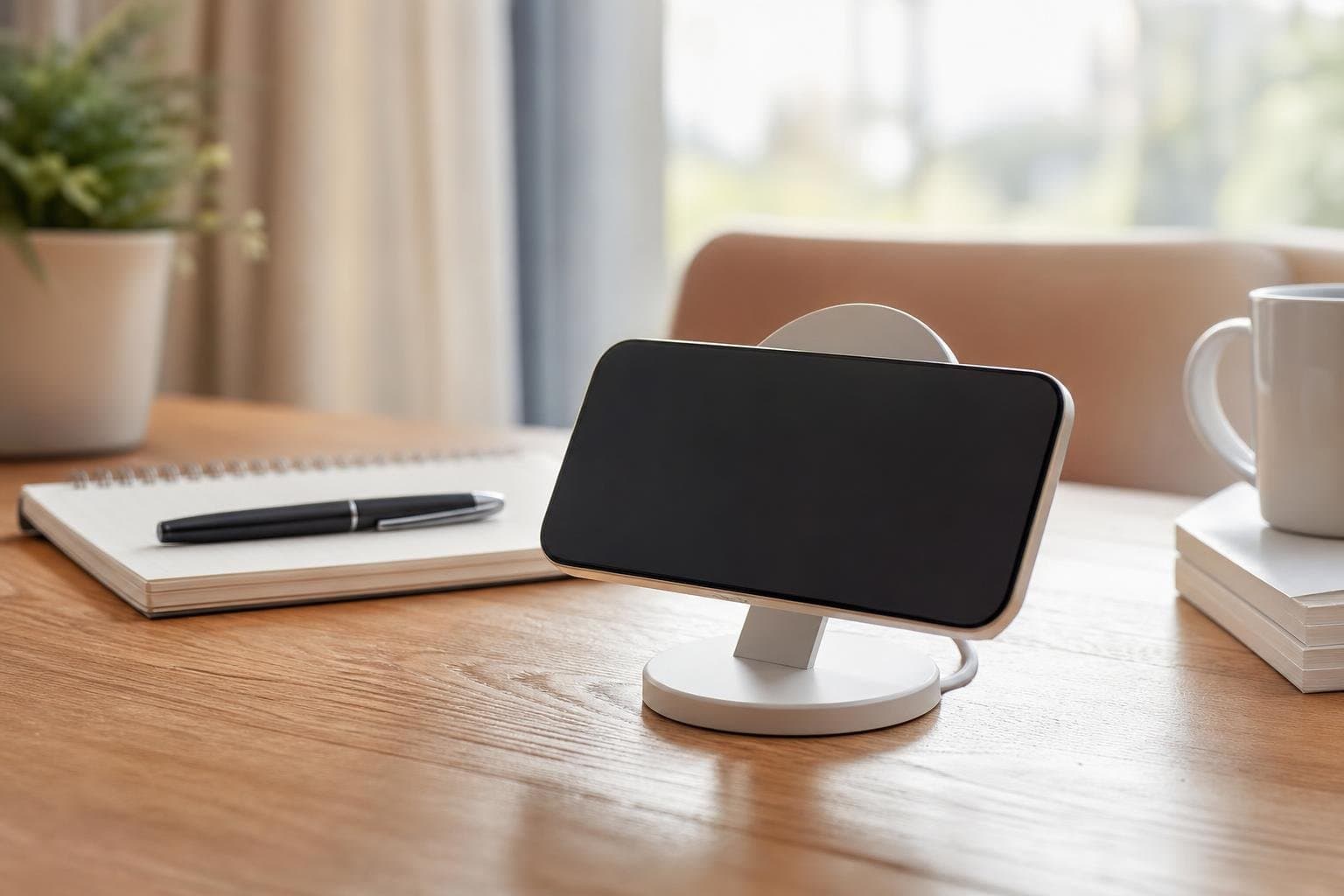
- Keep your phone face-up on a wireless charging stand to take advantage of StandBy mode.
- Segment complex projects into twenty-five or fifty-minute blocks separated by short breaks.
- Log your completed focus intervals directly into your daily review to spot peak energy trends.
If you manage shared workloads across an office or remote team, look at Tupp for Teams to apply shared activity tracking and structure across your organization.
Frequently asked questions
Do Live Activity focus timers drain iPhone battery life?
No. Live Activities run on efficient native iOS frameworks designed specifically for low energy consumption. They refresh smoothly on the Lock Screen without the continuous background battery drain associated with full app usage.
Can I pause or stop my session directly from the Lock Screen?
Yes. Interactive Live Activities include native buttons that allow you to pause, resume, or finish an active interval directly from your Lock Screen or the expanded Dynamic Island without unlocking your device.
What happens to the Live Activity timer when a call or alert comes in?
The Dynamic Island smoothly contracts to accommodate temporary system alerts or incoming calls. Once the notification clears, your timer information automatically returns to its visible spot so your timing stays accurate.
Does the Live Activity sync with an Apple Watch session?
Yes. When you start an interval on your iPhone or watch, your active session syncs seamlessly across devices, ensuring your Lock Screen display and wrist haptics reflect identical data.
 Download on the App Store