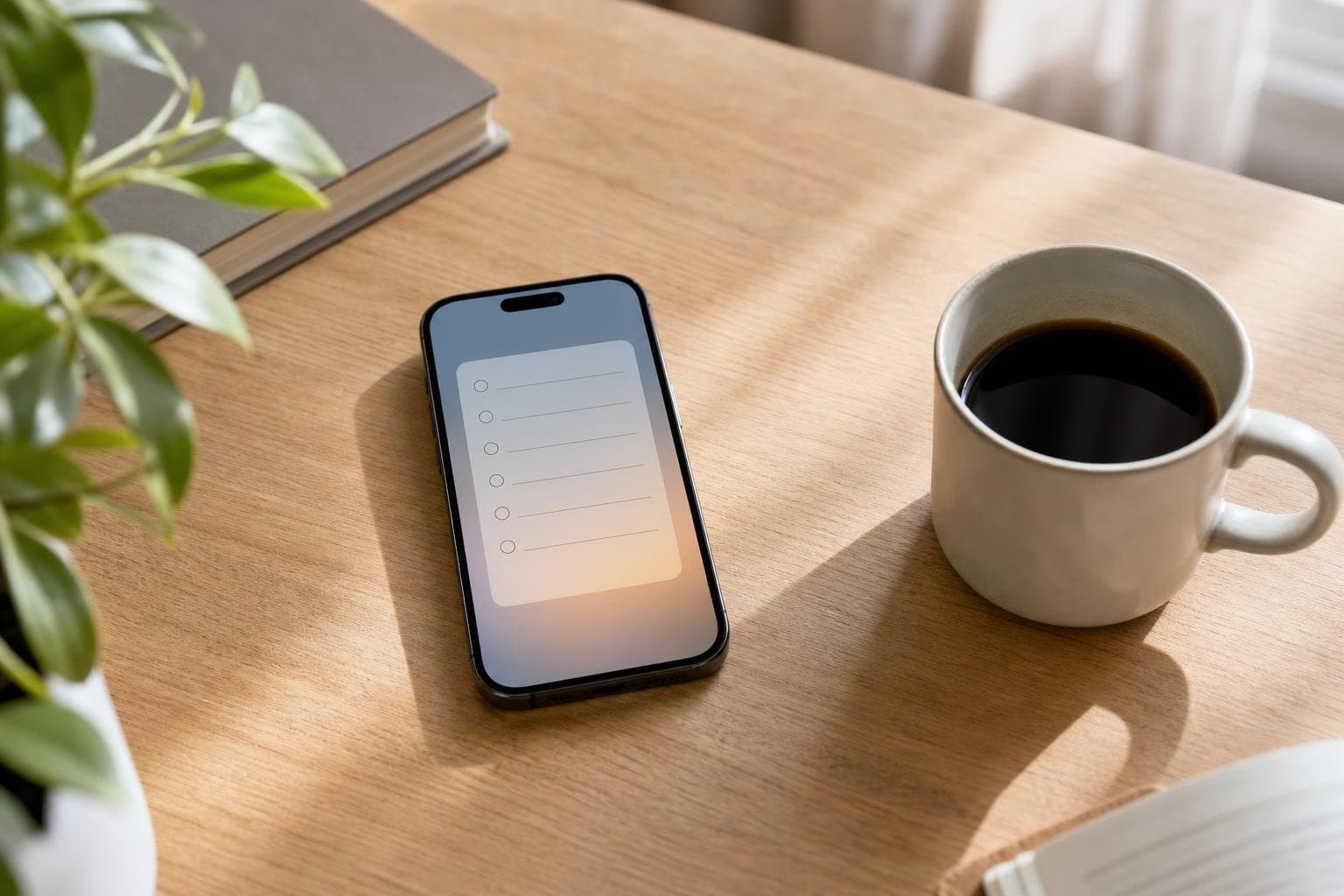
A cluttered mind rarely executes high-value work. Implementing a simple daily checklist for iPhone clears the mental noise and gives your day an intentional structure. Instead of wondering what to tackle next, you can rely on a streamlined system that keeps your priorities visible.
Why Traditional Task Managers Fail
Many productivity apps encourage you to hoard tasks, accumulating hundreds of deferred items until your workspace resembles a digital junk drawer. When your task manager requires heavy administration, you spend more time organizing work than actually doing it. Discipline requires clarity, not complexity. A minimalist approach strips away the noise so you can focus entirely on execution. When you manage fewer items, you eliminate the anxiety of endless backlogs and protect your energy for deep sessions of work.
Designing Your Core iPhone Routine
Effective organization starts with separating true daily obligations from one-off errands. Your daily checklist should only feature tasks that genuinely recur or directly support your core habits. For instance, you might include a quick administrative sweep, a dedicated block for client research, and preparation time for the next day. Keeping the list lean ensures you actually finish it rather than abandoning it halfway through the afternoon. You can structure these actions into predictable sequences that require minimal decision-making to initiate.
Leveraging iOS Features for Speed
Your iPhone offers built-in advantages that keep your plans front and center without demanding extra effort. Placing homescreen widgets directly on your main page lets you check off completed items without even unlocking your device or opening a separate app. This instant feedback loop reinforces positive behavior and keeps momentum high throughout the morning and afternoon. When interacting with your planning tools takes less than a second, you are far more likely to maintain consistency over weeks and months.
Integrating Focus Sessions with Task Execution
Checking off boxes provides a dopamine hit, but real output demands uninterrupted focus. Pair your task management with a dedicated focus timer to protect your attention from digital distractions. Whether you need to write a proposal, study biology, edit video, or handle admin, dedicating a specific timeframe to one task changes everything. Using a focus timer on your iPhone or Apple Watch prevents multitasking and forces you to concentrate on a single objective until the timer rings.
Building Long-Term Consistency
Organizing your days is not a one-time event; it is an ongoing practice of refinement. Reviewing your patterns weekly helps you identify which habits stick and which ones require adjustment. With tools like the Daily checklist built into your daily routine, recurring tasks reset automatically every morning to give you a clean slate. This consistent reset encourages you to build discipline naturally, one successful session at a time.
Frequently asked questions
How many items should be on a daily checklist?
Aim for three to five essential items per day. Keeping the list short prevents overwhelm and ensures you can realistically complete everything before evening.
How do I stop ignoring my task reminders?
Keep your list visible by utilizing homescreen widgets so you confront your tasks every time you pick up your phone.
Should I plan my entire week or day by day?
Focus primarily on a single day at a time while keeping long-term goals stored elsewhere. A daily focus prevents you from getting paralyzed by future commitments.
Can I sync my iPhone checklist with other devices?
Yes, modern productivity apps synchronize your tasks and habits seamlessly across your iPhone, Apple Watch, and the web.
 Download on the App Store