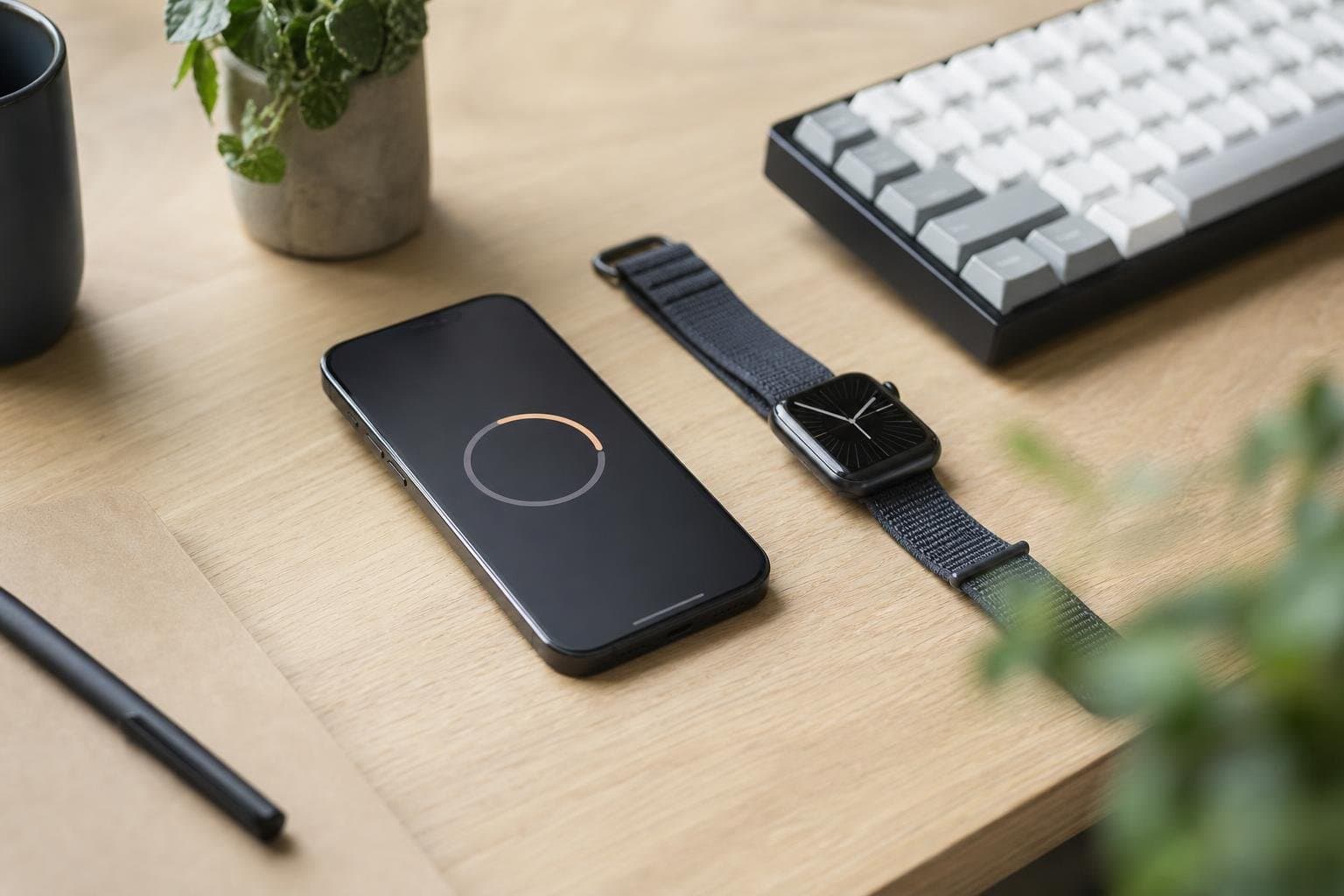
Finding the right focus todo alternative for apple ecosystem workflows comes down to how well your software fits hardware habits. While standard task managers often separate static to-do lists from active intervals, dedicated Apple users need tools that integrate seamlessly across devices. We believe that tracking commitments should not require fighting cluttered interfaces or manually toggling between disjointed timers.
Why Traditional To-Do Apps Fall Short on Apple Devices
Many task managers view productivity as an endless archive of unchecked items. They encourage you to hoard tasks rather than execute them in clear intervals. When you need to protect focus, a massive list creates cognitive drag rather than clarity.
Furthermore, generic cross-platform tools frequently treat Apple-specific features as an afterthought. They lack responsive interface elements, ignore glanceable hardware displays, and fail to synchronize smoothly when you transition between devices. A capable system must bridge the gap between planning your day and executing the work.
Key Requirements for Apple-Centric Task Execution
A cohesive Apple setup relies on tactile feedback, minimal visual friction, and real-time awareness across your entire device chain. When you evaluate an alternative, consider how deeply it uses system-level capabilities to keep you on schedule.
Essential System Integrations
- Live glanceability: Timers and active tasks should appear in the Dynamic Island and on the lock screen without requiring an app launch.
- Wrist-first control: Starting an interval, reviewing a step, and logging completion must work directly on Apple Watch so you can put the phone down.
- Uncluttered lists: Daily tasks should stay distinct from larger, ongoing project backlogs so you focus solely on today's priorities.
For users balancing structured work blocks with recurring routines, combining active time tracking with lightweight checklists prevents friction throughout the day.
Comparing Productivity Approaches in the Apple Ecosystem
Different productivity apps handle execution in distinct ways. Some focus purely on database management, others offer rigid Pomodoro loops, and modern alternatives unite daily routines with dedicated work intervals.
| Approach | Ideal Use Case | Device Strengths | Trade-Offs |
|---|---|---|---|
| Complex Project Database | Multi-team technical projects | Rich desktop features | Cluttered interfaces on mobile |
| Standalone Pomodoro Tool | Single-task burst work | Simple countdown clocks | Lacks daily task integration |
| Unified Focus & Daily Routines | Focused deep work and habits | Dynamic Island, Apple Watch, web | Less suited for sprawling roadmaps |
Selecting the right model depends on whether you spend your workday organizing long-term roadmaps or executing the specific steps right in front of you.
Bridging Action and Awareness Across Your Hardware
Execution improves when your tools match your physical environment. When sitting at your desk, you might manage your schedule via a browser dashboard. Once deep work begins, the desktop interface should fade away so the active interval remains visible without taking over your screen.
With Tupp, the focus timer operates natively with Live Activity integration on the Dynamic Island, lock screen, and Apple Watch. You can start a session, glance at remaining time while keeping your notes open, and mark milestones as completed. This structure helps you maintain momentum across both personal routines and business projects without unnecessary context switching.
For a deeper look at managing work on your wrist, see our guide to tracking intervals using a focus timer for Apple Watch series.
Structuring Your Daily Workflow for Sustained Output
A reliable focus routine is built on predictable patterns rather than sudden bursts of motivation. Begin each morning by defining non-negotiable items on a simple checklist rather than sifting through an infinite backlog.
- Outline today's priorities: Select three to five high-impact items that warrant focused energy.
- Isolate dedicated sessions: Set a defined block for your first task and start a session immediately.
- Remove peripheral noise: Let wrist-based haptics signal breaks so you do not need to check notifications on your screen.
- Review completed intervals: Use recorded data to understand where your hours actually went instead of relying on memory.
By uniting structured execution with flexible routines, individuals and teams can establish sustainable work habits that persist day after day.
Frequently asked questions
What makes a focus todo alternative different from a standard task manager?
A standard task manager stores obligations in passive lists, which often leads to backlog bloat. A focus-driven alternative pairs task lists directly with active session timers, encouraging you to finish one item before moving to the next.
Can I use focus timers effectively without keeping my iPhone screen on?
Yes. Using modern iOS features like Live Activities and Apple Watch companion displays, your session duration remains glanceable on your lock screen and wrist so you can leave your phone aside.
How do daily checklists differ from regular task boards?
Daily checklists concentrate strictly on today's recurring commitments and reset consistently, keeping clutter out of your daily view. Regular task boards store long-term backlogs that can distract from immediate priorities.
Does this approach work for both personal habits and collaborative teams?
Yes. Individuals use structured work blocks to protect focus, while teams can apply shared activity tracking and routine schedules to maintain transparency without micromanagement.
 Download on the App Store