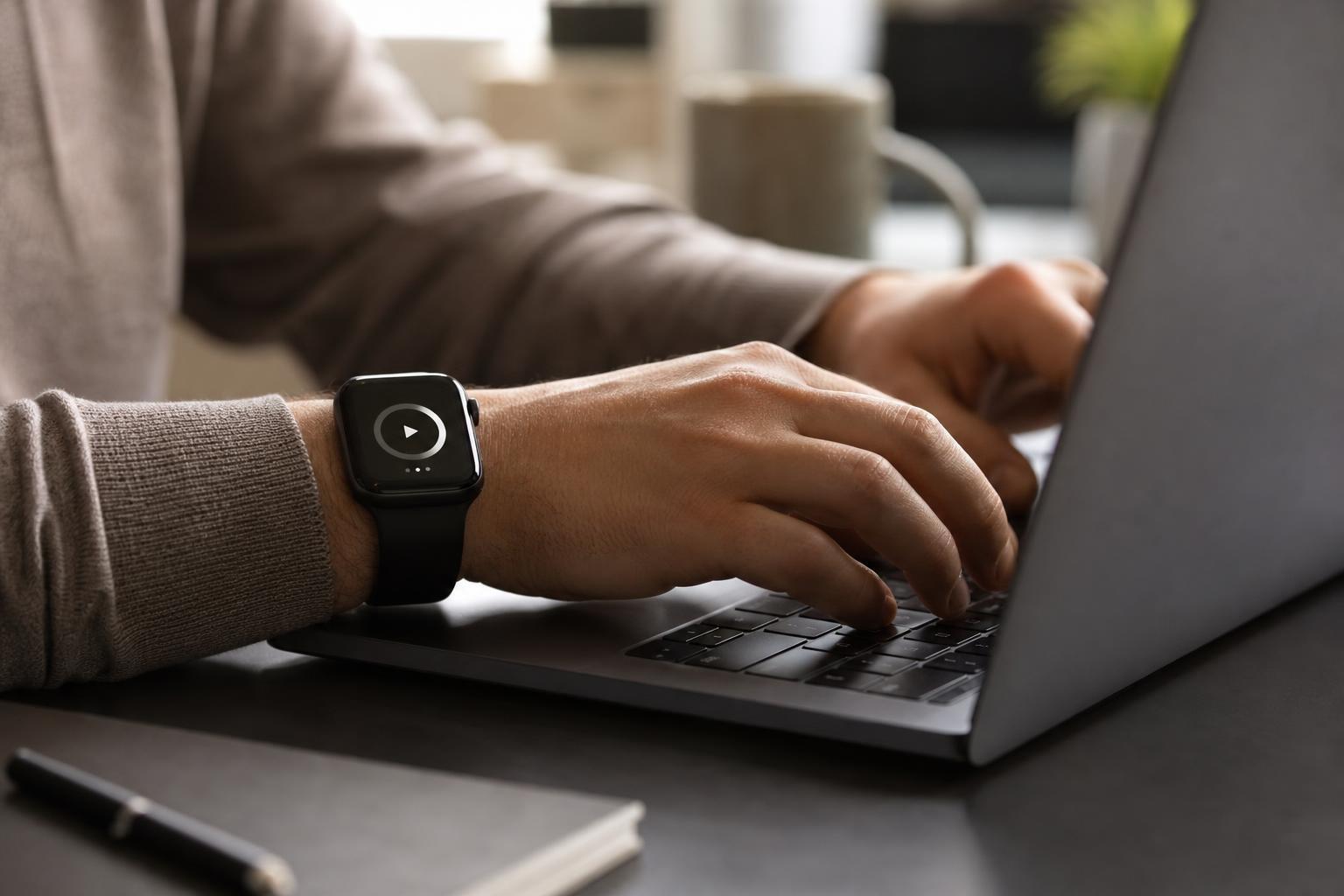
Finding the best time tracking app for iPhone and Apple Watch comes down to reducing friction between intending to work and actually logging your hours. When a tracker syncs instantly between your phone and your wrist, you never have to interrupt your workflow or navigate complex menus to start a session. Choosing an app that pairs responsive iOS features with an independent watchOS interface ensures your logs remain accurate throughout the day.
Why Wrist-First Time Tracking Protects Daily Focus
Reaching for your phone to start a timer often exposes you to notifications, messages, and social media feeds. When your primary tracking tool lives on your wrist, you can put the phone down and protect focus without missing billable hours. A single tap on an Apple Watch screen replaces unlocking a handset, opening a folder, and getting sidetracked by incoming alerts.
According to an analysis by TMetric, freelancers lose an estimated 15% to 40% of billable hours when their time tracking systems break down during the workday. Manual administrative overhead creates friction, causing people to guess their hours at the end of the day or forget to log short tasks entirely. When you can monitor intervals directly from your wrist, you prevent these gaps without breaking your concentration.
For a deeper look at managing active intervals solely from your wrist, read our guide on monitoring time on your wrist with an Apple Watch.
Essential Apple Ecosystem Features to Evaluate
The standard mobile app experience does not always translate well to the wrist. In its 2026 hardware-focused evaluation, Timesheet.io notes that native watchOS apps, Siri Shortcuts, Action Button integration, and offline sync are the key differentiators for time tracking directly on Apple Watch and iPhone. A capable tool must operate smoothly whether your devices are paired nearby or working independently in the field.
Modern iOS Integration
Your tracker should leverage modern Apple hardware features. Apps like Timemator show active tracking sessions natively with iOS Lock Screen Live Activities and the iPhone Dynamic Island. This capability lets you check current session length at a glance without unlocking your screen or opening the app.
Watch Complications and Standalone Sync
A capable Apple Watch companion should not function merely as a remote control for your handset. Look for watch faces with interactive complications that display your current running task and allow immediate pausing. Standalone capability ensures that if you step away from your desk or leave your phone behind, your watch stores your intervals locally and updates the database the moment your devices reconnect.
Comparing the Top Time Tracking Apps for iPhone and Apple Watch
Different workflows demand different features. Some professionals require precise invoicing and client budgets, while others prioritize structured focus intervals, habit tracking, and routine scheduling. Evaluating apps side by side clarifies which tool best matches your workday.
| Application | Core Focus | Standalone Watch App | Key Strength | Best Suited For |
|---|---|---|---|---|
| Tupp | Focus timer & habit tracking | Yes | Live Activities & daily checklist synergy | Focus sessions & habit building |
| Toggl Track | Client billing & reporting | Yes | Robust web reporting & team workspaces | Freelancers & client projects |
| Timemator | Automated background rules | No (companion only) | Dynamic Island & automatic tracking | Mac & iOS desk workers |
| Clockify | Free team timesheets | Yes | Unlimited users on free tier | Teams on a tight budget |
| HoursTracker | Geofenced shift logging | Yes | Location-triggered timers | On-site contractors & field work |
Each application targets specific pain points. In official documentation, Toggl Track details its built-in Pomodoro mode countdown timers alongside cross-device syncing across iPhone, desktop, and Apple Watch. Meanwhile, Clockify provides free plan support for tracking work hours, filling timesheets, and generating reports across teams.
If your work requires traveling to physical client locations, geofencing provides useful automation. App Store listings confirm that HoursTracker and Timesheet IO support location-based geofencing to trigger automated clock-ins and clock-outs as you arrive on site.
Automation and Intelligence in Modern Tracking
Time tracking has evolved beyond simple start-and-stop buttons. Modern systems eliminate guesswork through smart triggers, AI categorization, and biological feedback loops. A 2026 productivity evaluation published by Harvest indicates that AI-driven automatic time tracking tools like Timely can increase reporting efficiency by up to 32%.
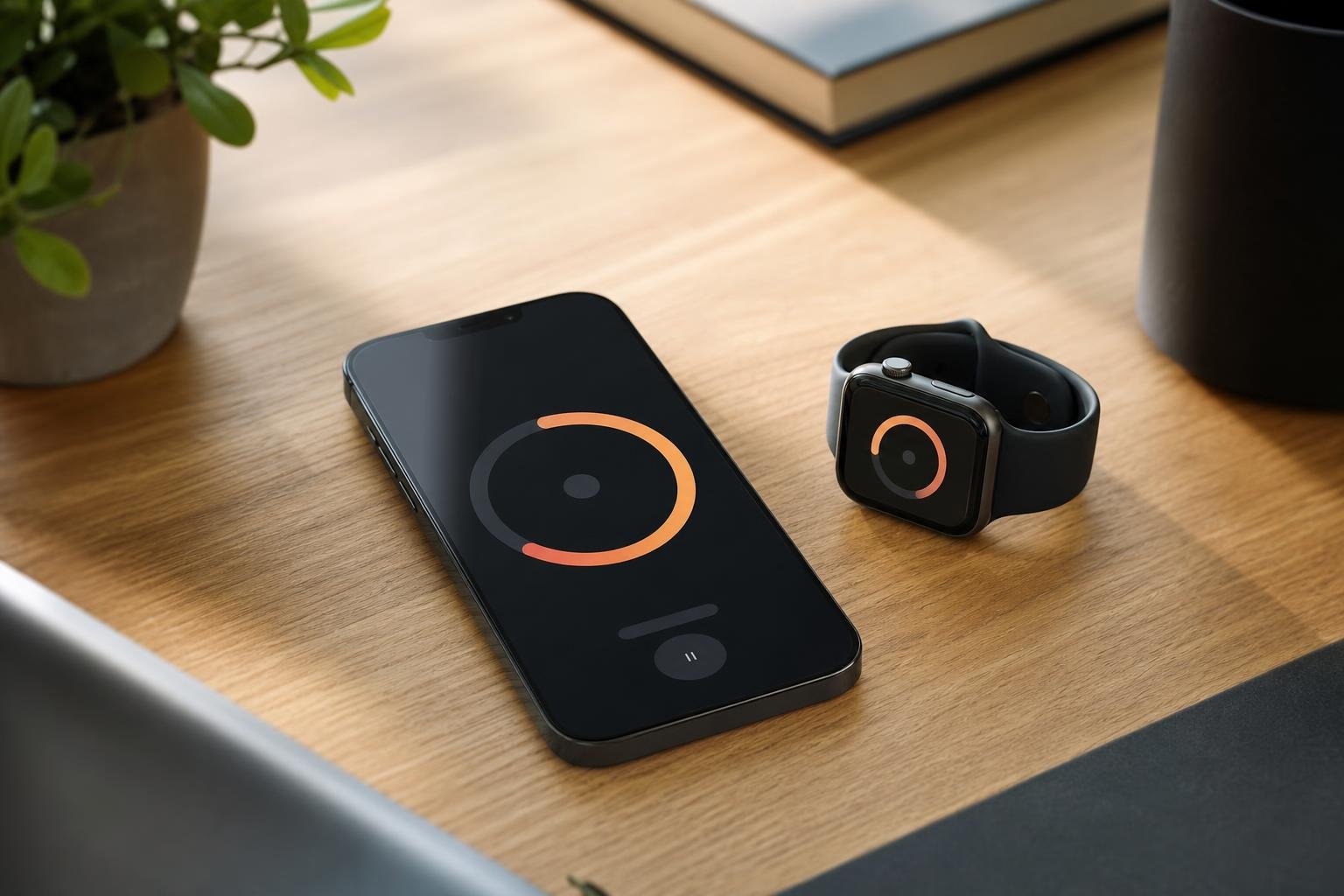
Biometric integration is another expanding area. The Apple App Store listing for Timesheet IO highlights health-aware break reminders that utilize Apple Health biometric metrics such as heart rate and step counts. Combining biometric awareness with scheduled intervals prevents burnout during heavy production phases.
Automating your setup through Apple Shortcuts also lets you bind recurring activities to physical gestures. Assigning your primary tracking action to the Action Button on an Apple Watch Ultra or modern iPhone allows you to start a session the second your work begins.
Structuring Your Daily Workflow for Accuracy
Software alone cannot organize your day if you do not establish clear routines. To capture an honest record of where your energy goes, pair your digital tracker with practical operational habits.
- Define Broad Categories: Avoid tracking granular five-minute subtasks like checking single emails. Group efforts into distinct categories such as deep work, administration, meetings, and client reviews.
- Use Homescreen Widgets: Place homescreen widgets on your primary iPhone screen to review active timers immediately upon picking up your device.
- Schedule Structured Blocks: Combine time tracking with daily checklists and routine scheduling so your day follows an intentional plan rather than reactive interruptions.
- Audit Weekly Reports: Review your total tracked hours at the end of every week to identify hidden schedule drains and refine project estimates.
To build structured, repeatable patterns throughout your schedule, review our practical guide on how to stop procrastinating using time blocking.
At Tupp, we build tools designed to keep individuals and teams focused. With a synchronized focus timer, habit tracking, and glanceable homescreen widgets, you can structure your day, log deep work sessions from your wrist, and maintain momentum without friction.
Frequently asked questions
Can I track time on my Apple Watch without carrying my iPhone nearby?
Yes, if the application features an independent watchOS architecture. Standalone apps store your tracked intervals locally on the watch's internal storage and automatically sync your data to the cloud and iPhone once the connection is restored.
How significantly does running an Apple Watch time tracker impact battery life?
Modern watchOS apps consume very little power because they run on efficient timer APIs rather than keeping the screen constantly awake. Using watch face complications or glancing at progress uses negligible battery over a typical twelve-hour work period.
Is an interactive watch complication better than opening the full watch app?
Yes. Interactive complications allow you to start a session or pause your timer directly from your primary watch face with a single touch, eliminating the need to search through your application grid.
Can I use Siri or the Action Button to control my timers hands-free?
Most modern iOS time trackers support Siri Shortcuts and the hardware Action Button. You can configure custom voice prompts or hardware button presses to begin tracking specific projects instantly.
Sources
- 5 Best Time Tracking Apps for iPhone
- 6 Best Time Tracking Apps for iPhone and Apple Watch in 2026
- Timemator: Time Tracker App - App Store
- Toggl Track (Legacy) App - App Store
- Clockify Time Tracker App - App Store
- Hours Tracker: Time Tracking App - App Store
- Best Time Tracking Apps for iPhone in 2026
- Timesheet IO - Time Tracker App - App Store
 Download on the App Store