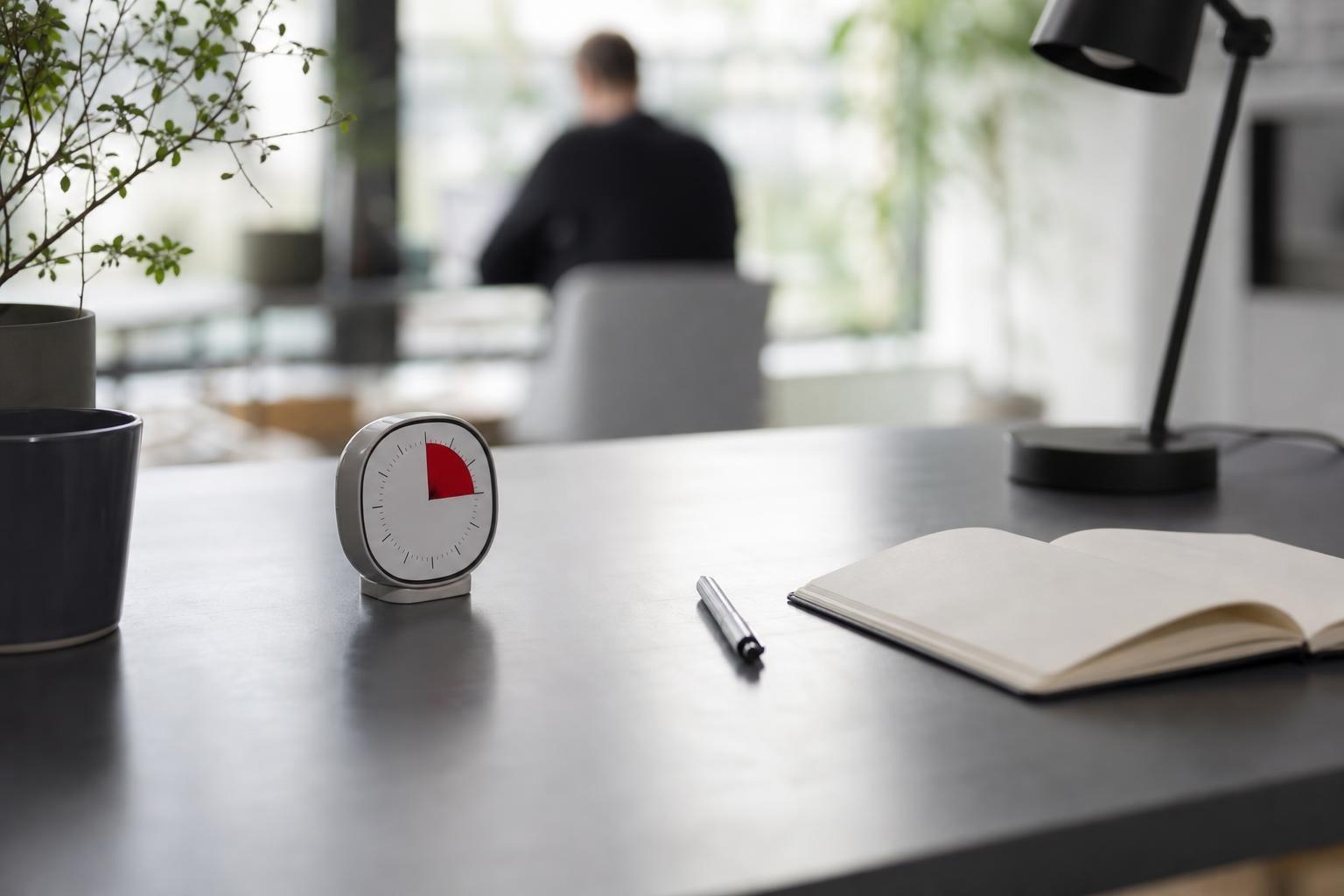
Finding the best focus timer comes down to choosing a tool that removes friction rather than adding another screen to manage. A timer must actively protect focus, adapt to your cognitive rhythm, and keep you accountable without demanding constant maintenance. Whether you work best with strict intervals or fluid blocks, selecting the right format transforms intention into focused execution.
Why Interval Timers Work: The Cognitive Science of Pacing
Working continuously without intentional pauses steadily degrades your mental sharpness. A 2011 cognitive psychology study by Atsunori Ariga and Alejandro Lleras published in Cognition demonstrated that taking brief diversions from a prolonged task prevents habituation and dramatically improves focus over time. When your brain remains locked on a single target without relief, sensory adaptation sets in, causing your attention to drift.
Without an external pacing mechanism, interruptions quickly compound into massive productivity losses. Research led by Dr. Gloria Mark at the University of California, Irvine, found that it takes office workers an average of 23 minutes and 15 seconds to return to an original task after being interrupted. When you rely on an objective counter to hold your boundaries, you stop context-switching and give your working memory a defined container to finish what you started.
Furthermore, Sophie Leroy's 2009 research on attention residue revealed that moving rapidly between incomplete tasks leaves mental residue that degrades cognitive performance on subsequent work. A dedicated timer establishes clear endpoints, allowing you to complete a phase before stepping away, which prevents residue from draining your energy.
Evaluating Formats: Digital Apps, Native Widgets, and Physical Timers
Focus timers generally fall into three distinct categories: hardware desk timers, standalone productivity applications, and integrated system timers. Choosing the correct tool depends directly on your workspace habits and your vulnerability to device distraction.
Hardware tools help you put the phone down entirely, eliminating notification risk. Visual timers like the Time Timer MOD use a disappearing colored disk to visualize elapsed time without the ticking or anxiety of numbers. However, physical timers do not sync historical records or notify you if you step away from your desk.
Digital applications integrate cleanly into modern operating systems. When you pair an interval tool with modern platform capabilities—such as an iPhone lock screen live activity or wrist notifications—you eliminate the need to unlock your phone or open desktop windows to monitor progress. Minimalist interfaces keep the countdown visible at a glance while preserving your concentration.
Timer Format Comparison: Matching Your Environment
Every workflow demands a different balance between visibility, data logging, and friction. Use this comparison to assess which tool fits your daily routine.
| Timer Type | Visibility Method | Distraction Risk | Data & Habit Sync | Best Suited For |
|---|---|---|---|---|
| Physical Mechanical / Cube | High (Desk surface) | Very Low | None (Manual logging) | Pure desk work, reading |
| Disappearing Visual Disk | High (Analog disk) | Very Low | None | Visual thinkers, time blindness |
| Standalone Desktop App | Low to Medium | Moderate | Good | Coding, continuous computer work |
| Mobile App with Lock Screen View | High (Glanceable) | Low (No unlock needed) | Excellent (Automatic) | Hybrid desk and remote work |
| Smartwatch Native App | Immediate (Wrist tap) | Very Low | Excellent (Biometric sync) | Mobile professionals, deep sprints |
If you spend your day away from a fixed desk, selecting a focus timer for Apple Watch lets you check remaining time with a glance, keeping you locked into the session without touching your phone.
Selecting Your Optimal Focus Rhythm
The standard interval structure does not fit every task. When selecting software, ensure it allows flexible configurations rather than locking you into rigid intervals.
Traditional 25/5 Cycles
Francesco Cirillo designed the Pomodoro Technique in the late 1980s around 25-minute periods of dedicated work separated by 5-minute intervals of rest, followed by an extended 15- to 30-minute break after every four cycles. This model remains ideal for tackling procrastination, clearing administrative backlogs, or drafting difficult emails where starting represents the primary obstacle.
The 52/17 and 75/33 Rhythms
For complex problem-solving and software engineering, 25 minutes often interrupts deep immersion. A 2014 workplace study analyzing the top 10% most productive users of DeskTime discovered an optimal rhythm of 52 minutes of intense work followed by a 17-minute restorative pause. More recently, DeskTime's 2025 workplace productivity study examining 6,000 top performers revealed that the average cycle shifted further to 75 minutes of work paired with a 33-minute break.
In her 2023 book Attention Span, informatics researcher Dr. Gloria Mark reported that the average screen time before switching tasks dropped to just 47 seconds. Given that steep decline, choosing a focus timer that accommodates longer 50- to 75-minute sessions helps anchor your attention through challenging analytical deep work.
Crucial Features to Look for in Modern Timers
When you evaluate applications, avoid tools loaded with unnecessary gamification or social feeds that create new obligations. The best focus timer should function smoothly in the background while keeping tracking simple.
- Glanceable Status: You should never have to unlock your screen or navigate through tabs to view your countdown. Look for support for system widgets, menu bars, and lock screens.
- Cross-Device Continuity: Starting an interval on your desktop should reflect instantly on your wrist and handheld devices so your logs stay coherent.
- Frictionless Logging: Look for tools that connect focused intervals directly to recurring goals. Combining session duration with your daily habit checklist helps build tangible momentum over months.
- Haptic and Non-Intrusive Alarms: Jarring audio alarms disrupt mental calm. Gentle haptic pulses or subtle visual cues signal transitions without breaking your train of thought.
If you work as part of an organisation, look for platforms that extend to team productivity software with time tracking. Shared session structures allow colleagues to respect quiet hours and plan synchronized focus sprints.
How to Integrate a Focus Timer into Your Routine
A focus timer is only as effective as the boundaries you build around it. To extract the greatest value from your sessions, establish a clear pre-timer ritual.
First, isolate the exact target for the upcoming session. If a task feels vague, take two minutes to write down the singular outcome you want to produce before you start a session. Define what done looks like for that block.
Second, eliminate parallel distractions before launching the countdown. Close non-essential browser tabs, switch communication platforms to quiet modes, and place mobile devices face down or out of line of sight. Learn how to track focus time effectively by pacing yourself throughout the day rather than forcing back-to-back blocks without rest.
Finally, honor the rest intervals with equal rigor. Step away from your desk, stretch your shoulders, and hydrate instead of switching to personal social feeds. High-quality recovery enables high-intensity concentration when the next block begins.
Frequently asked questions
Is a 25-minute focus timer better than a 50-minute interval?
Neither duration is universally superior; each serves different cognitive tasks. A 25-minute timer excels at overcoming task resistance, handling routine correspondence, and organizing schedules. A 50- or 75-minute interval suits deep immersion tasks like programming, long-form writing, and strategic analysis where frequent interruptions break flow.
Should I choose a physical desk timer or a digital timer app?
Choose a physical timer if you struggle with digital device distractions or work at a stationary desk. Choose a digital application if you need automated logs, device syncing across mobile and smartwatch hardware, or silent haptic notifications that avoid disturbing shared workspaces.
What should I do during the timer's break intervals?
Use rest breaks to rest your eyes and change your physical posture. Step away from computer displays, stretch, drink water, or take a short walk. Avoid checking email or social feeds during rest breaks, as passive screen reading generates cognitive fatigue and prevents mental reset.
How do I prevent burnout when using timed focus sessions all day?
Avoid scheduling back-to-back focus sprints without real pauses. Cap your deep work sessions at three to five high-intensity blocks daily, honor longer rest intervals after multiple cycles, and deliberately log non-work habits to maintain balance across your entire routine.
Sources
- The Pomodoro Technique: What Neuroscience Says About Timed Work Intervals — Calm Veritas
- It Takes 23 Minutes to Recover Focus After One Interruption | Nimea
- medium.com
- Time Timer Named a 2026 Wirecutter Best New Pick
- Pomodoro Technique – Academic Resource Center
- Does the 52-17 rule really hold up? | DeskTime Blog
- Post-pandemic productivity: Study reveals employees now have a more balanced work-break ratio | DeskTime Blog
- 23 Minutes to Refocus: The True Cost of Distraction | Pomogolo Blog
 Download on the App Store