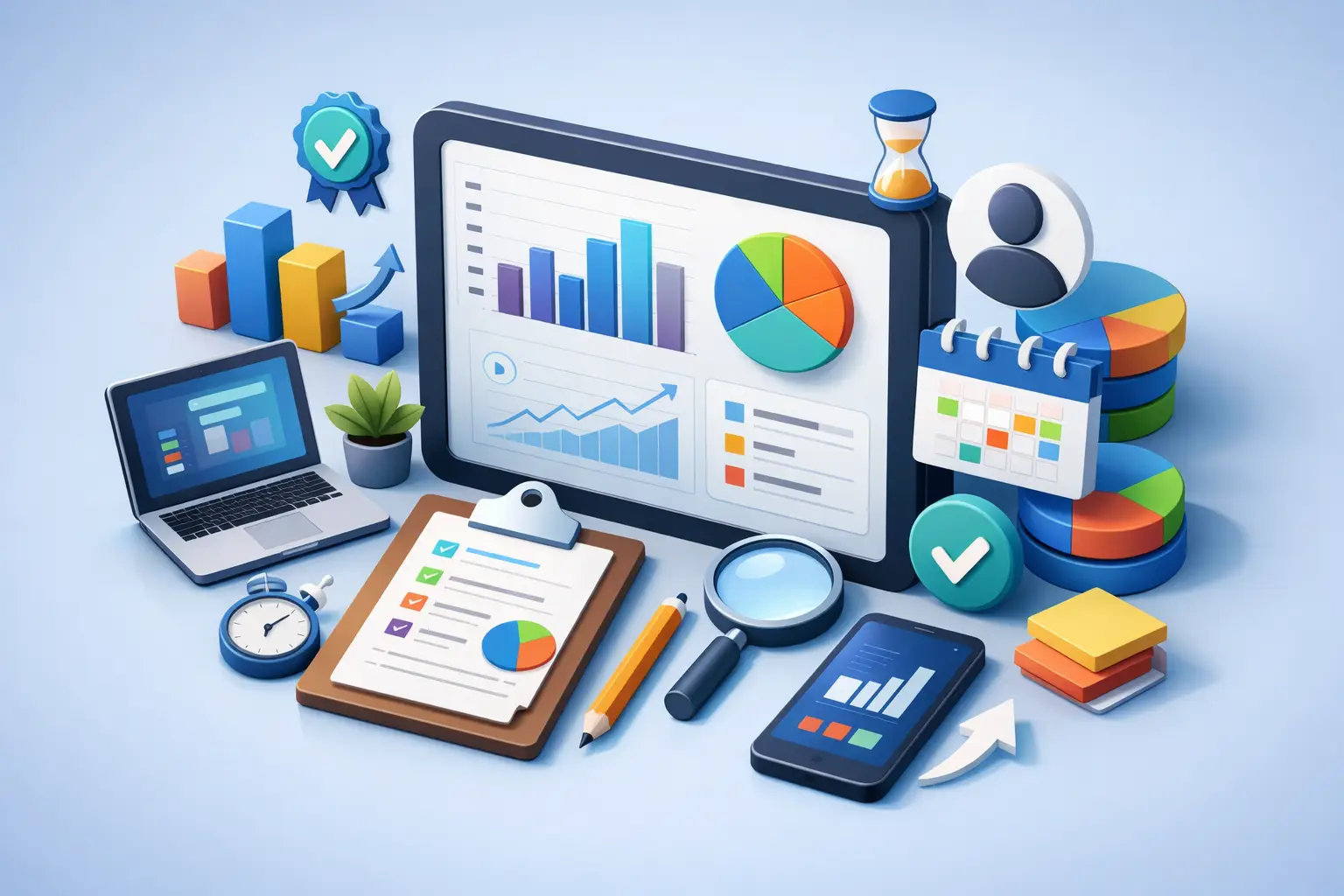
Most people do not need another app that says they were "busy." They need a weekly productivity report app that shows what actually happened, where attention slipped, and what to change next week.
That sounds simple. It usually is not.
A lot of productivity tools are built around planning, not proof. They help you make a neat list, drag tasks across a board, or color-code your calendar. Then the week ends, and you still cannot answer a basic question: what did I really spend my time on?
That is where a weekly report earns its place. Not as a vanity dashboard. As feedback.
Why a weekly productivity report app matters
Daily tracking is useful in the moment. Weekly reporting is where behavior gets exposed.
A single bad afternoon does not tell you much. A full week does. You start to see the gap between intention and execution. Maybe you planned three hours a day of focused work and averaged 70 minutes. Maybe meetings ate your mornings. Maybe your best sessions happened after 8 PM, which tells you your schedule is fighting your natural rhythm.
Without a weekly view, those patterns stay fuzzy. You remember how the week felt, not how it actually went. Those are not the same thing.
A good report creates pressure in the right direction. It makes your choices visible. If you say writing matters, the report should show writing time. If training for an exam matters, it should show study sessions by day. If your phone keeps pulling you off course, the report should make that drift obvious.
That kind of clarity is uncomfortable. Good. It is also useful.
What a weekly productivity report app should track
Start with the basics. A report app should not guess at productivity through random signals like keystrokes, screen time totals, or how many tabs you opened. Those metrics are easy to collect and easy to misread.
What matters is committed time.
The best weekly productivity report app tracks completed focus sessions, total time by activity, performance by day, and trends over time. That gives you something real to work with. You can compare Monday to Thursday. You can see whether workouts are consistent. You can tell if admin work is swallowing the week.
Activity-level breakdowns matter more than people think. Total focus time sounds nice, but it can hide bad allocation. Four hours of focused work is not automatically a win if all four went to low-value tasks. A strong report shows where the time went, not just how much of it existed.
It should also be honest about missed days and uneven effort. If the app smooths everything into a cheerful average, it becomes decoration. You want clean data, even when it is ugly.
The difference between tracking time and changing behavior
This is where many apps fall apart.
A reporting feature is only useful if the product helps create better data in the first place. If the tracking system is loose, manual, and easy to ignore, the report at the end of the week will be weak too.
That is why timer-based workflows work so well for this category. Start a session. Choose the activity. Put the phone down. Finish the block. Now the report reflects a real behavioral commitment, not a vague estimate made later from memory.
This matters because memory lies. People consistently overestimate good habits and underestimate distraction. The more effort an app requires to log work after the fact, the less trustworthy the report becomes.
A weekly report should sit on top of a simple discipline loop. Act first. Review later.
If the product is built the other way around, with heavy dashboards and weak execution support, expect pretty charts and soft results.
A weekly productivity report app should reduce friction
The best tool is not the one with the biggest analytics menu. It is the one you will actually use every day.
That means fast session starts, clear visibility while a timer is running, and almost no temptation to open the app just to manage the app. On Apple devices especially, this matters. If you can start and monitor sessions from your watch, lock screen, widget, or web app, you stay focused on the work instead of babysitting the software.
Low friction is not a luxury feature. It is part of the accountability system.
Every extra tap creates an excuse. Every unnecessary setting creates hesitation. Every cluttered screen invites fiddling. If an app claims to help attention but constantly asks for more of it, it is working against itself.
This is one reason a minimal, lock-screen-first setup is so effective. The timer stays visible. The commitment stays visible. You do not need to keep checking in. You just continue the session.
What good weekly reports actually tell you
A useful report should answer three questions fast.
First, did you do enough focused work?
Second, did you spend that work on the right things?
Third, when did you perform best?
Those answers sound obvious, but most apps bury them. You get overloaded with charts, percentages, and trend lines, yet still do not know what action to take next week.
Good reports make the next move clear. If your deep work collapses on Fridays, protect Friday mornings. If exercise is missing, schedule shorter sessions and aim for consistency before volume. If client work dominates every day, separate reactive tasks from proactive ones and give each its own category.
The point is not to admire the data. The point is to adjust behavior.
This is also where longer history becomes valuable. One week can reveal a bad pattern. Six or eight weeks can show whether you fixed it. That is where habit-building starts to feel real.
Not every report app fits every user
It depends on how you work.
If your job is heavily task-based and collaborative, you may want a report that connects time spent to projects, clients, or team activities. If you are a student, creator, or solo professional, you may care more about session consistency, attention control, and category-level weekly trends. Same broad goal. Different reporting needs.
There is also a trade-off between simplicity and depth. Some users need only a weekly total and a few categories. Others want exports, multiple profiles, advanced analytics, and longer history. Neither side is wrong. The mistake is paying for complexity you will not use or choosing something too light to expose real patterns.
For Apple users, ecosystem fit matters too. If the app works naturally across iPhone, Apple Watch, lock screen, widgets, and desktop web access, you are far more likely to stick with it. Consistency beats theoretical power.
What to avoid in a weekly productivity report app
Be skeptical of apps that turn productivity into a game of appearances.
If the reports lean on streaks alone, inflated scores, or vague labels like "high performance day" without showing the underlying work, be careful. Motivation is useful. Fake precision is not.
Also avoid tools that require too much manual cleanup. If categorizing sessions, reviewing reports, and correcting mistakes becomes a second job, the system will break under normal life. The best setup is disciplined but light. It asks you to commit, not to micromanage.
And watch for over-reporting. More charts do not always mean more insight. Sometimes they just create noise and guilt. A strong weekly report should make you more decisive, not more overwhelmed.
The standard is simple: honest weekly accountability
That is really what people are looking for, even if they phrase it differently.
They want to know whether they worked with intention. They want proof, not vibes. They want to see which activities moved forward and which ones got crowded out. They want a system that supports focus in the moment and reflection at the end of the week.
That is the bar.
A weekly productivity report app should not flatter you. It should show the week as it was. If it can also make starting the next focused session easier, better. That is where tools like Tupp stand out - the report is not separated from the habit. You start the timer, put the phone down, and let the week add up honestly.
Pick a tool that helps you face your numbers without friction. Then use the report the right way. Not as judgment. As course correction.
A better week usually does not start with a new plan. It starts with a more honest look at the last one.
 Download on the App Store