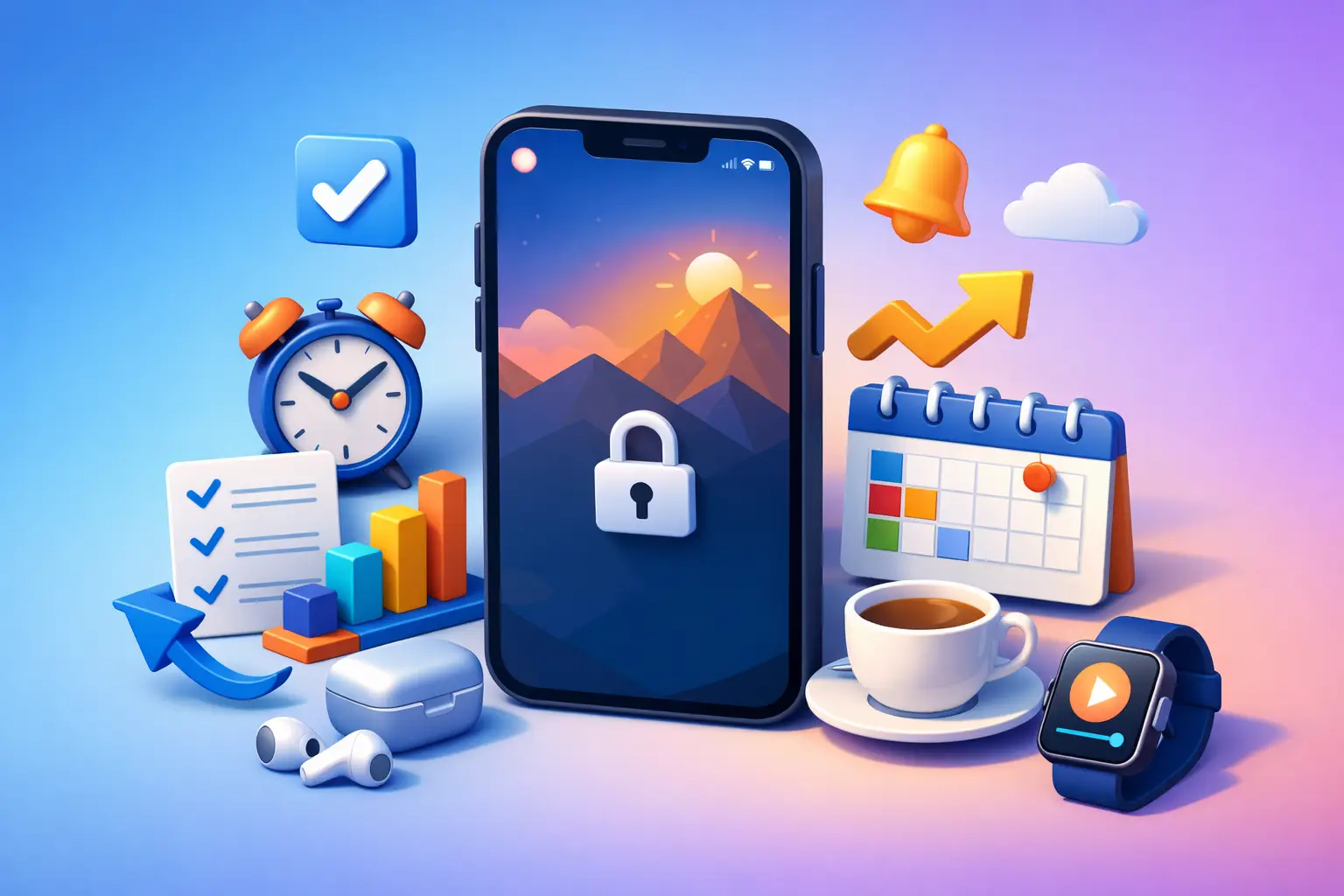
Your phone does not have to be a trapdoor out of the task. Used well, it can be a scoreboard: one visible timer, one clear commitment, and no reason to open another app. That is how to use lock screen productivity without turning your focus system into another thing to manage.
The goal is not to make your lock screen busier. The goal is to make it useful at the exact moment distraction usually wins.
What lock screen productivity actually means
Lock screen productivity means putting only the information that supports your next action where you can see it without entering your phone. On an iPhone, that might be an active focus timer through a Live Activity, a calendar snapshot, a reminder, or a simple widget that shows what matters right now.
The distinction matters. A lock screen packed with headlines, messages, market numbers, fitness rings, and alerts is not productive. It is a cleaner version of noise. The best lock screen answers one question: what should I be doing until this timer ends?
For most people, the strongest answer is a visible active session. You start work, start the clock, lock the phone, and leave it alone. Every glance confirms the commitment instead of inviting a decision.
Start with one visible focus commitment
Choose an activity before you touch the timer. Do not label every session “work.” That is vague enough to hide avoidance.
Use labels that reflect real behavior: write proposal, study biology, edit video, client research, read, lift, or admin. Specific activities make it easier to start because the first move is clear. They also produce data you can trust later.
Then set a session length that matches the job and your current capacity. A 25-minute block is enough when you are rebuilding the habit. Forty-five to 60 minutes works for deeper work once you can stay put. Long sessions are not automatically better. A timer you regularly ignore is just decoration.
When the session begins, the lock screen should show the countdown. That visible clock creates useful pressure. You know the finish line, and you know that picking up the phone breaks the agreement you just made.
Tupp is built around this simple rule: start a session, put the phone down, and do not touch it until the timer ends. The session stays visible across your iPhone, Apple Watch, and lock screen, so checking your progress does not require reopening the app.
Build your lock screen around the moments you slip
Most distraction is predictable. You reach for your phone while a document loads, after finishing a hard paragraph, between classes, or when the work becomes slightly uncomfortable. Your setup should reduce the chances that those moments turn into 20 minutes of scrolling.
Keep the active timer at the center
If your phone supports Live Activities, use an active timer that remains visible on the lock screen. It gives you the one piece of information you need: how much time remains.
This is more effective than repeatedly opening a productivity app to check status. Opening an app creates a fork in the road. You may check the timer, then see a notification, then open a message, then lose the block. The lock screen removes steps, which removes opportunities to drift.
Strip out competing signals
Turn off lock screen previews and nonessential notifications during focus blocks. If every message appears beside your timer, you are asking willpower to compete with a personalized slot machine.
Use a Focus mode when you need stronger boundaries. Allow only the calls or apps that genuinely need to reach you. For many people, that means family, a key client channel during work hours, or nothing at all for a short study block.
There is a trade-off. Aggressive notification limits can be impractical if you are on call, managing children, or handling urgent client work. In those cases, define exceptions narrowly. The point is not isolation. It is control.
Make the wallpaper do less
Your wallpaper should not demand attention. Avoid busy photos, visual clutter, and widgets you tap out of habit. A plain background or a simple image makes the active timer easier to notice.
This sounds minor, but focus is built from environmental cues. Your desk affects how you work. So does the first screen you see every time you pick up your phone.
Use a two-step rule before touching your phone
A visible timer is a boundary, but boundaries work better with a response plan. Make one rule: if you feel like checking your phone during a focus session, look at the lock screen first.
If the timer is still running, ask whether the phone is necessary for the activity you chose. If the answer is no, put it back down without opening it. No debate. No quick check.
This small interruption matters because the urge to check a phone is usually not a real need. It is an automatic response to boredom, friction, or uncertainty. Seeing the timer gives you a moment to recognize the impulse before you act on it.
If you truly need the phone for the task, decide that before the next session. Maybe you need it for authentication, a reference photo, a call, or a work message. Set up what you need first, then return the phone to its place. Productive phone use should be deliberate, not accidental.
Treat breaks as separate sessions
Do not let a completed focus timer turn into an undefined break. That is where many good work blocks disappear.
When the timer ends, stand up, get water, stretch, or take a short walk. If you choose to use your phone, set a break timer first. A 10-minute break with a visible endpoint is different from opening social media and hoping you return.
The same lock screen system can protect recovery. Start the break, lock the phone, and let the countdown tell you when to reset. You do not need to squeeze productivity from every minute. You need to stop breaks from silently becoming exits.
Review the week, not just the day
Lock screen productivity helps you win the next block. Honest tracking helps you see the pattern across a week.
At the end of the day, do not judge yourself by how busy you felt. Look at completed sessions by activity. Did your time match your priorities? Did you spend your best hours on focused work, or did admin and reactive tasks take over?
Then review the week with a practical eye. If studying happened four times but writing happened once, your schedule is telling you something. If you consistently stop after 30 minutes, do not force 90-minute sessions next week. Build more successful 30-minute blocks first.
This is where session-based tracking beats vague estimates. Memory flatters us. Completed sessions do not. The data is not there to make you feel guilty. It is there to help you make a better decision before Monday starts.
A simple lock screen productivity setup
Keep the system lean. Pick your core activities, choose realistic session lengths, and show an active timer on the lock screen. Silence distractions during the block. Put the phone face down or out of reach after starting.
Do not add five widgets, three habit trackers, a motivational quote, and a complicated color system. More tools can create the feeling of control without producing any work. Your lock screen should support action, not become a dashboard you maintain.
The best setup also depends on your environment. A student moving between classes may need short sessions and a visible study timer. A freelancer may use separate blocks for client work and business development. A creator may need a longer offline block for writing, followed by a timed window for publishing and replies. Keep the principle. Adapt the duration.
Make the lock screen a promise
The lock screen is where your intention meets your habit. Every time you see an active session, you get a clean choice: continue the work or break the commitment.
Make that choice easier. Start the timer. Put the phone down. Let the remaining minutes be enough reason to stay with the task.
 Download on the App Store